Page 79
877-877-2269 | blackbox.com
Chapter 5: Configuring the Router
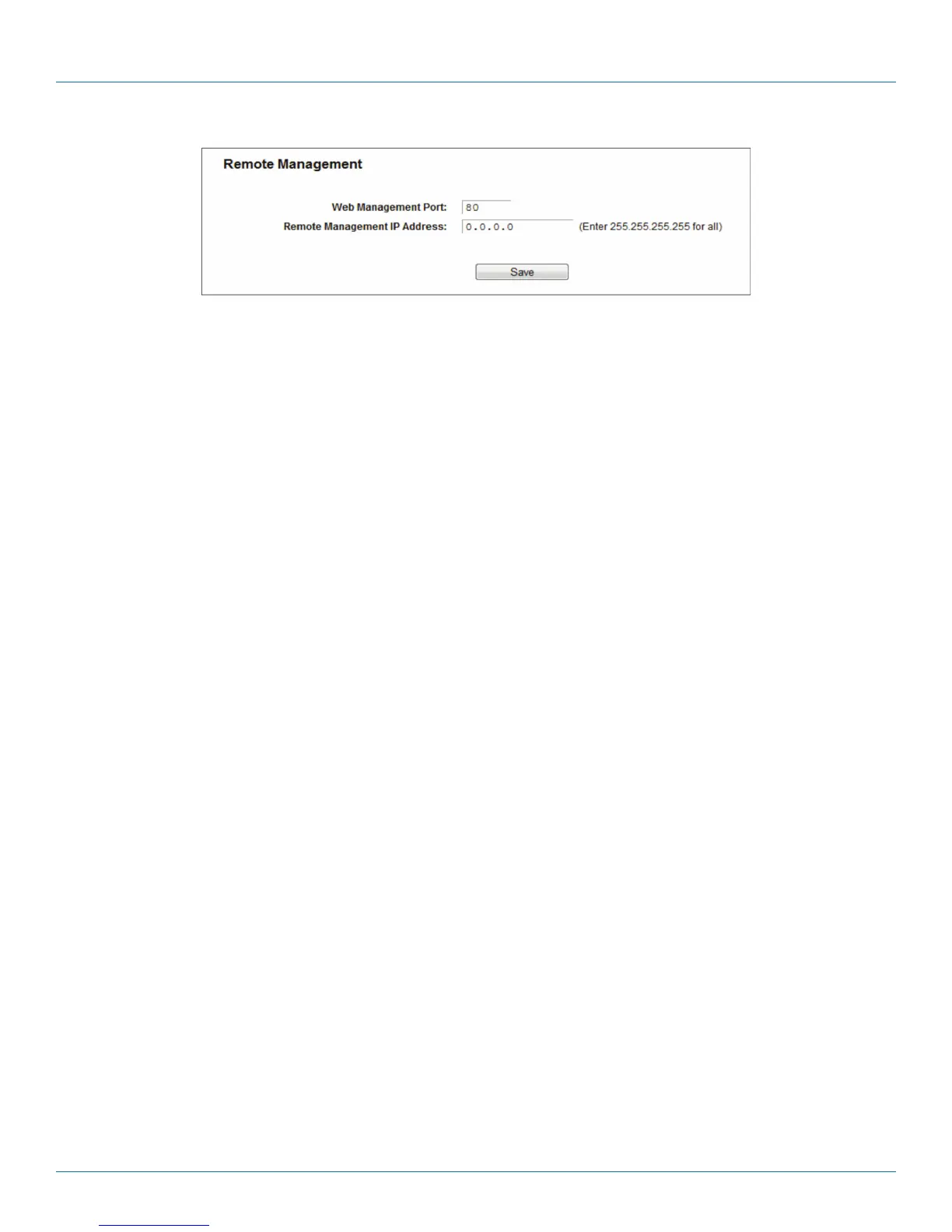
Figure 5-75. Remote Management.
• Web Management Port—Web browser access normally uses the standard HTTP service port 80. This router's default remote
management web port number is 80. For greater security, you can change the remote management web port to a custom port
by entering that number in the box provided. Choose a number between 1024 and 65535 but do not use the number of any
common service port.
• Remote Management IP Address—This is the current address you will use when accessing your router from the Internet. This
function is disabled when the IP address is set to the default value of 0.0.0.0. To enable this function, change 0.0.0.0 to a valid
IP address. If set to 255.255.255.255, then all the hosts can access the router from the internet.
NOTES:
1. To access the router, type your router's WAN IP address into your browser's address (in IE) or Location (in Navigator) box,
followed by a colon and the custom port number. For example, if your router's WAN address is 202.96.12.8, and the port
number used is 8080, enter http://202.96.12.8:8080 in your browser. Later, you may be asked for the router's password. After
successfully entering the username and password, you will be able to access the router's web-based utility.
2. Be sure to change the router's default password to a very secure password.
5.14 Parent Control
Choose menu “Parent Control,” then you can configure the parent control in the screen. The Parent Control function can be used
to control the Internet activities of the child, limit the child to access certain websites, and restrict the surfing time.



 To Next Page