Page 49
877-877-2269 | blackbox.com
Chapter 5: Configuring the Router
• DTIM Interval—This value determines the interval of the Delivery Traffic Indication Message (DTIM). A DTIM field is a countdown
field informing clients of the next window for listening to broadcast and multicast messages. When the router has buffered
broadcast or multicast messages for associated clients, it sends the next DTIM with a DTIM Interval value. You can specify the
value between 1–15 Beacon Intervals. The default value is 1, which indicates the DTIM Interval is the same as the Beacon
Interval.
• Enable WMM—WMM function can guarantee that the packets with high-priority messages are transmitted preferentially. It is
strongly recommended.
• Enable Short GI—This function is recommended, because it will increase the data capacity by reducing the guard interval time.
• Enabled AP Isolation—This function can isolate wireless stations on your network from each other. Wireless devices will be able
to communicate with the router but not with each other. To use this function, check this box. AP Isolation is disabled by default.
NOTE: If you are not familiar with the setting items in this page, it's strongly recommended to keep the provided default values;
otherwise, it may result in lower wireless network performance.
5.6.6 Wireless Statistics
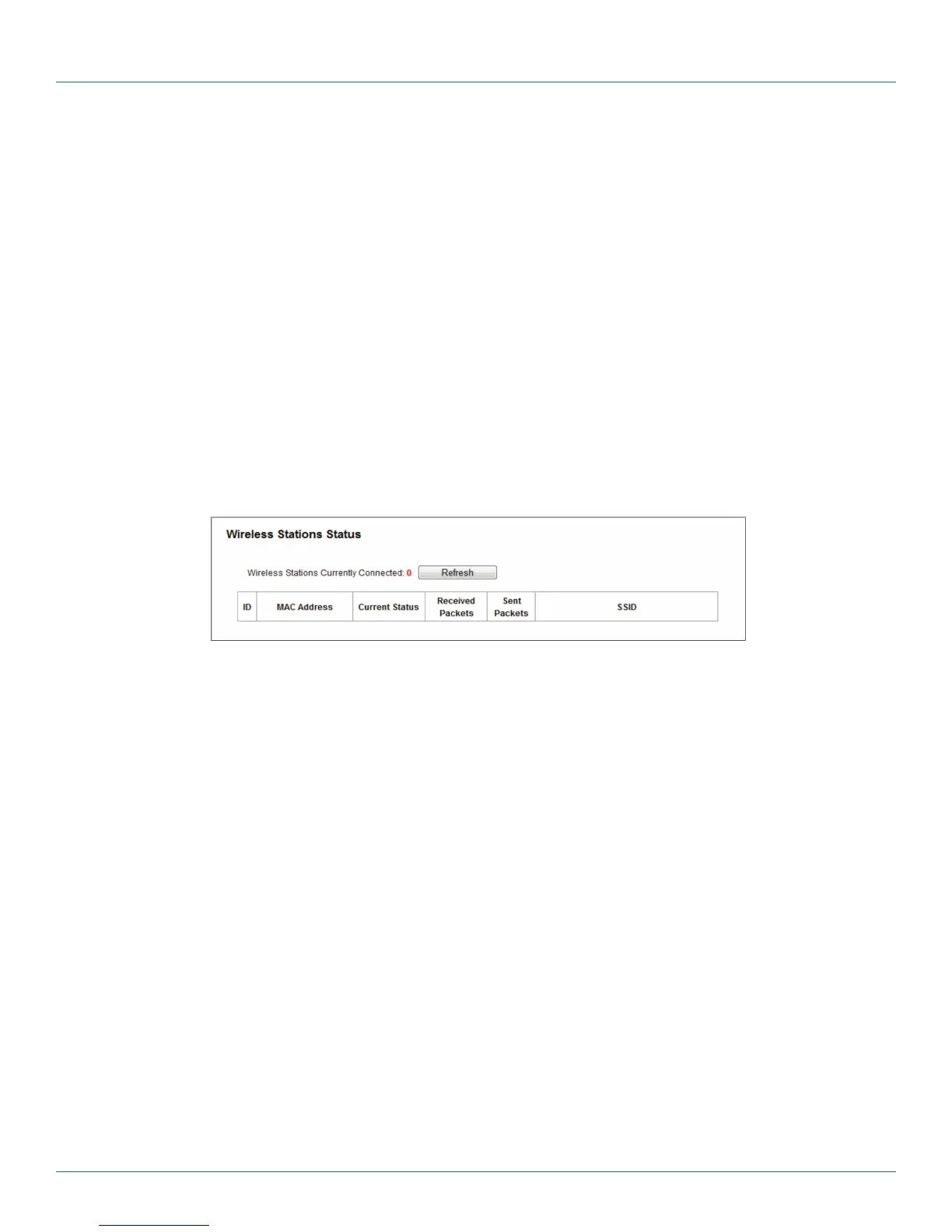
Choose “Wireless 2.4GHz —> Wireless Statistics,” then you can see the MAC Address, Current Status, Received Packets, and
Sent Packets for each connected wireless station.
Figure 5-29. Wireless Statistics.
• MAC Address—The connected wireless station's MAC address
• Current Status—The running status of the connected wireless stations.
• Received Packets—Packets received by the station.
• Sent Packets—Packets sent by the station.
You cannot change any of the values on this page. To update this page and to show the current connected wireless stations, click
on the Refresh button.
If the numbers of connected wireless stations go beyond one page, click the Next button to go to the next page and click the
Previous button to return the previous page.
NOTE: This page will be refreshed automatically every 5 seconds.



 To Next Page