877-877-2269 | blackbox.com
Page 64
Chapter 5: Configuring the Router
5.10 USB Settings
Figure 5-53. The USB Settings menu.
There are six submenus under the USB Settings menu: USB Mass Storage, User Accounts, Storage Sharing, FTP Server, and Media
Server. Click any of them, and you will be able to configure the corresponding functions.
5.10.1 USB Mass Storage
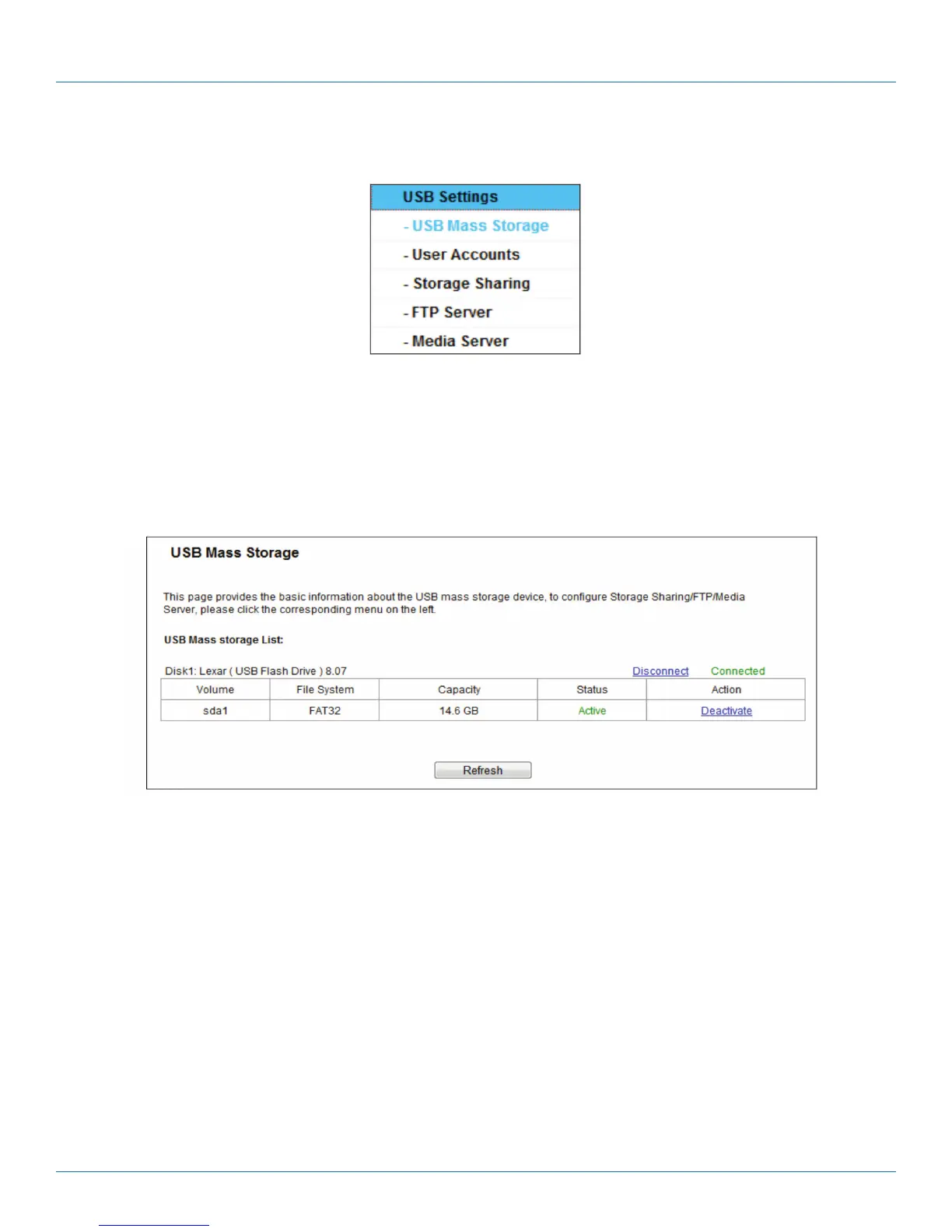
The USB Mass Storage page provides basic information about the USB mass storage device. Click the Refresh button to update
this page.
Figure 5-54. USB Mass Storage screen.
5.10.2 User Accounts
You can specify the user name and password for Storage Sharing and FTP Server users on this page. Storage Sharing users can
use Internet Explorer to access files on the USB drive. FTP Server users can log into the FTP Server via FTP Client.
The default user account is admin. It has read/write access to Storage Sharing and can access FTP Server.



 To Next Page