Page 99
877-877-2269 | blackbox.com
Chapter 5: Configuring the Router
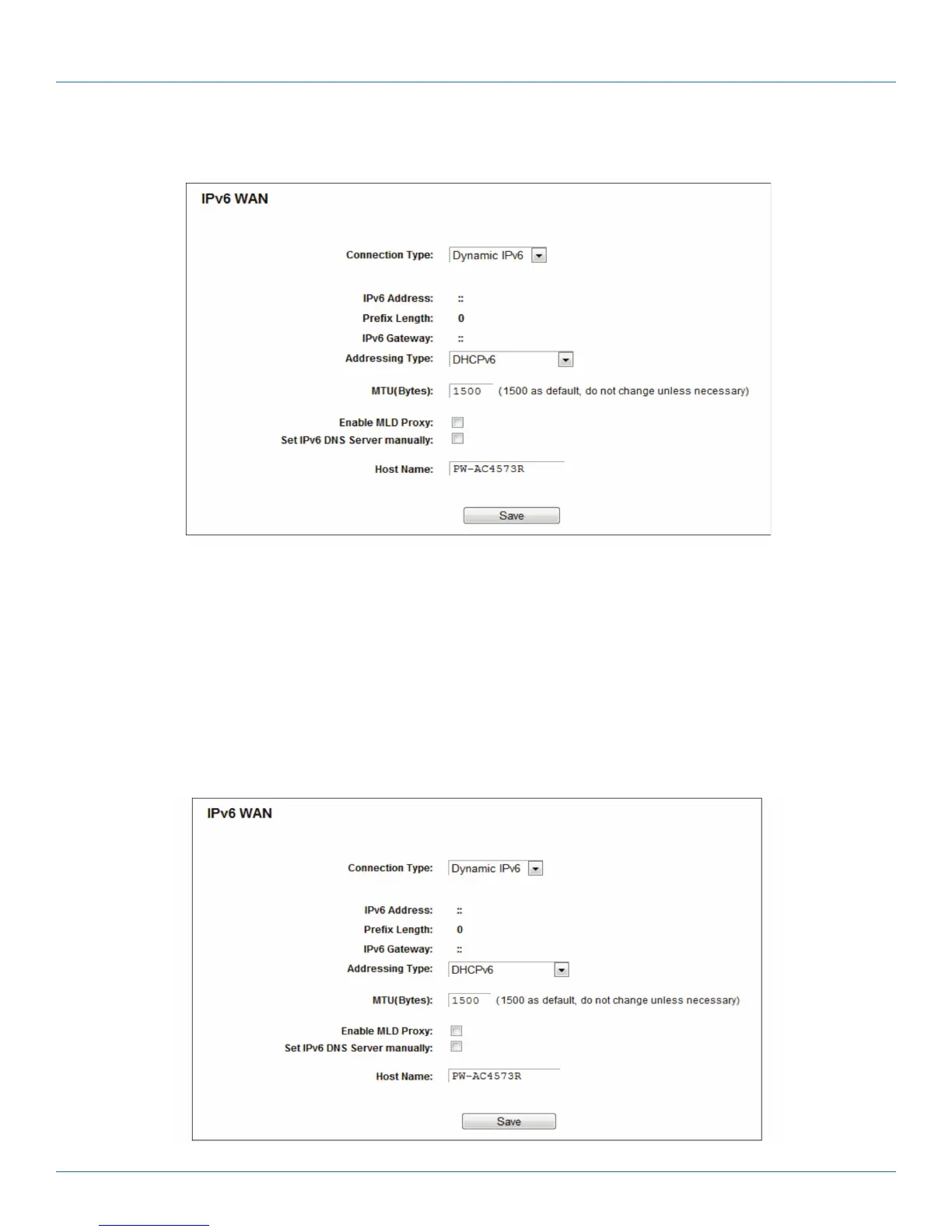
5.20.2 IPv6 WAN
Figure 5-108. Enable/Disable IPv6.
• Connection Type - Choose the correct WAN connection type based on your ISP network topology.
- Dynamic IPv6—Connections that use dynamic IPv6 address assignment.
- Static IPv6—Connections that use static IPv6 address assignment.
- PPPoEv6—Connections that use PPPoEV6 that requires a user name and password.
- Tunnel 6to4—Connections that use 6to4 address assignment.
Different types of WAN connections require you to do different settings. Below are the detailed explanations for the respective
type.
1. Dynamic IPv6
Figure 5-109. Dynamic IPv6.



 To Next Page