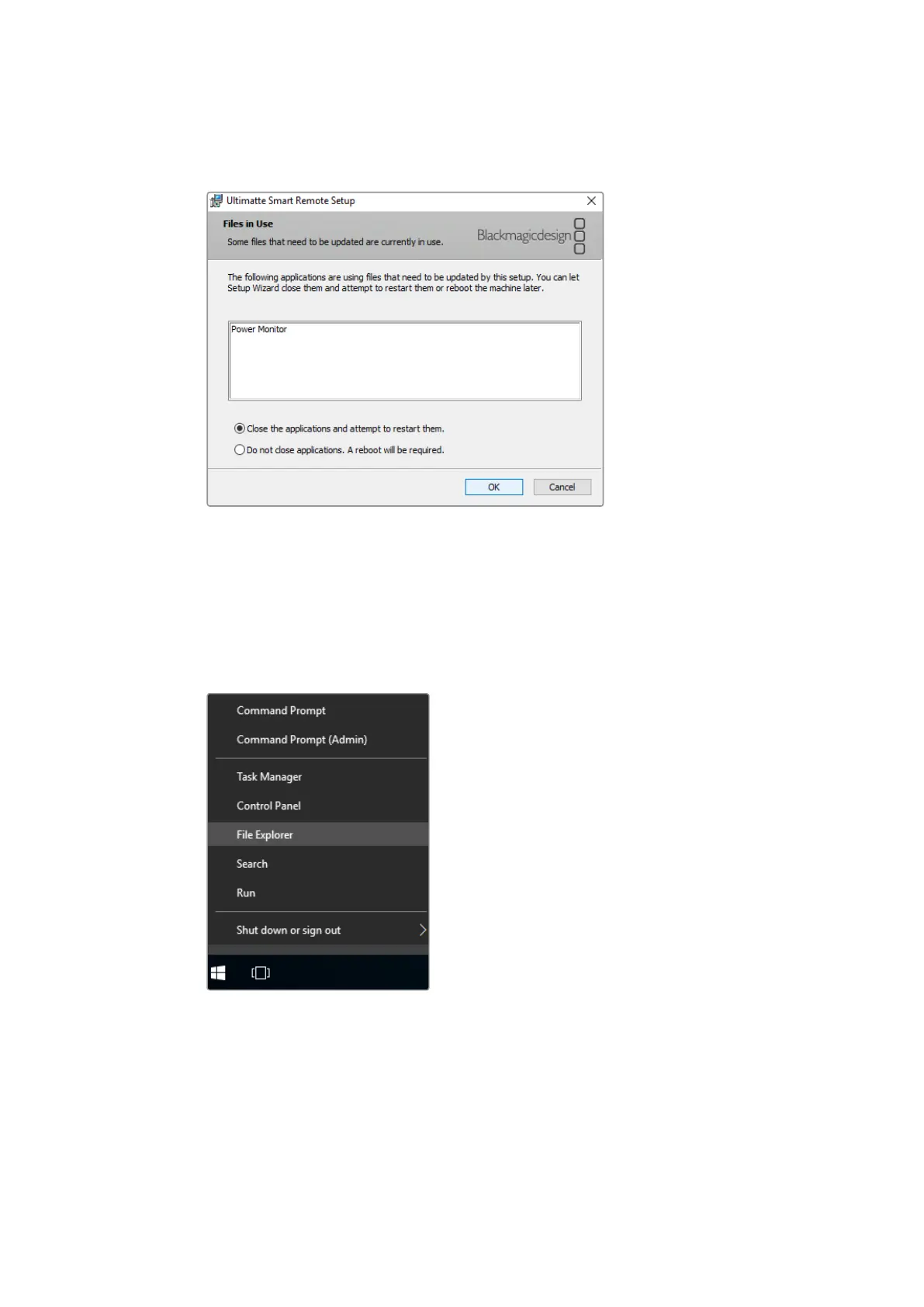
4 When prompted, ensure the radio button labelled ‘close the applications and attempt to
restart them’ is enabled, and tap ‘OK’.
5 When asked if you want to allow the application to make changes to your device,
tap ‘yes’.
6 A progress bar will appear as the uninstallation process completes. Tap ‘finish’ and then
tap ‘yes’ to restart your Smart Remote 4.
7 When Smart Remote 4 has restarted, tap and hold the Windows icon at the bottom
left of the desktop, and open the ‘file explorer’. Navigate to the Smart Remote 4 Setup
installer on your USB drive and launch the installer.
8 When the installation wizard appears, tap ‘next’ and follow the prompts until you reach
the ‘install’ button.
50Installing Ultimatte Smart Remote Setup












 To Next Page