RAW SDI Çıkışı
If you would like to perform your own debayering of the image data from Blackmagic Micro Studio
Camera 4K, you can use the ‘RAW’ mode to output bayered sensor data over the SDI output.
This mode packs raw data into the pixels of a regular UltraHD 422 frame size, to enable transmission
through a standard SDI output.
The data can be recorded as an uncompressed QuickTime movie using a disk recorder capable of
uncompressed 10-bit recording, for example a Blackmagic HyperDeck Studio Pro.
Enabling RAW mode:
1 Press menu and select the ‘setup’ page.
2 Navigate to ‘RAW SDI Output’ and select ‘on’.
Resolution and Bit Depth
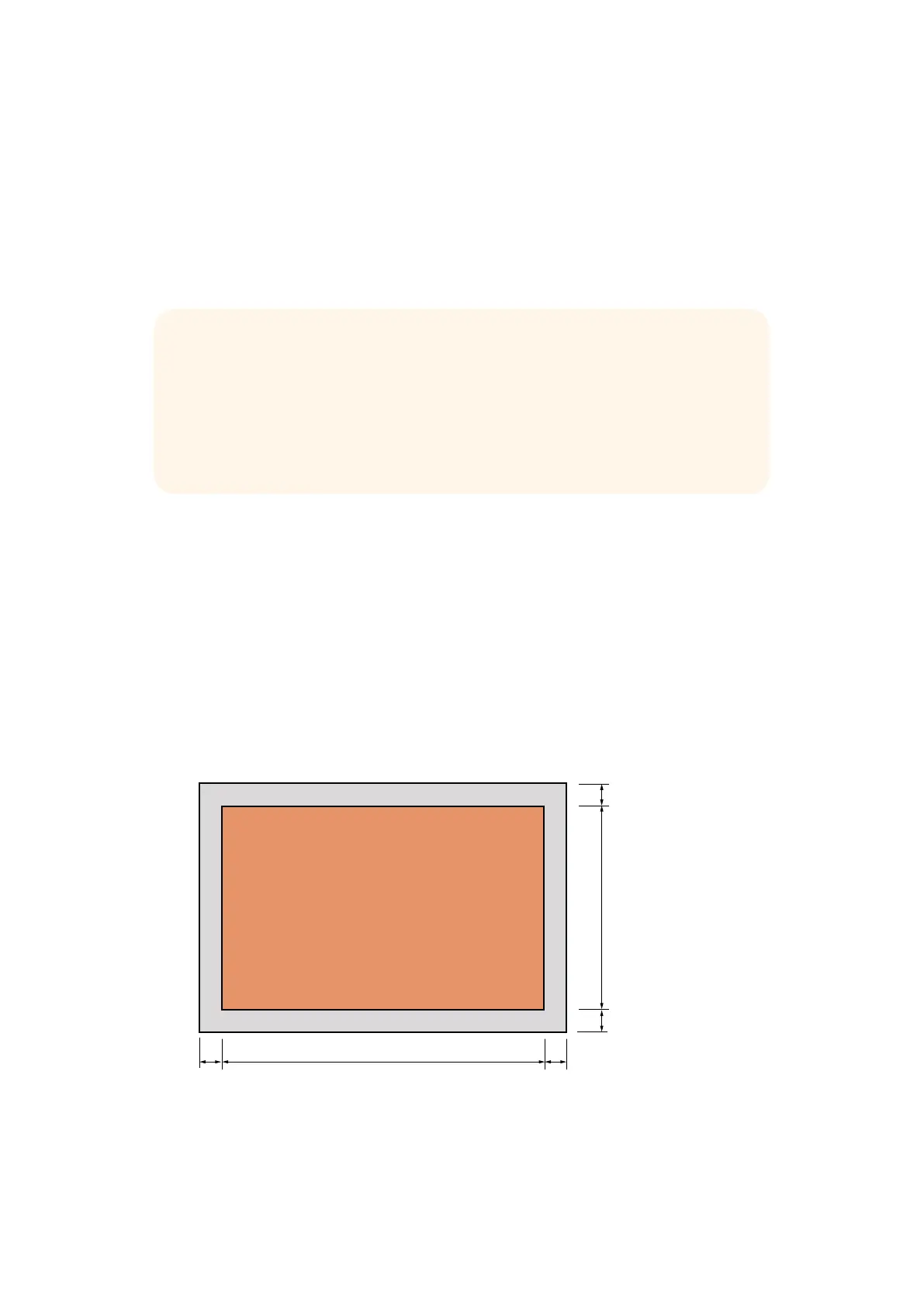
The resolution of the RAW frame is 3872 pixels x 2192 lines, which includes a border that surrounds
the image data. Most users discard this border after debayering, as it can contain image artifacts on
the outer edges.
The RAW data at pixel number 16 inside the horizontal and vertical corners will therefore correspond
with the corner of the Ultra HD frame when the camera is outputting 3840 x 2160 in the non RAW
mode. The bit depth of each pixel will be 12 bits.
BİLGİ: Kamera raw (ham) medya formatları, sensörden doğrudan ham renk düzeni
yakaladıkları için, bu ismi almışlardır. Raw (ham) görüntü verileri görsel olarak
görüntülenemezler. Orijinal işlenmemiş veriyi, DaVinci Resolve gibi görüntü işleme
düzeninde kullanılabilinmeleri için görüntü verisine çevirmek üzere, debayer işlemine veya
demosaic işlemine tutulmaları şarttır.
Blackmagic DaVinci Resolve’nin, Blackmagic Micro Studio Camera 4K’dan gelen raw veriye
debayering işlemini desteklemediğini dikkate alınız.
RAW image pixels
RAW data border
16
16
647647Geliştirici Bilgileri


 To Next Page
 Loading...





