Digital Video Recorder Connections and settings | en 45
Bosch Security Systems User Manual F01U | 1.0 | 2007.11
3.20.2 To set a recording schedule for an Exception days
In addition to the weekly schedule, up to 10 specific date/time periods can be defined. To configure
the specific recording schedule select Specific Dates.
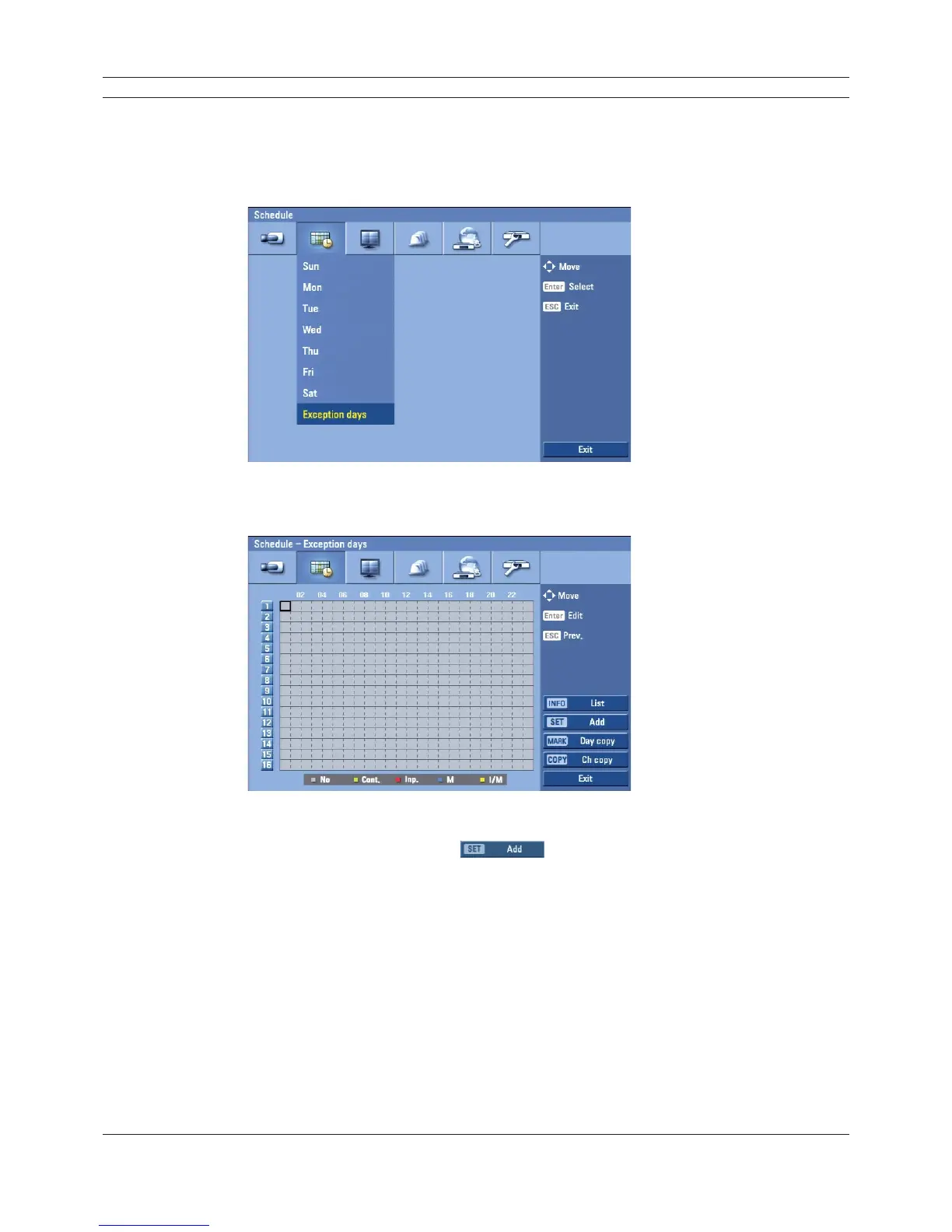
1. Select the [Exception days] option.
Figure 3.27 Exception days setup menu
2. Select a cell block.
Figure 3.28 Exception days setup menu
3. Press the SET button or click the
icon on the exception days setting menu.
The specifi c date selection menu appears.



 To Next Page