99
Breaker Box
Accessing a Label Type
BMP
®
41 User’s Manual
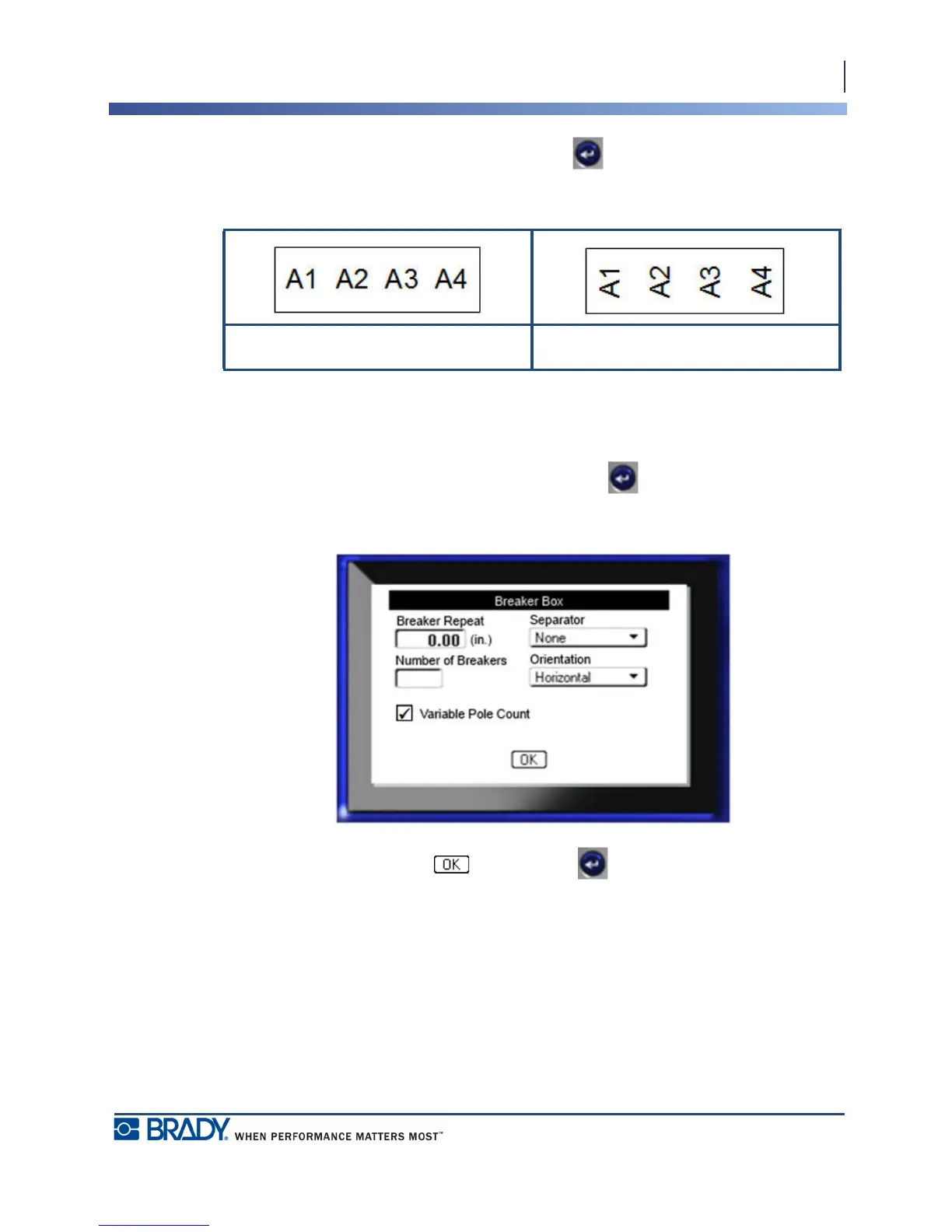
6. Navigate to the Orientation field and press Enter to display the drop down list. From
the list, select the orientation to use.
If the pole number for breakers is constant, proceed to Step 8. However, if the number of poles
per breaker vary:
7. Navigate to Variable Pole Count field and press Enter to place a checkmark in the
field.
8. When finished, navigate to and press Enter .
Horizontal Orientation Vertical Orientation



 To Next Page