File Management
Save
70
BMP
®
41 User’s Manual
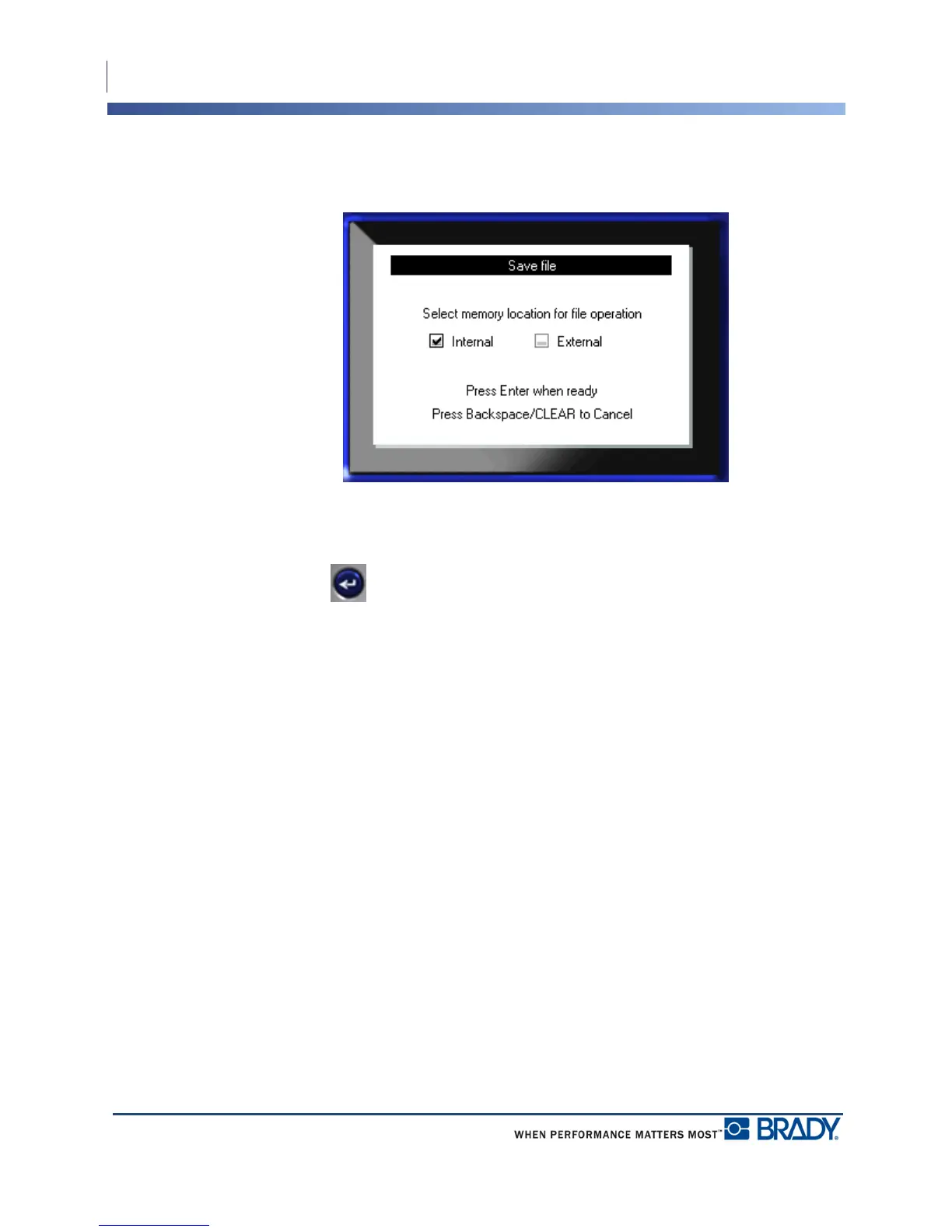
If storing externally, ensure the thumb drive is plugged into the appropriate port. The presence
of the external drive will bring up the following screen.
To save externally (on a thumb drive):
3. Navigate to the External option box.
4. Press Enter .
To save your file, proceed to Step 9.



 To Next Page