71
File Management
Save
BMP
®
41 User’s Manual
To create a directory system for ease of locating files, place the files into folders. To create a
folder:
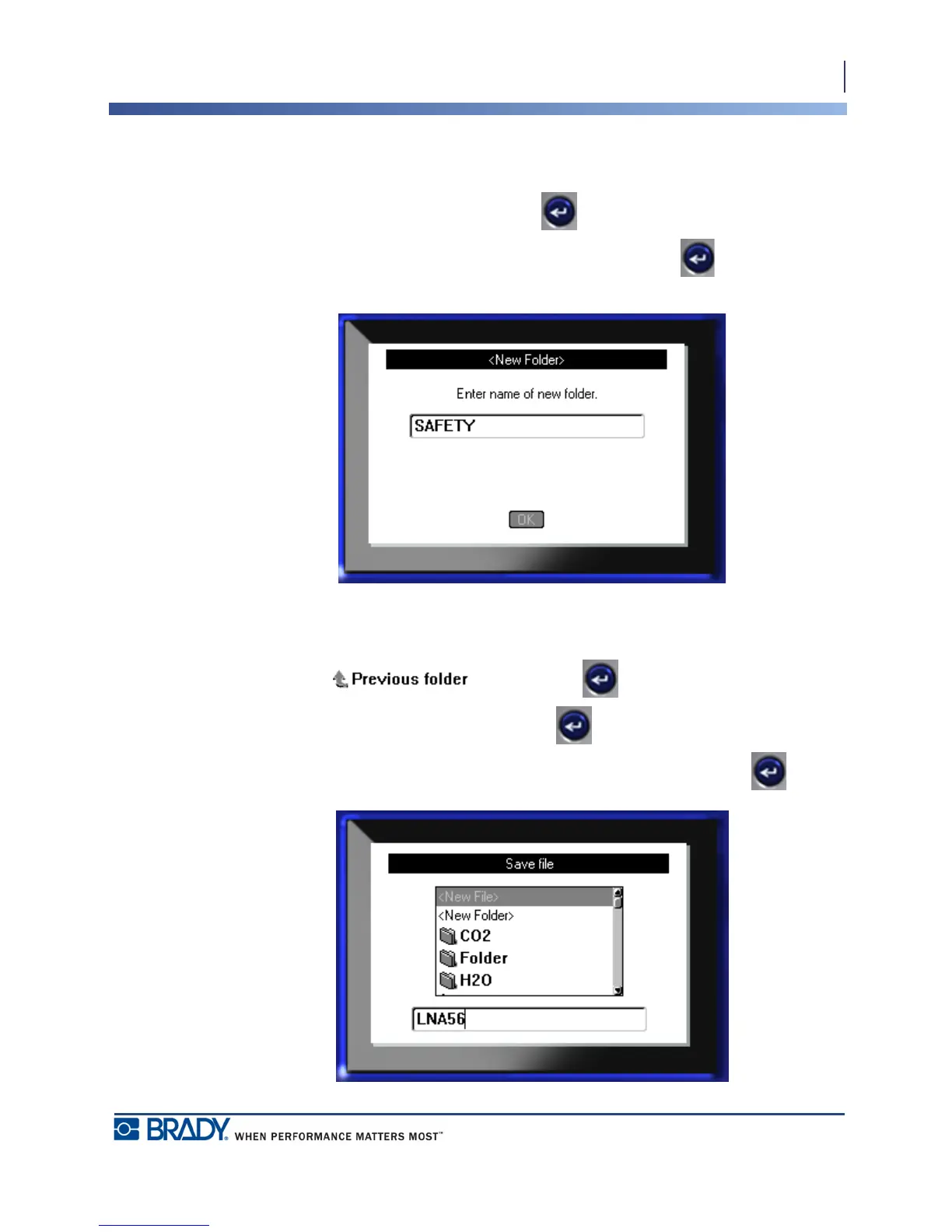
5. Navigate to <New Folder> and press Enter .
6. Enter a name for the folder in the field provided, and press Enter .
The folder is automatically opened. To save a file in this open folder, proceed to Step 9. To
save the label file in a different folder from the one that is open:
7. Navigate to and press Enter .
8. Navigate to the desired folder and press Enter .
9. In the <New File> entry box, enter a name for the label file and press Enter .



 To Next Page