16
i5100 Conguration Manual
In the Security menu the access rights for several printer function can be set.
Start menu.
Select Security.
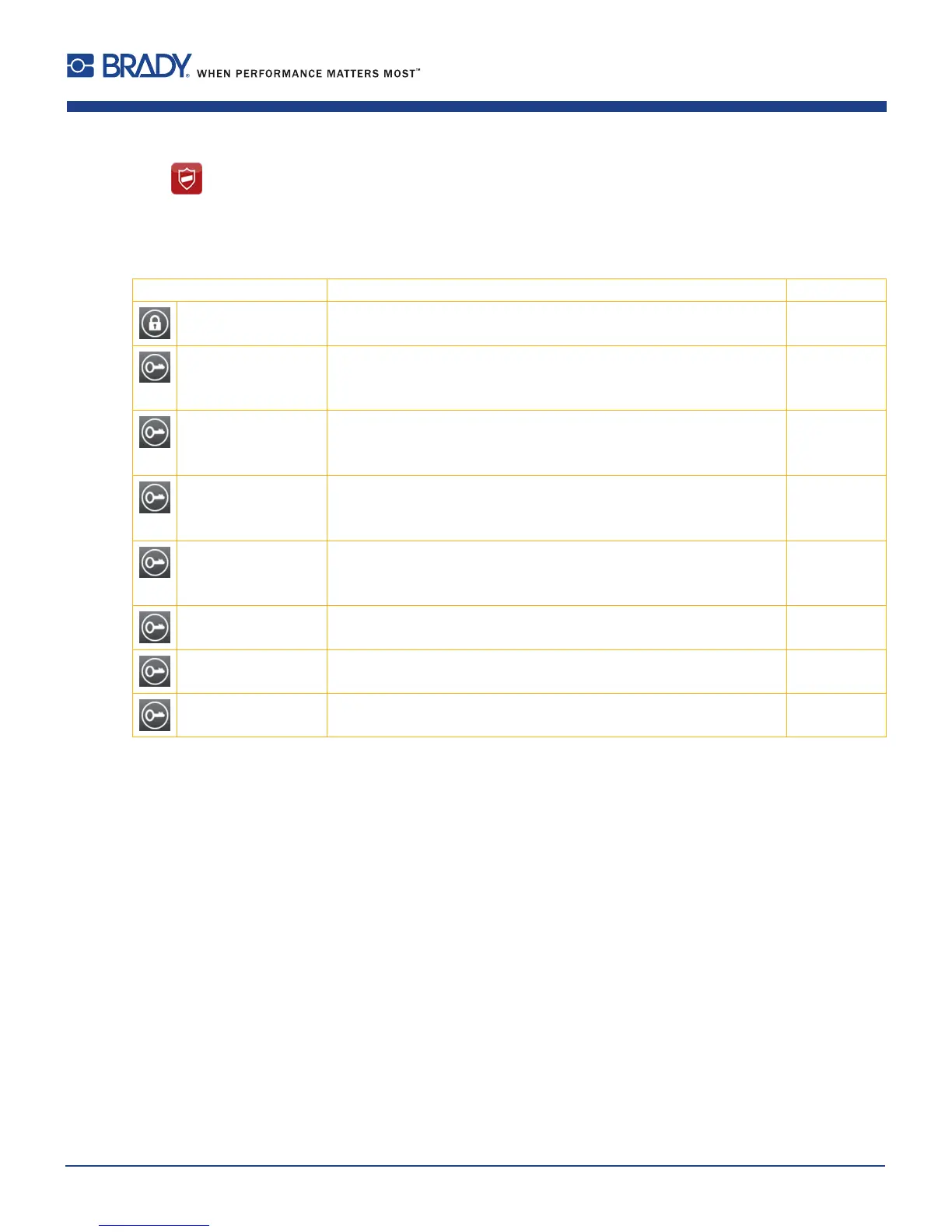
Parameter Meaning Default
PIN protection Password to protect certain parameters and functions accessible by the
control panel.
0000
Password ftpprint Password for FTP printing
Login as ftpprint
¾ Access only when Interfaces > Network services > FTP = "On"
print
Password ftpcard Password for FTP access to storage devices (USB stick, SD card, IFFS)
Login as ftpcard
¾ Access only when Interfaces > Network services > FTP = "On"
card
Password ftpadmin PasswordforFTPrmwareupdate
Login as ftpadmin
¾ Access only when Interfaces > Network services > FTP = "On"
admin
Password website Password for Parameter setting via web interface
Login as admin
¾ Access only when Interfaces > Network services > Website = "On"
admin
Security web service Authentication type for the SOAP protocol
¾ Access only when Interfaces > Network services > Web service = "On"
Digest
Password web service Password for the SOAP protocol
¾ Access only when Interfaces > Network services > Web service = "On"
soap
Password VNC Password for the VNC server
¾ Access only when Interfaces > Network services > VNC server = "On"
vnc
Table 4 Parameters of the Security menu
5 Security













 To Next Page