25
i5100 Conguration Manual
6.1.10 Time
Start menu.
Select Setup > Time.
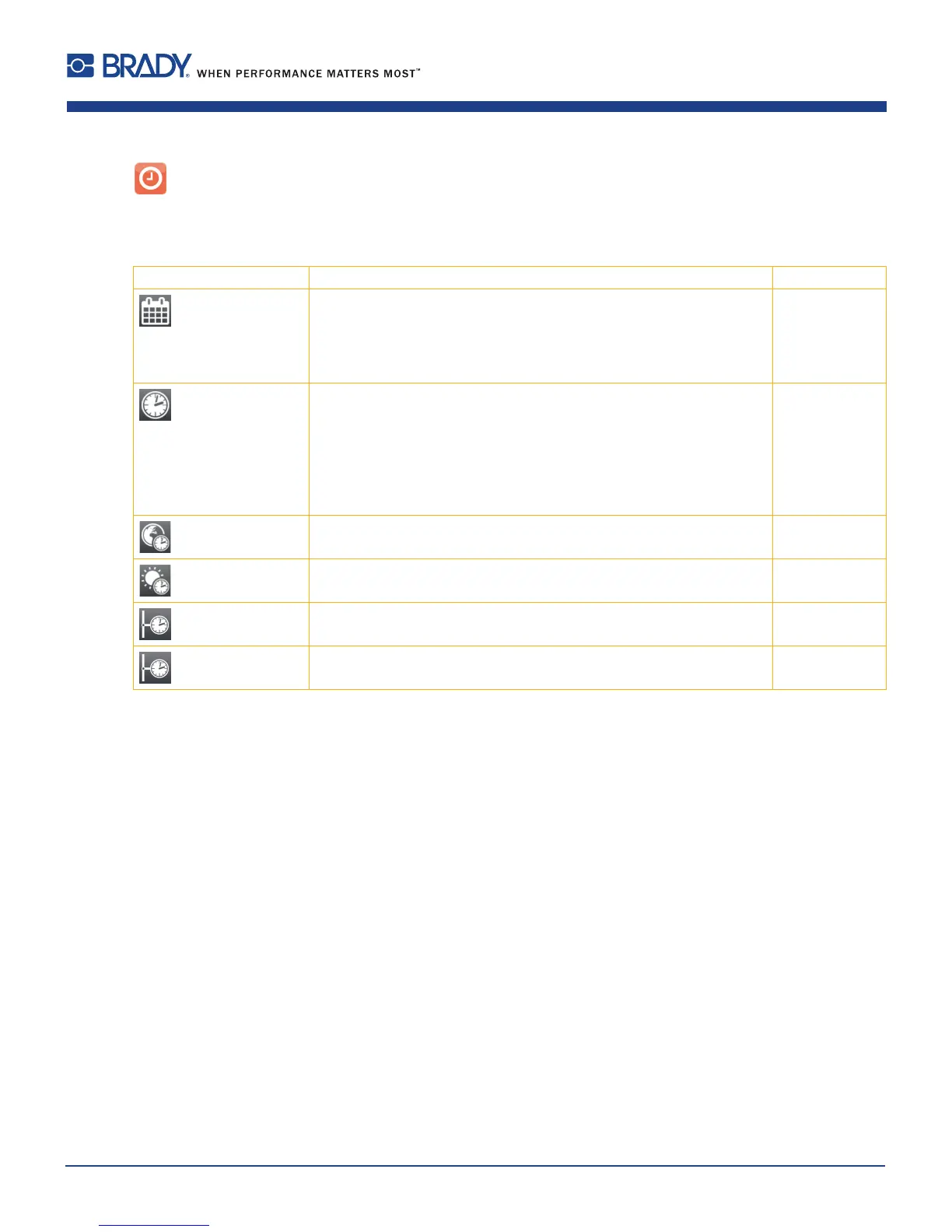
Parameter Meaning Default
Date Setting of the system date.
The print output of the date occurs in the format set via the Country
parameter.
The date can also be changed via software. The change is not saved
permanently, however.
-
Time Setting the system time. When changing the time, ensure that the
Timezone, Daylight saving and Date parameters are set correctly.
The time can also be synchronized automatically via the internet using
the Ethernet interface. The print output of the time occurs in the format
set via the Country parameter.
The time can also be changed via software. The change is not saved
permanently, however.
-
Time zone Adaptation of the time display of the printer to the time zone in relation to
UTC (Universal Time Coordinated).
UTC+1
Daylight saving Selection of the daylight saving regulation applicable for the region. The
time is then changed automatically.
EU
Time synchronisation
Activation of a service to synchronize date and time of the printer. NTP
> Time server
Address of the time server
Table 17 Parameters of the Setup > Time menu
6 Conguration













 To Next Page