28
i5100 Conguration Manual
6.2.1 Status Tab
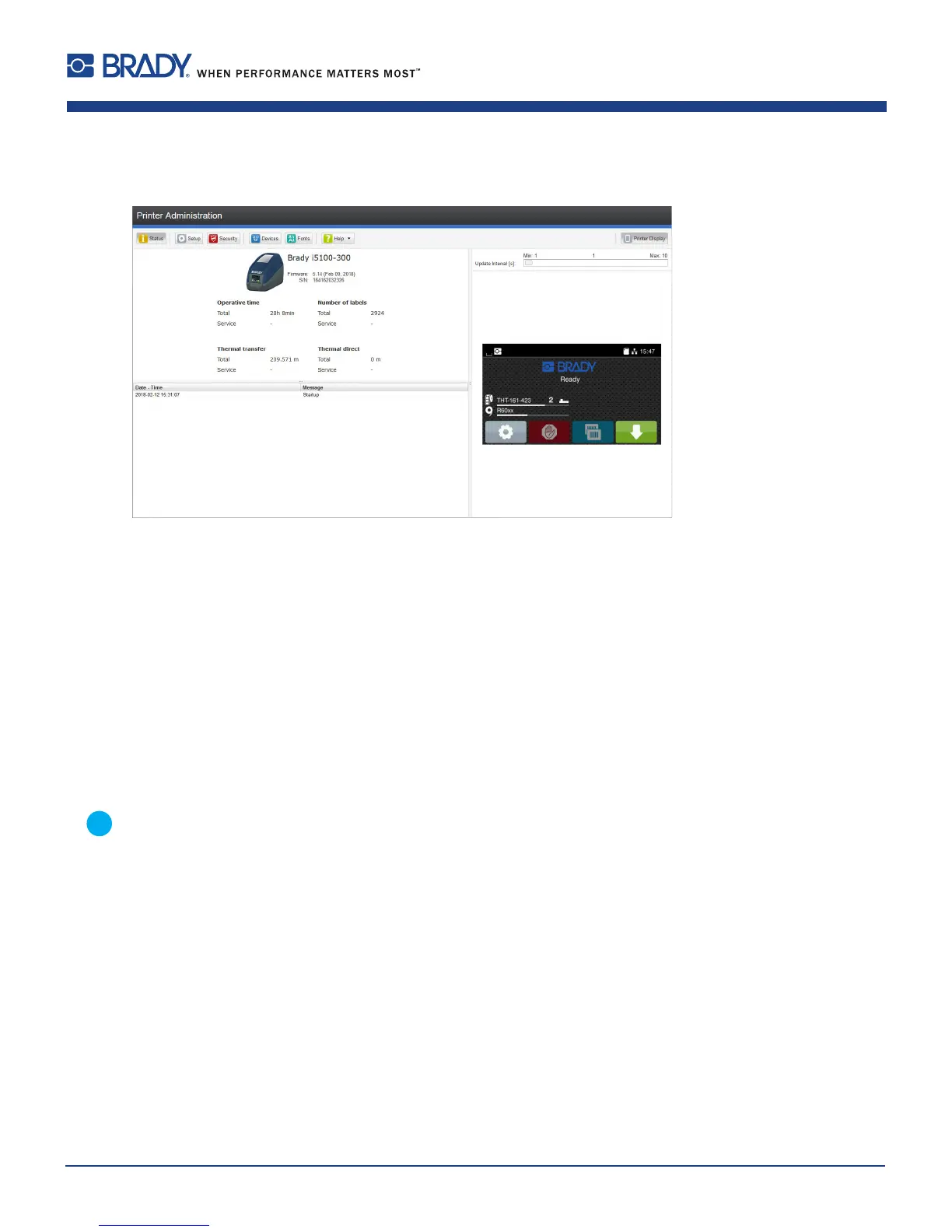
Figure 8 "Status" tab on the printer web interface
The following information is contained in the left top section of the "Status" tab:
• Printer type
• Firmware version
• Serial number of the PCB CPU
• Operative time of the printer
• Number of labels printed since commissioning
• Previously printed paper length with thermal transfer printing
• Previously printed paper length with thermal direct printing
A list of the events which have occurred since the printer was switched on is to be found in the left bottom section of the
tab.
The right section of the tab shows the current printer display information.
Notice!
Byclickingthebuttonstheprintercanbeoperatedinthesamemannerasbyusingthetouchscreenonthe
device.
Whentheprinterdisplayisselectedbymouseclick,itispossibletousethecomputerkeyboardinthesame
mannerlikeanExternalKeyboard( 14.3 on page 59)e.g.forenteringvariableinputdata.
6 Conguration













 To Next Page