8
i5100 Conguration Manual
2.4.2 Installing a Hotspot
AccessonlywithserviceWi-Fistickinstalled.
Note!
InthatmodetheWi-Fistickwillbeconguredasahotspot.Thatwayaprinter-ownwirelessnetworkwillbe
installedandtheprintercanbecontrolledandconguredbyamobiledevice.
Start menu.
Select Setup > Interfaces > Wi-Fi.
Activate Wi-Fi page 22.
Select Operation mode > Hotspot.
The new network gets a SSID generated of the OEM name and the last six digits of the MAC address and the password
hotspot!. Both parameters can be changed if necessary.
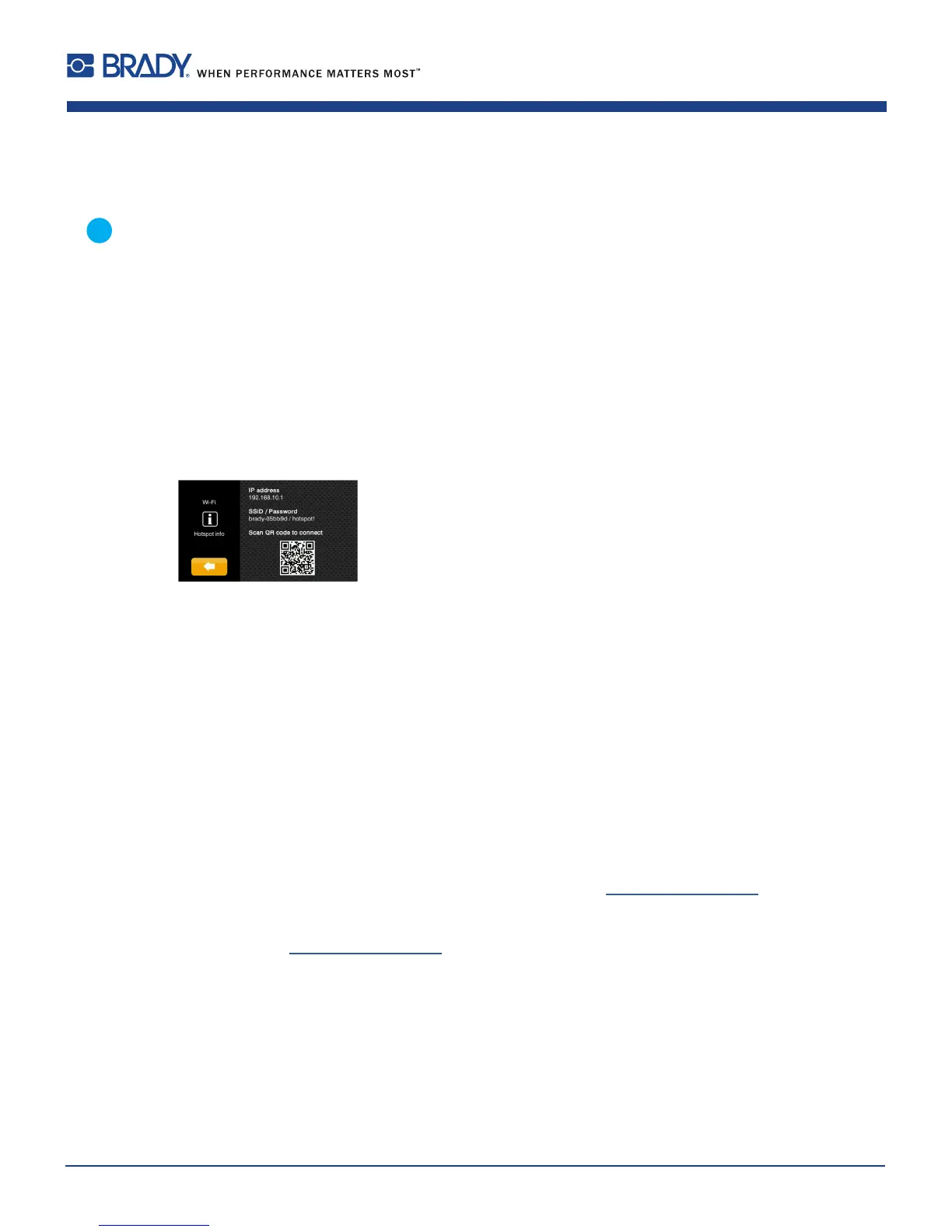
Select Hotspot Info.
The display shows the IP address of the printer, the SSID and the password of the network and a QR code which can
be scanned by a mobile device.
Figure 2 Hotspot info
Scan the QR code.
The mobile device will be connected with the printer hotspot.
Alternatively the connection can be established using the Settings of the mobile device.
Following the network services can be used depending on the settings of both devices.
2.5 Connecting Label Printer via USB Interface
The full-speed USB interface allows the label printer to be operated via a USB interface of a computer running one of the
32bit or 64bit operating systems:
• Windows Vista • Windows 8.1 • Windows Server 2008 • Windows Server 2012
• Windows 7 • Windows 10 • Windows Server 2008 R2 • Windows Server 2012 R2.
• Windows 8 • Windows Server 2016
A printer driver must be installed if a USB interface will be used for connection. The printer driver for the i5100 printer is
found on the "Product CD” which is included in the box with the printer or on www.BradyID.com/i5100.
For detailed driver installation instructions with screen shot illustrations refer to the Brady Driver Installation Guide which
can be downloaded from www.BradyID.com/i5100
2 Connecting Label Printer to Computer












 To Next Page