26
i5100 Conguration Manual
6.1.11 Display
Start menu.
Select Setup > Display.
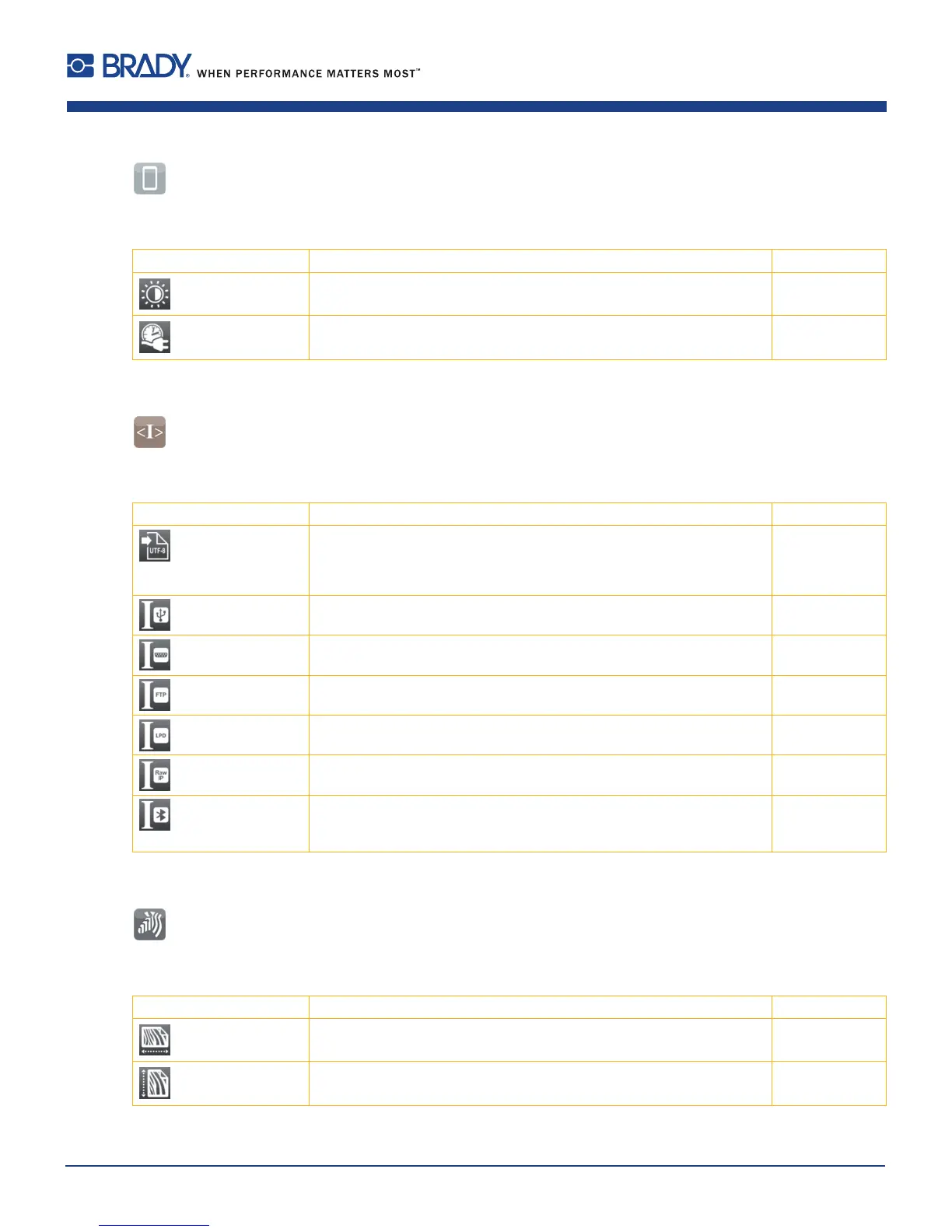
Parameter Meaning Default
Brightness Brightness of the LCD display. 8
Time powersave Time between the last operation and activation of energy-saving mode. 5 min
Table 18 Parameters of the Setup > Display menu
6.1.12 Interpreter
Start menu.
Select Setup > Interpreter.
Parameter Meaning Default
Character set Selection of the character set table for adaptation to the computer
system used. Switching the character set via software is not possible.
Characters not available in the selected character set can be accessed
using the Unicode table.
UTF-8
USB Choosing between the programming languages JScript and ZPL for data
transfer via USB interface
JScript
RS-232 Choosing between the programming languages JScript and ZPL for data
transfer via RS-232 interface
JScript
FTP Choosing between the programming languages JScript and ZPL for data
transfer via FTP
JScript
LPD Choosing between the programming languages JScript and ZPL for
printing with LPD
JScript
RawIP Choosing between the programming languages JScript and ZPL for
printing with RawIP
JScript
Bluetooth Choosing between the programming languages JScript and ZPL for
data transfer via Bluetooth
only with Bluetooth adapter installed
JScript
Table 19 Parameters of the Setup > Interpreter menu
6.1.13 ZPL
Start menu.
Select Setup > ZPL.
Parameter Meaning Default
> Printing width Setting the print width for ZPL programming 100.0 mm
> Label length Setting the label length for ZPL programming 150.0 mm
Table 20 Parameters of the Setup > ZPL menu
6 Conguration













 To Next Page