18
i5100 Conguration Manual
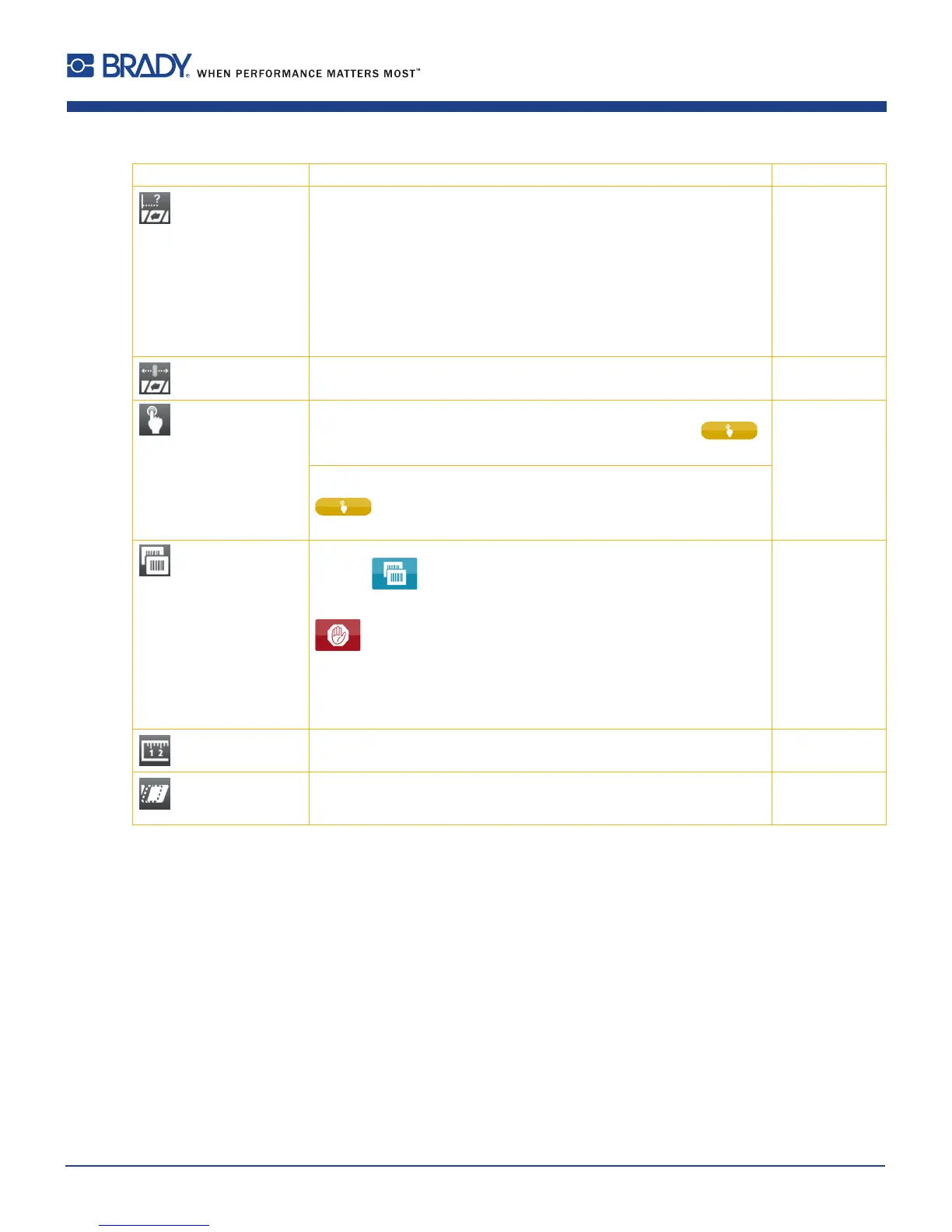
Parameter Meaning Default
Backfeed Method for backfeeding the label medium.
Backfeeding is necessary in the cutting and peel-off modes since a label
is pushed out passed the front edge of the next label above the print line
when peeling off/cutting.
always: Backfeeding occurs independently of label contents.
smart: Backfeeding only occurs when the next label is not yet completely
prepared when peeling off/cutting the current label. Otherwise, the
second label is pushed on and completed after removal of the rst label
without backfeeding.
smart
Backfeed position Offset of the backfeed movement 1.0 mm
Print on demand Peel-off mode : Behavior after removing a label from the peel position
On: The next label will be printed and peeled-off after touching
Off: The next label will be printed and peeled-off immediately
Off
Cut mode : Behavior between the cuts
On:
After cutting the next label will be printed and cut after touching
Off: All labels will be printed and cut nonstop
Reprint Printing of another label with the information of the previous print job by
touching .
This function can be executed until the print buffer is cleared with
.
Re-render: Adaption of counter values, variable data can be newly put in.
Duplicate: New label is identical with the last label of the print job.
Off: No reprint
Re-render
Length scale Eliminate deviations of the print length from the length set in the
programming
0,0%
Slippage correction To correct the slippage of the media transport the positioning of the print
image will be re-adjusted to the position of the last detected label front
edge considering the programmed label distance.
Off
Table 5 Parameters of the Setup > Printing menu
6 Conguration













 To Next Page