22
i5100 Conguration Manual
Wi-Fi
AccessonlywithWi-Fistickinstalled.
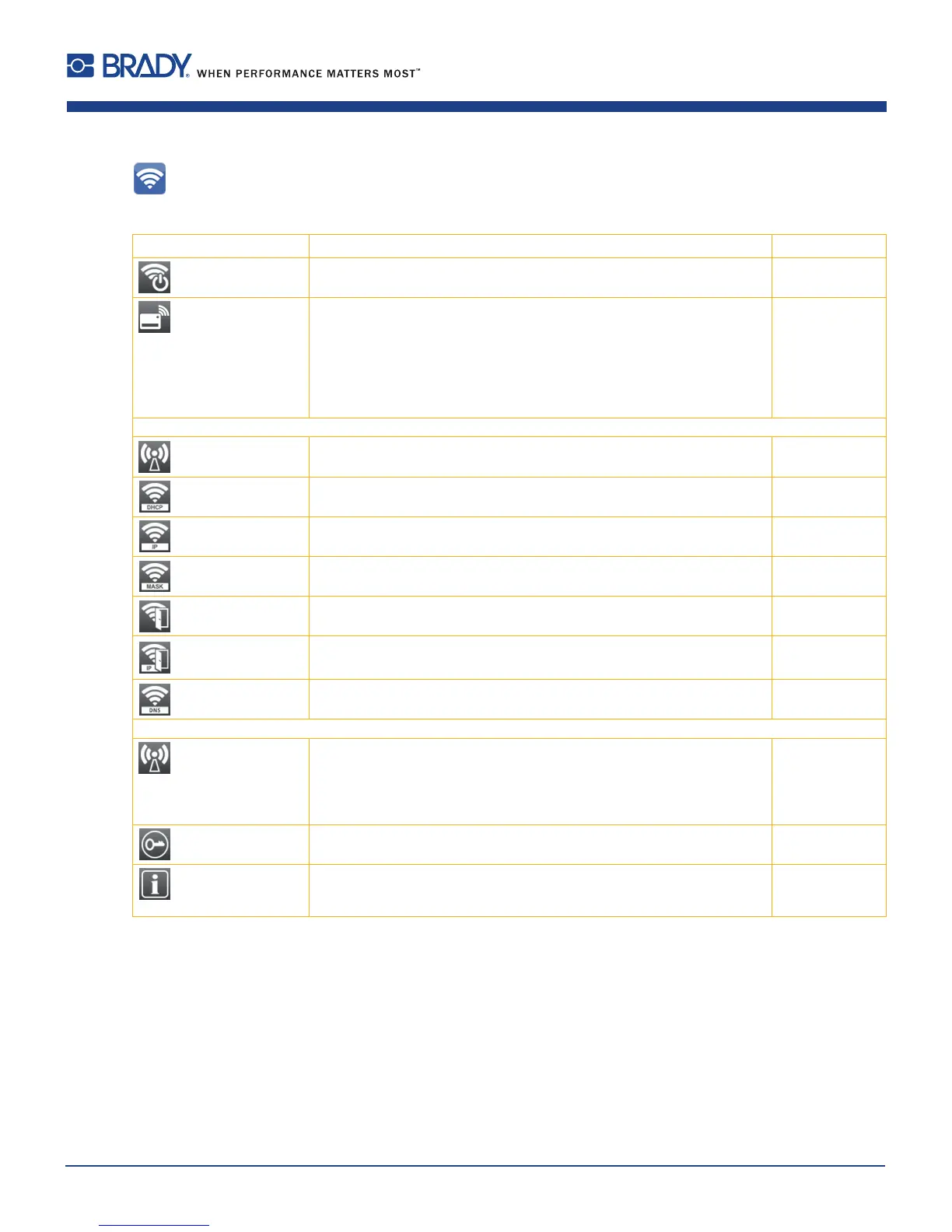
Parameter Meaning Default
Wi-Fi Activation of the Wi-Fi interface Off
> Operation mode Selection of the operation mode
Connect to network:
Connection of the printing to an existing wireless network
Hotspot:
Installation of an printer-own wireless network to connect mobile devices
to the printer
Connect to network
Operation mode Connect to network
>> Access-Point Selection of the Access Point to setting up the Wi-Fi connection. -
>> DHCP
Ethernet > DHCP
On
>>> IP adress
Ethernet > IP adress
-
>>> Netmask
Ethernet > Netmask
-
>>> Gateway
Ethernet > Gateway
Off
>>>> Gateway address
Ethernet > Gateway address
-
>>> DNS-Server
Ethernet > DNS-Server
-
Operation mode Hotspot
>> Hotspot SSID Name of the printer-own wireless network generated of
the OEM name
and the last
six digits of the
MAC address
>> Hotspot password Password of the printer-own wireless network hotspot!
>> Hotspot info Display of the IP adress of the hotspot, the SSID and the password
Display of a QR code, which can be scanned with a mobile device to
connect the device to the printer-own wireless network
-
Table 12 Parameters of the Setup > Interfaces > Wi-Fi menu
6 Conguration













 To Next Page