3-4
A brief message is displayed (such as
"HELLO"). The scale enters GROSS
weighing mode. Pressing [ON] a sec-
ond time during normal system opera-
tion starts the self-test.
A warm-up period of ten to fifteen
minutes provides the most accurate
readings. If the scale is holding a load
for a long period of time (ex: over-
night), the weight displayed may vary
because of zero shift created by
changes in temperature. This does not
affect the accuracy of the scale.
For example, if the system was loaded
with 1000 Lbs, it might read 1200 Lbs
the following day. The change in
temperature "zero shifted" the ZERO/
BALANCE from 0 Lbs to 200 Lbs.
When unloading the scale, the display
will count from 1200 to 200 Lbs for a
total of 1000 Lbs.
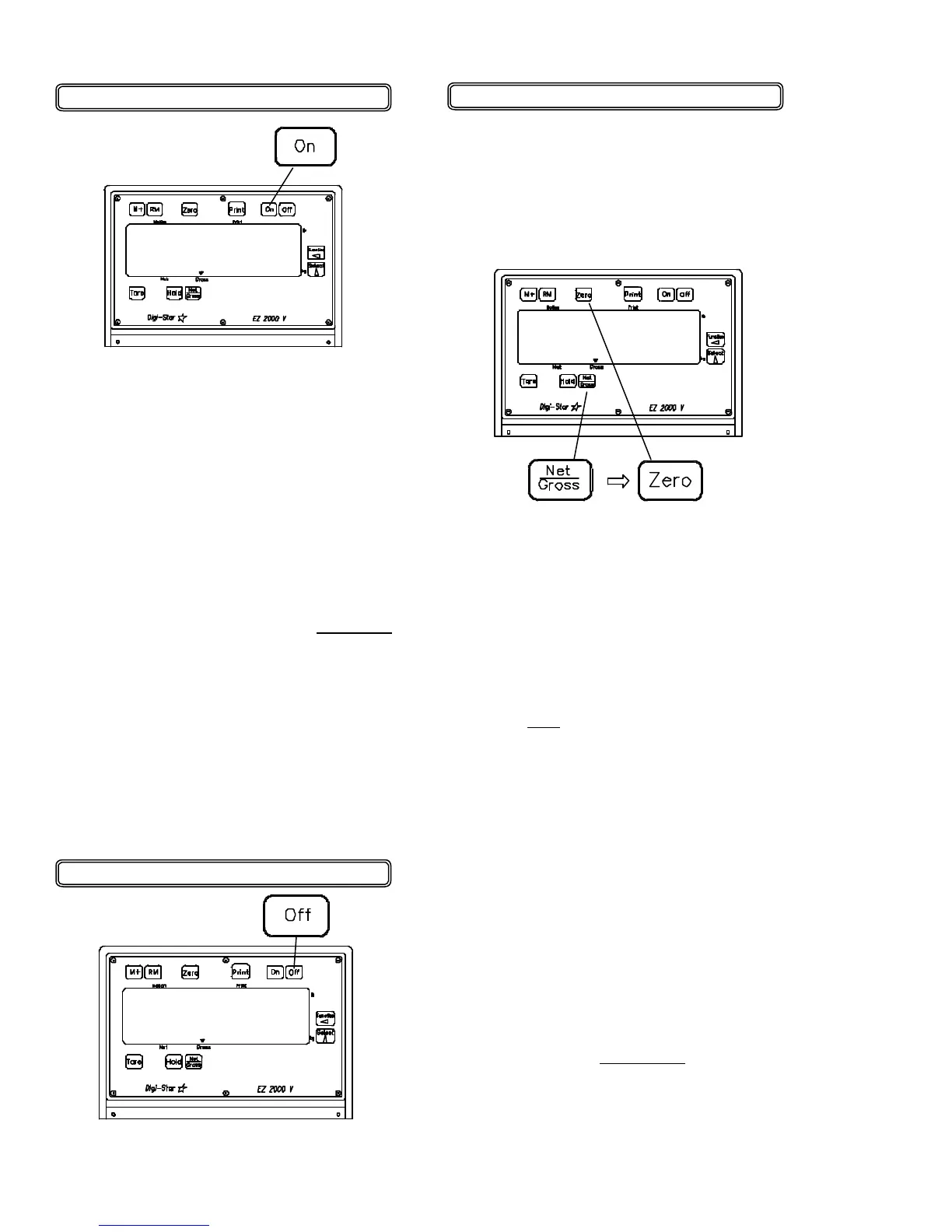
To Zero / Balance the Scale
1. Press the [NET/GROSS] key and
within three seconds,
2. Press the [ZERO] key.
Turn ON the scale:
1. Press [ON].
250955
Turning OFF the Scale:
1. Press [OFF].
The ZERO/BALANCE will "balance off"
trailer, bin, or platform weight.
The "ZERO" message is displayed and
the scale is placed in the GROSS mode.
Pressing only the [ZERO] key will cause
the message "TO ZERO / BALANCE
PRESS NET/GROSS -- THEN ZERO"
to be displayed.
If the supply power is below the "low
battery threshold" (10.5 Volts), the
message "INDICATOR CANNOT BE
ZERO / BALANCED -- LOW BATTERY
VOLTAGE" is displayed. The
message "LO BAT" will be periodically
shown on the display (approx. every
five seconds) to alert the operator of
the low battery condition.
Loss of power does not affect the
ZERO/BALANCE or "Setup/Calibration"
values.
• 04-01-02
HELLO
ZERO
0


 To Next Page