Brookeld Engineering Labs., Inc. Page 53 Manual No. M13-167
IV.4.5 Default Path
ThePathisthelocationwheredataortestsarestored.TheDV2Twillallowforstoragetothe
InternalMemoryortoanattachedUSBFlashdrive.Thepathwillalsoincludeanylestructure
thathasbeencreated.
TheDefaultPathidentieswhatlocationwillbeusedastheinitiallocationwhenResultsaresaved.
TheDefaultPathdenedinReports-CongureViscosityTest(savedtestorunsavedtest)will
takepriorityovertheDefaultPath.
TheDV2TcancreatelestructurebasedonUserIDandTestName.Theoptionsprovidedforthe
DefaultPathspecifywhatformatthedatapathshouldutilize.Forexample:settheDefaultPath
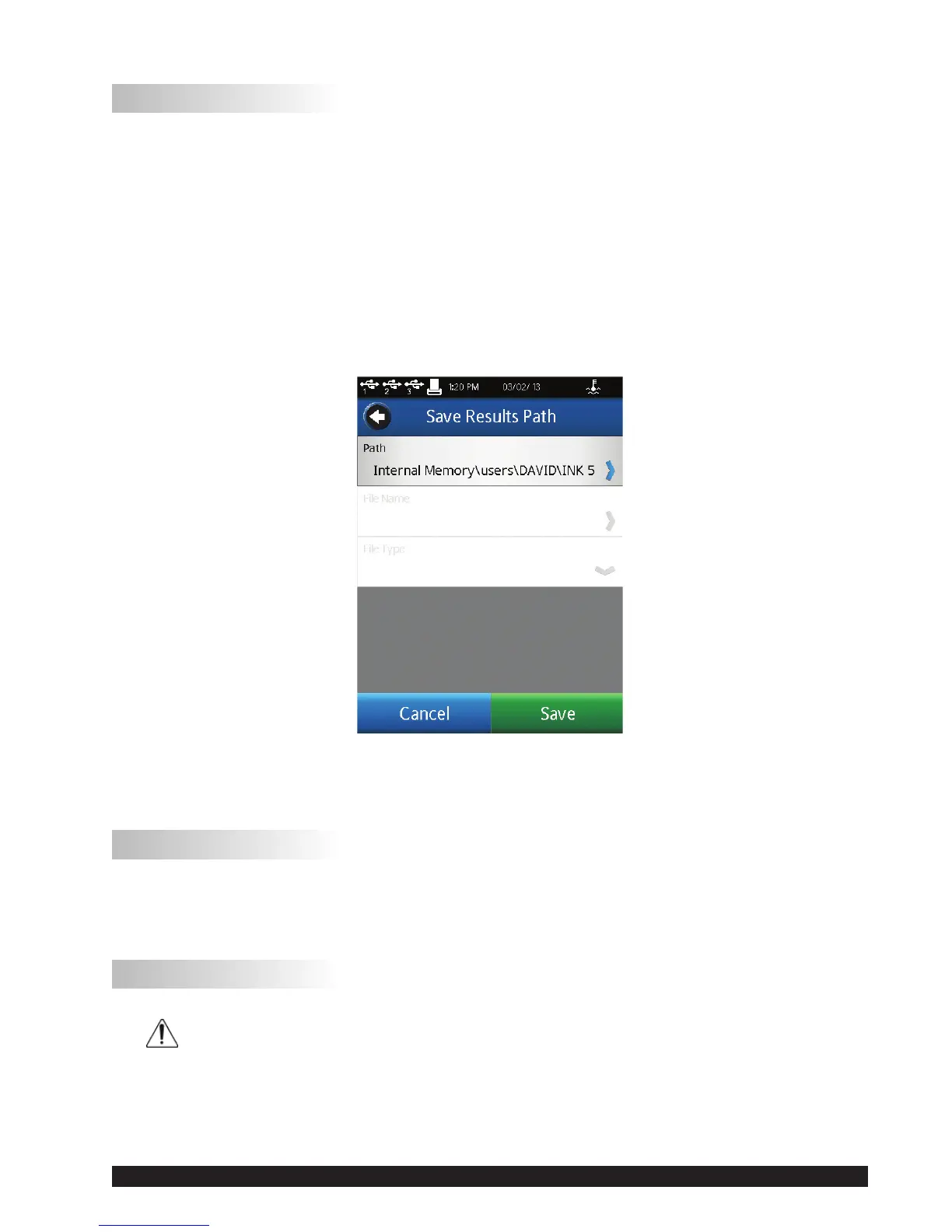
toOperator->TestName.TheUserisloggedinasDAVIDandthetesttorunisINK5.Thedata
pathwillbedefaultedasshowninFigureIV-10.
Figure IV-10
TIP:TheDefaultPathcanbeoverwrittenatthetimethatdataissaved.
IV.4.6 Settings Reset
Settings Reset will returnthe DV2T settings (Device, User andGlobal) to the factory default.
Internal memory will not be affected. User accounts will not be affected.
IV.4.7 Device Reset
DATA LOSS POSSIBLE!
DeviceResetwillreturntheDV2Ttothefactorydefaultcondition.Alldata,testsandAuditTrails
will be deleted from internal memory. All User accounts will be deleted.
TIP:MovedatalesandtestlestoaUSBUSBFlashDrivepriortoselectingDeviceReset.












 To Next Page