BTL-5000 SERIES
USER'S MANUAL
page 11 of 56
2.4.2 Numerical Keyboard
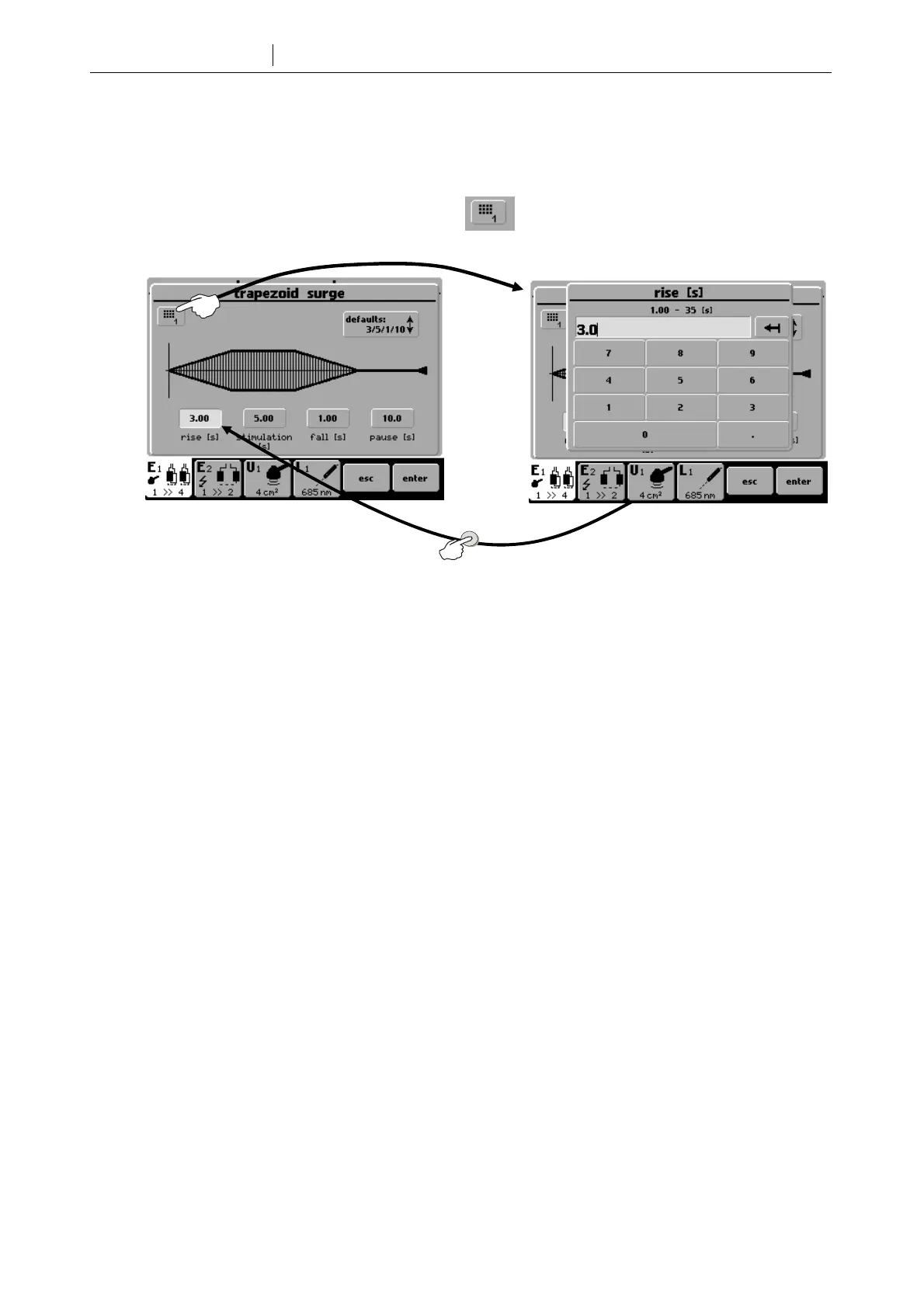
In addition to setting numerical value with the select (14) button, you can also use “numerical keyboard”.
Press this icon to open window with numerical keyboard:
Set numerical values of the parameter that has been selected - “white” button on the picture above. Enter the value
and press enter (15) to return to original screen. Press esc (16) to exit the screen. If you set the value that exceeds
the allowed value range (allowed value range is stated on top of the screen), or if the unit cannot set the required
value, the value will be rounded as close as possible to the allowed value.
ente









 To Next Page