BTL-5000 SERIES
USER'S MANUAL
page 15 of 56
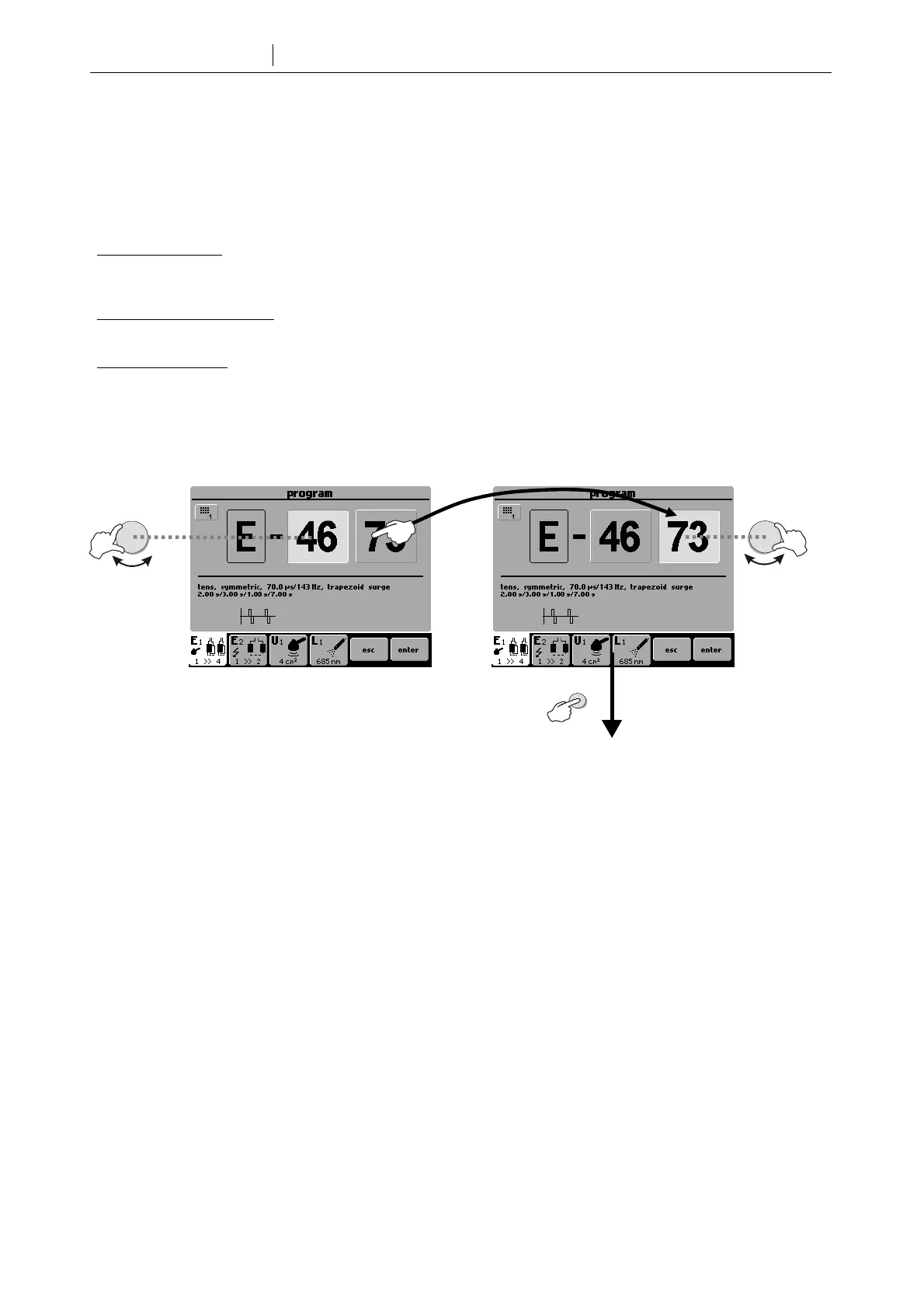
2.5.4 Setting Therapy Parameters via the 'prog' Button
Press the prog (9) button to set the required program number. The program numbers generally correspond to the
program numbers used in the traditional BTL physiotherapy line. A letter in front of each number corresponds to the
type of therapy selected: E – electrotherapy; U – ultrasound; L – laser.
Combined therapies
E+U are listed among E programs and can be found on the electrotherapy tab with the symbol of
ultrasound head (see Chapter 2.5.2 Welcome Screen and Selection of Channels, Tabs and Accessories). They
are on the positions E-35xx - E-39xx.
Your own therapy protocols (except sequences) can be saved under the following numbers: E-80xx - E-89xx for
electrotherapy, U-80xx - U-89xx for ultrasound therapies, and L-80xx - L-89xx for laser therapies.
Your own sequences
are saved under the following numbers: E-95xx - E-99xx for electrotherapy, U-95xx - U-99xx for
ultrasound therapies, and L-95xx - L-99xx for laser therapies.
Programs recommended for diagnoses can be found in the User’s Guide.
For fast program number selection, use numerical keyboard. See chapter 2.4.2 Numerical Keyboard for details.
See 2.5.6 Therapy Parameters Screen
Ergonomic, Standard
and Expert Mode
Switching between the two parts of
the program number
ente
select
select









 To Next Page