BTL-5000 SERIES
USER'S MANUAL
page 17 of 56
2.5.6 Therapy Parameters Screen – Ergonomic, Standard and
Expert Mode
This screen opens after pressing the diag (8) or prog (9) button (see 2.5.1 Therapy Flow Chart) before the start of
therapy. The screen shows either the most important therapy parameters (you have selected the ergonomic mode) or
all information about therapy (you have selected expert or standard mode). In addition, in expert mode you can modify
all parameters.
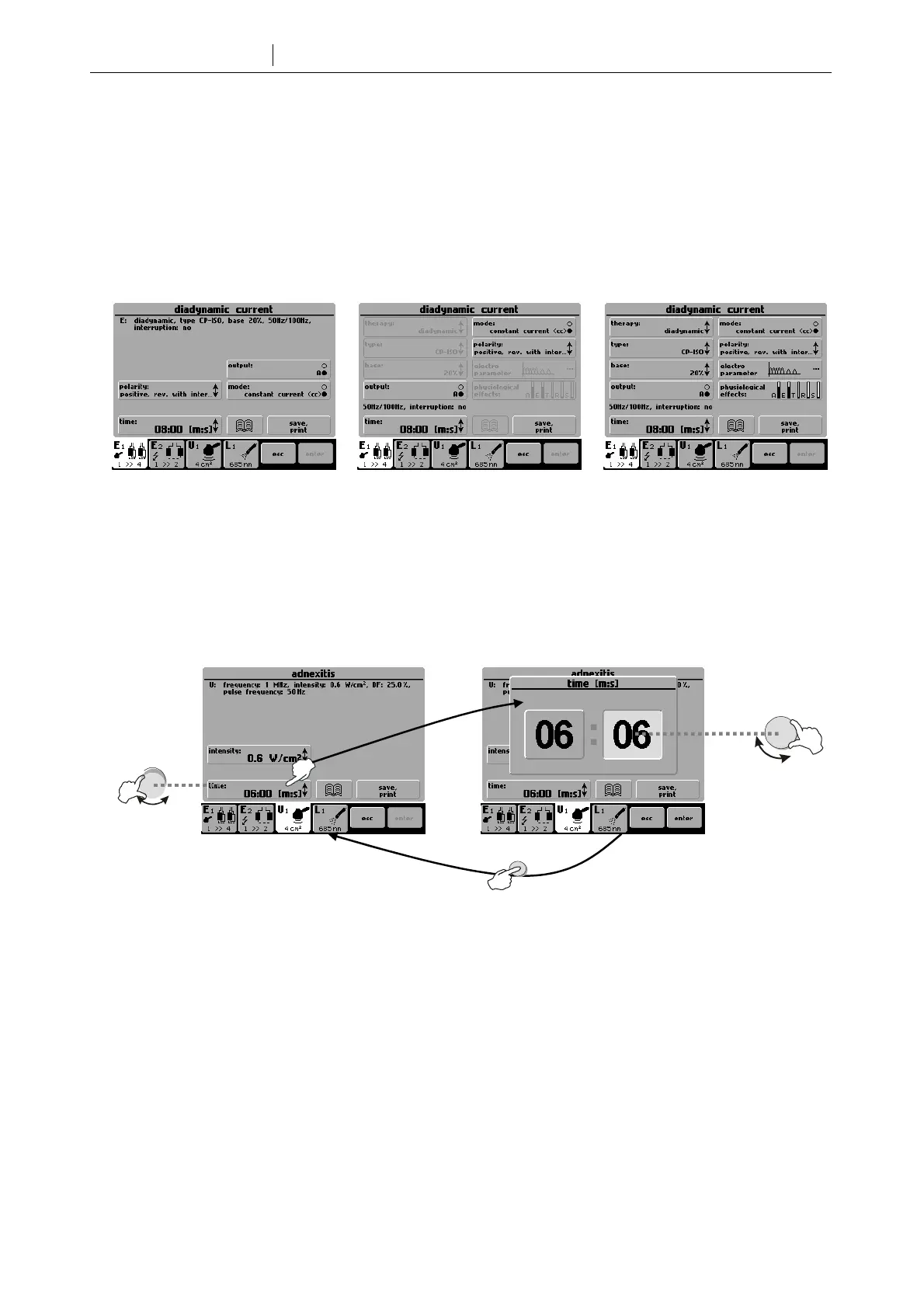
The differences between modes are best seen here:
ergonomic mode standard mode expert mode
Set the operation mode via the menu (12) button - refer to Chapter 3.2.8 Operation Mode for details. For a fast
switch to expert mode from any other operation mode, press man (11) button.
2.5.6.1 Setting Therapy Time
Press the time screen button on the therapy parameters screen to set the required time. For fast settings, use the
time / stop (17) knob.
2.5.6.2 Setting Intensity
Ultrasound and laser therapies: intensity (output) can be set only on the therapy parameters screen and only when the
therapy is not running. To set the intensity, press the intensity screen button or turn the intensity (18) knob.
Electrotherapy: Intensity is set during therapy and can only be adjusted by turning the intensity (18) knob.
For faster intensity setting, keep the intensity (18) knob pressed down while turning it .
time/stop
select
enter









 To Next Page