BTL-5000 SERIES
USER'S MANUAL
page 29 of 56
3 MENU BUTTON
Press the menu (12) button and scroll through the following options:
• accessories
• encyclopaedia – see Chapter 2.8 Encyclopaedia
• unit settings
• special settings
3.1 ACCESSORIES
Select:
• installation of accessories and
• information about connected accessories
• information about the number of patients and connection of connectors on the rear panel of the device
3.1.1 Installation of Accessories
Each connected accessory has the memory that includes identification data of this accessory. According to these
data, the unit recognizes which accessory is connected, if it is compatible or not, if the unit can work with the
connected accessory or not. The memory also contains serial number of the accessory. This memory contains a lot of
information and their reading lasts from 30 seconds to 2 minutes. The installation of accessories serves for faster work
of the unit. After the installation, only the serial number of the accessory is read from the accessory memory and the
other information is read from the unit’s memory.
During the installation process, follow the instructions on the screen. In particular:
• switch off all therapies
• do not have connected other accessories than the one that is being installed. Make sure the installed
accessory is connected directly, not via interface cable and vacuum or BTl-5000 Sono devices.
This will help decrease electromagnetic interference that could cause improper reading of memory data.
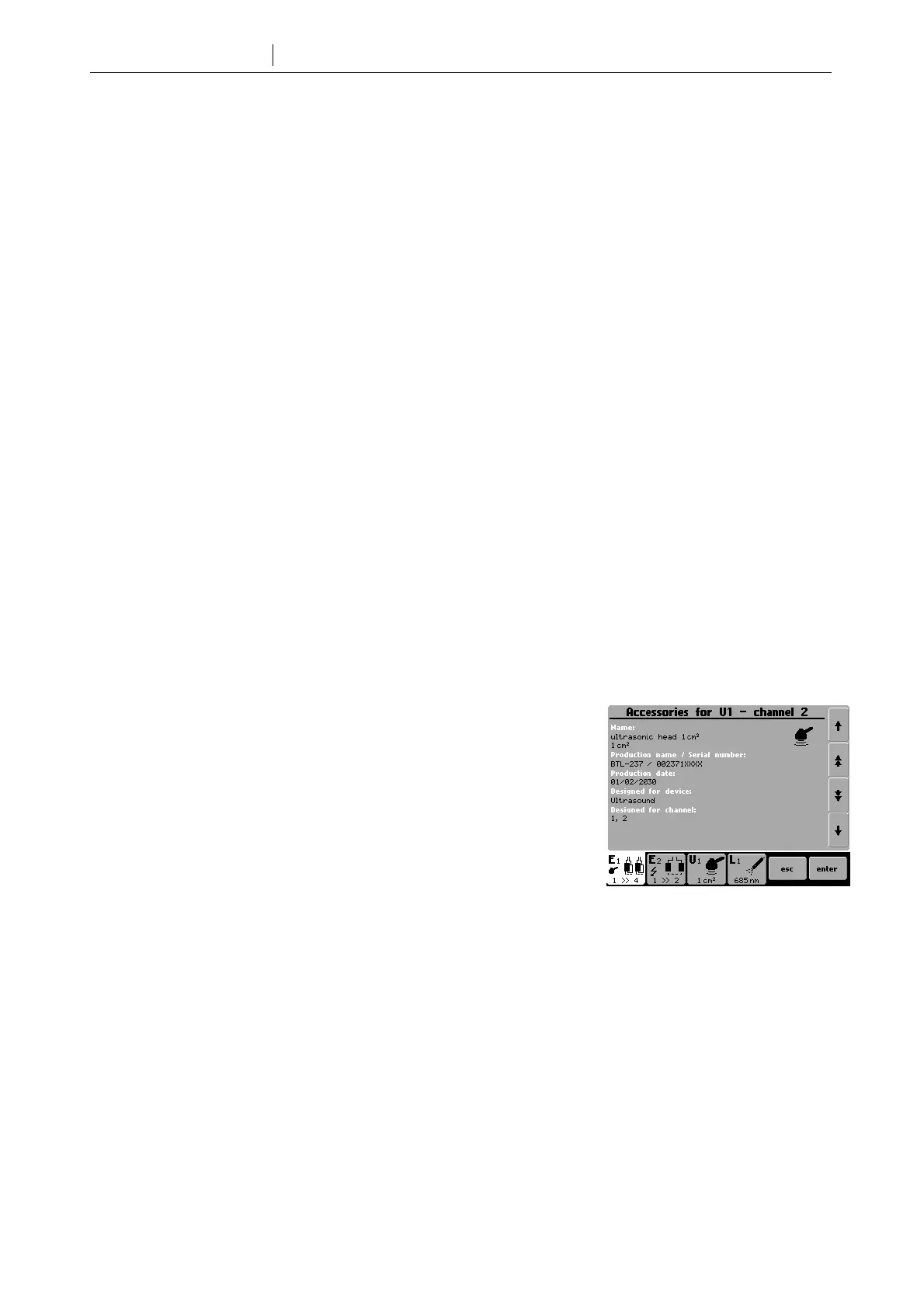
3.1.2 Information about Accessories
Allows identification of connected accessories (name, serial number, for which
generator - output / input - the accessory has been designed).
3.1.3 Connectors - Information
This menu item will inform you about the way of connection of the connectors on the rear panel of the device and to
how many patients you can connect the device safely.









 To Next Page