10
Accessing from a Mobile Device
To access shared folders from a mobile device with the following steps, you must configure WebAccess settings first.
To configure WebAccess, see the "WebAccess" section in chapter 5.
1 Open SmartPhone Navigator.
2 Tap your LinkStation from the NAS list.
3 Tap Browse.
Note: Alternatively, you can access shared folders from the WebAccess app. Open the application and tap your
LinkStation's hostname in the NAS list.
Turning the LinkStation On and Off
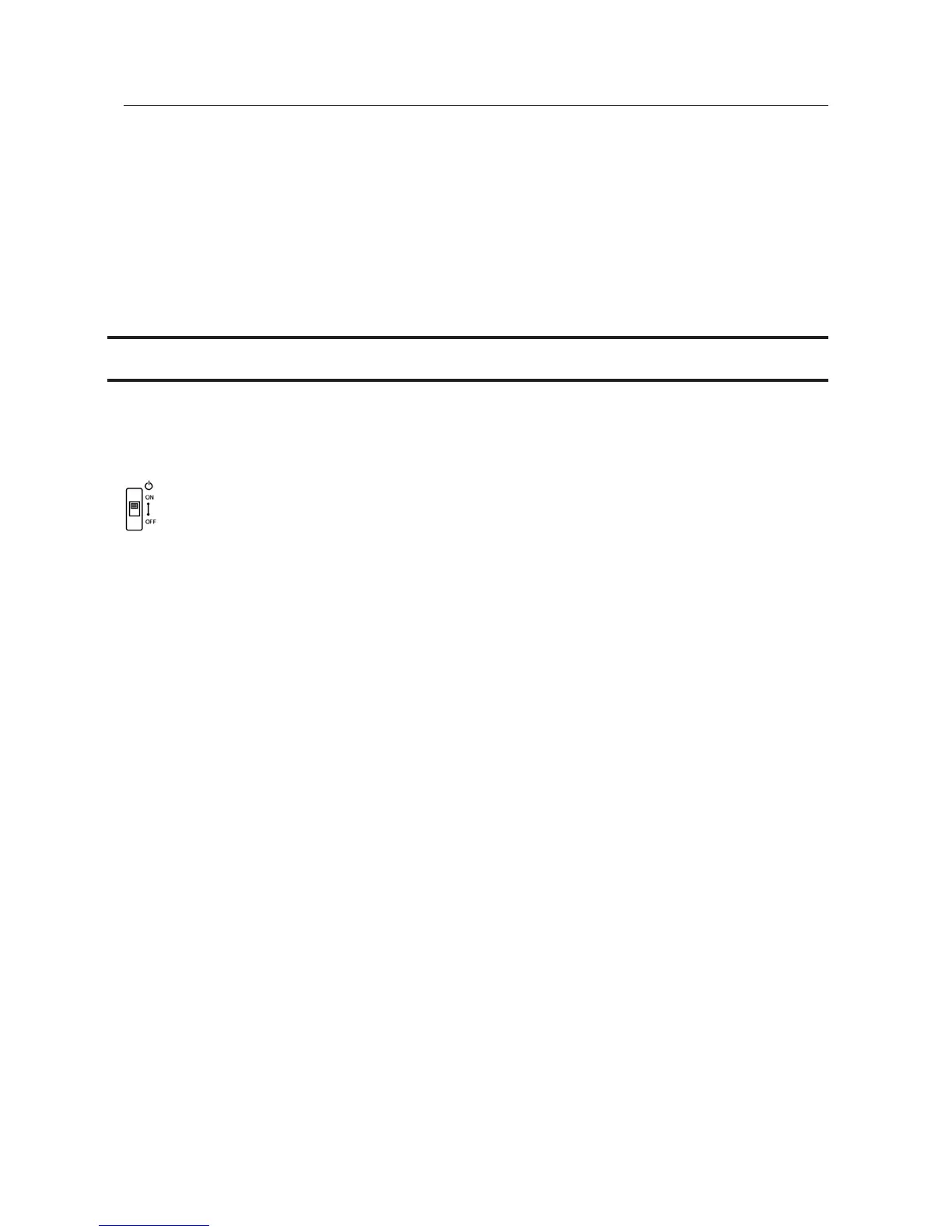
Move the power switch on the back of the LinkStation to the "on" position to turn it on. To turn it off, move the
switch to the "off" position and wait for the unit to fully shut down before unplugging it. Never unplug the AC
adapter without properly shutting down the LinkStation first.
When all the LEDs on the front of the LinkStation turn off, the shutdown process is complete.












 To Next Page