47
10
For RAID 0
Navigate to Drives - RAID in Advanced Settings. Select the array with the error, then click Delete RAID Array.
Navigate to Drives - Drives. Choose the new drive (the unformatted one) and format the drive. After formatting
the drive, change the RAID mode.
For RAID 1
Navigate to Drives - RAID in Advanced Settings. Select the array with the error, then click Recover RAID Array.
Follow the procedure on the screen to complete the hard drive replacement.
For JBOD
Navigate to Drives - Drives in Advanced Settings. Format the new drive and create a shared folder before use.
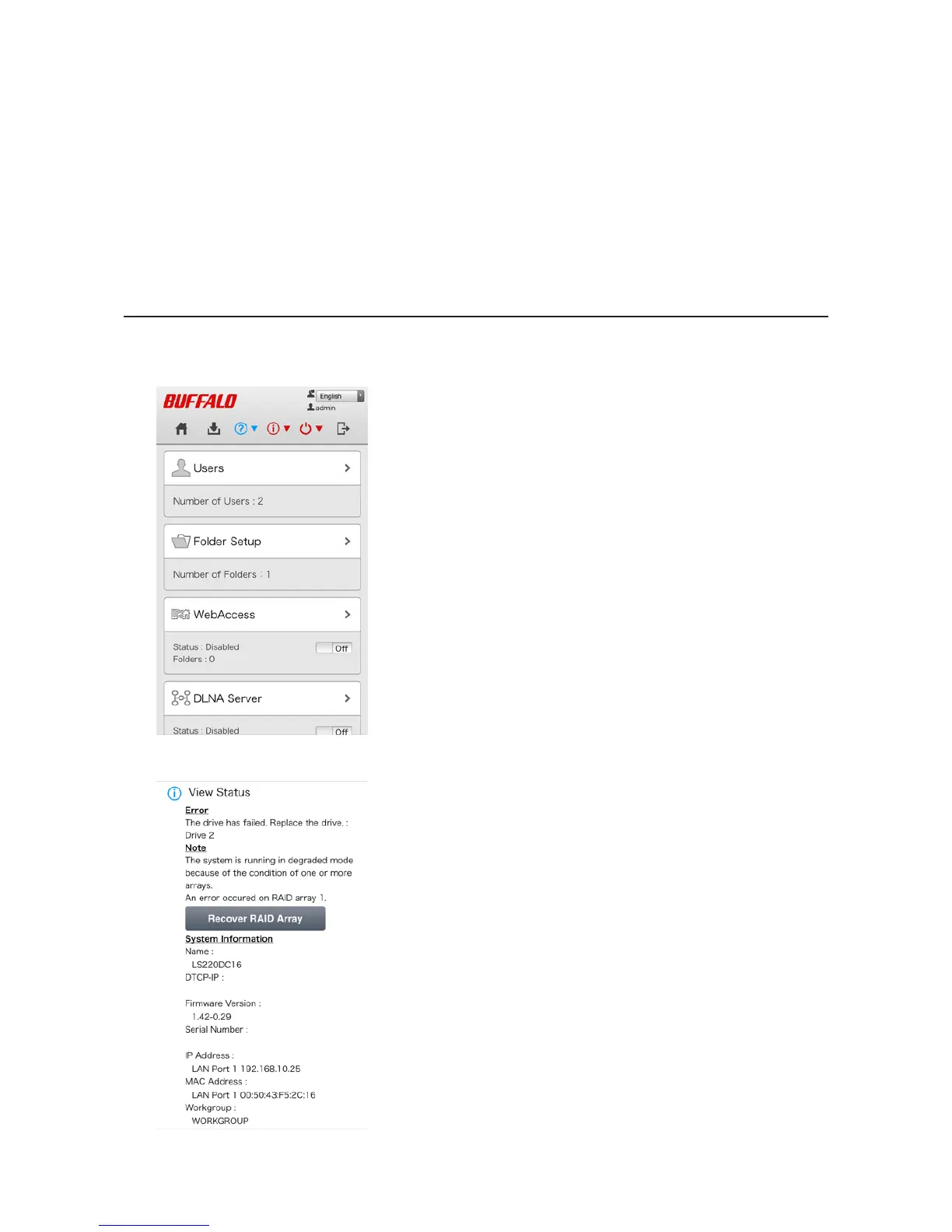
Rebuilding the RAID Array from a Mobile Device
You can also initiate the RAID rebuild from your mobile device.
1 Open Settings and tap the blinking red information icon.
2 Tap Recover RAID Array.












 To Next Page