19
• The description may contain up to 75 alphanumeric characters, hyphens (-), underscores (_), and spaces. Do
not use a symbol or space as the first character.
• You may create up to 400 shared folders.
• The names of shared folders should not use characters from more than one language. For example, mixing
Japanese and Korean characters in names is not supported.
• If multi-byte characters are used in shared folder names, configure the client language to match the
characters in Management - Name/Time/Language.
Recycle Bin
To protect your data from accidental deletion, you may configure your LinkStation to use a recycle bin instead of
deleting files immediately. The recycle bin will only work with SMB connections.
Read-only Shares
By default, new shares are set with read & write access, but you may change the attribute to "Read Only" in
"Attribute". Read-only shares and HFS+ formatted USB hard drives will have "Read-only" added to the shared folder
description.
Hidden Shares
To hide a shared SMB folder, select "Hidden Share (SMB Only)" and click OK. To open a hidden folder, click Start -
Search programs and files and enter "\\LinkStation's name\Shared folder names$\" for the name. For example, if the
LinkStation name is "LSXXX001" and shared folder name is "share", enter "\\LSXXX001\share$\" to open it.
Note: AFP and FTP folders cannot be hidden.
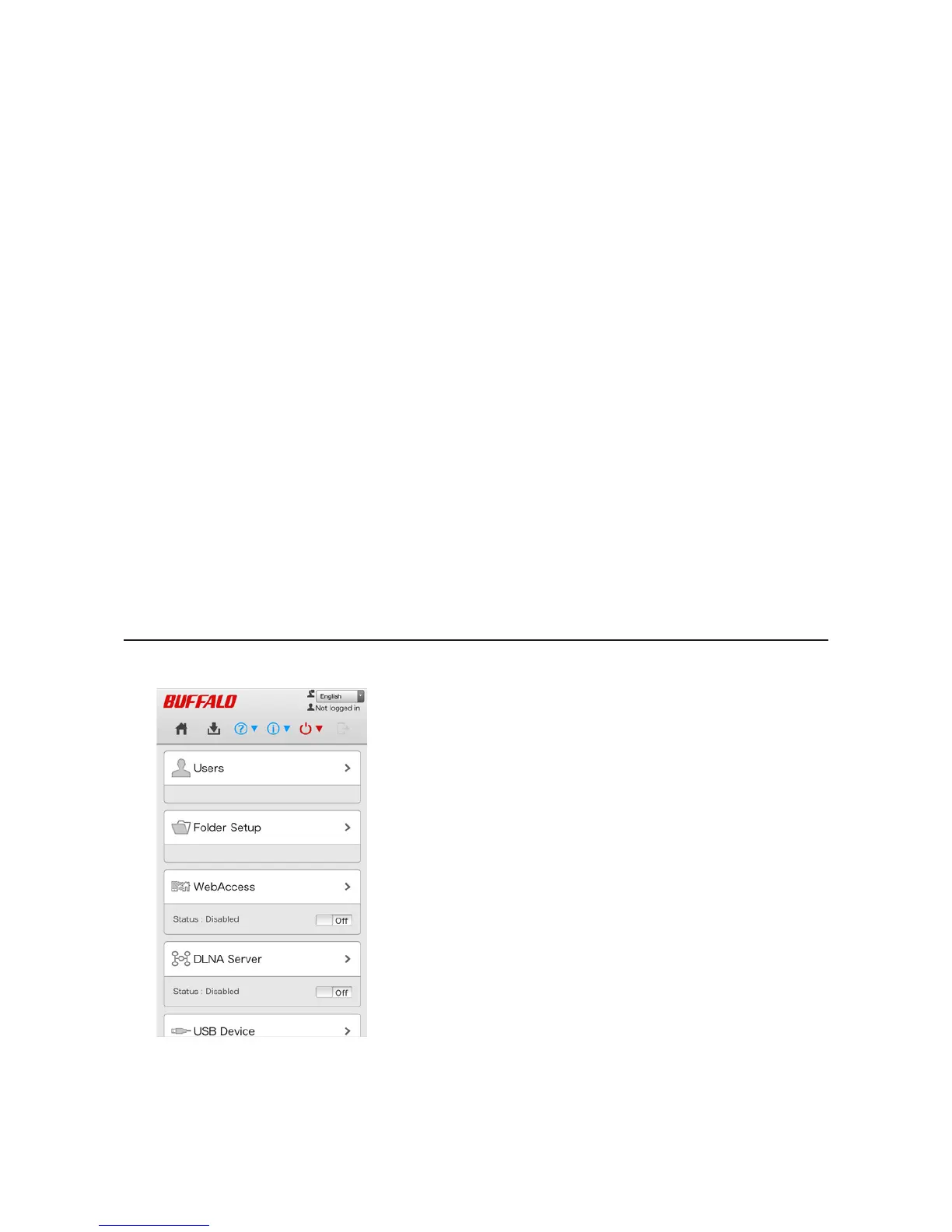
Configuration from a Mobile Device
1 In Settings, tap Folder Setup.












 To Next Page