38
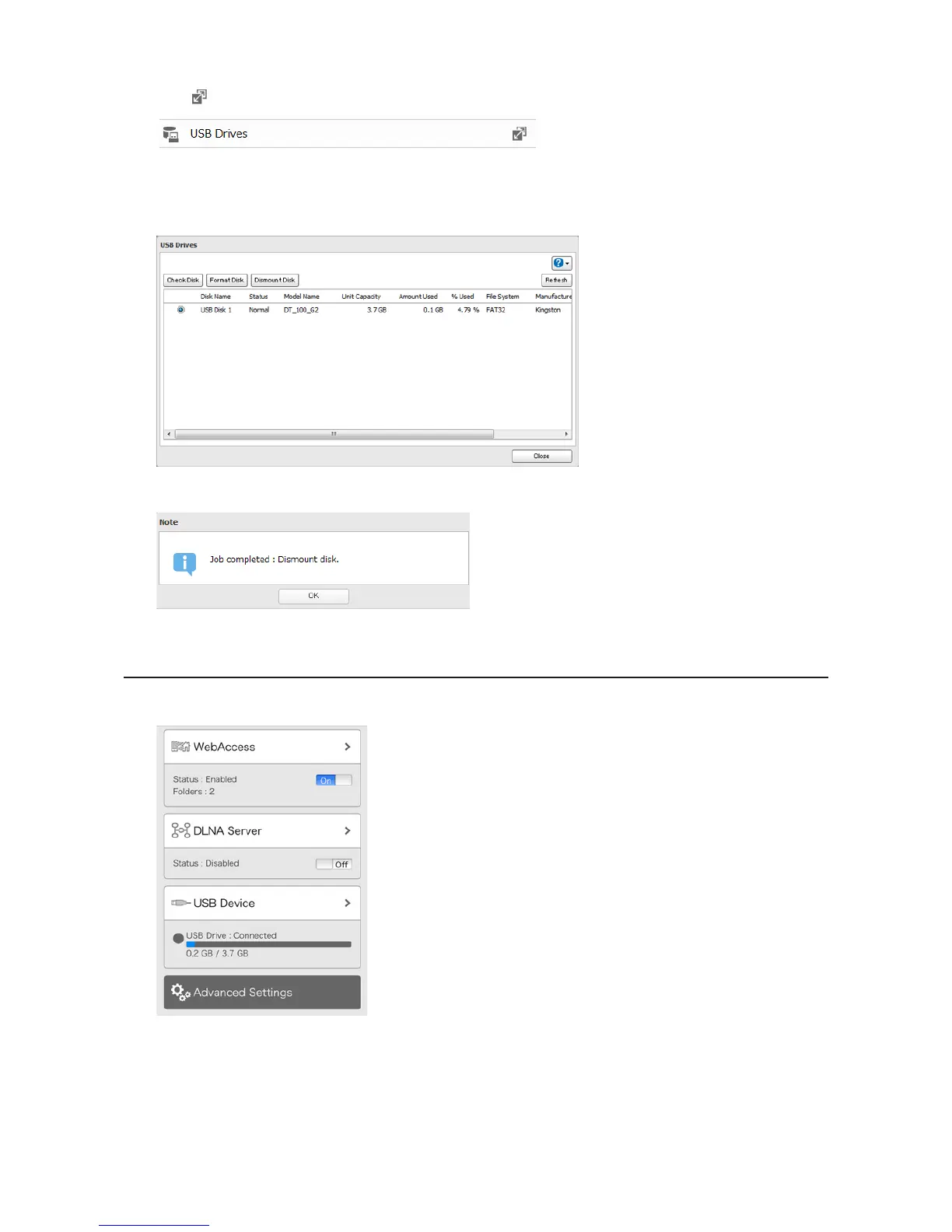
2 Click to the right of "USB Drives".
3 Select the drive to dismount and click Dismount Disk.
4 The "Confirm Operation" screen will open. Enter the confirmation number and click OK.
5 When the following message is displayed, it is safe to unplug the drive.
Note: To remount the drive, unplug it and then plug it back again.
Dismounting from Settings on a Mobile Device
1 In Settings, tap USB Device.












 To Next Page