86
Jumbo Frames
If your other network devices support it, you may be able to increase network performance with jumbo frames.
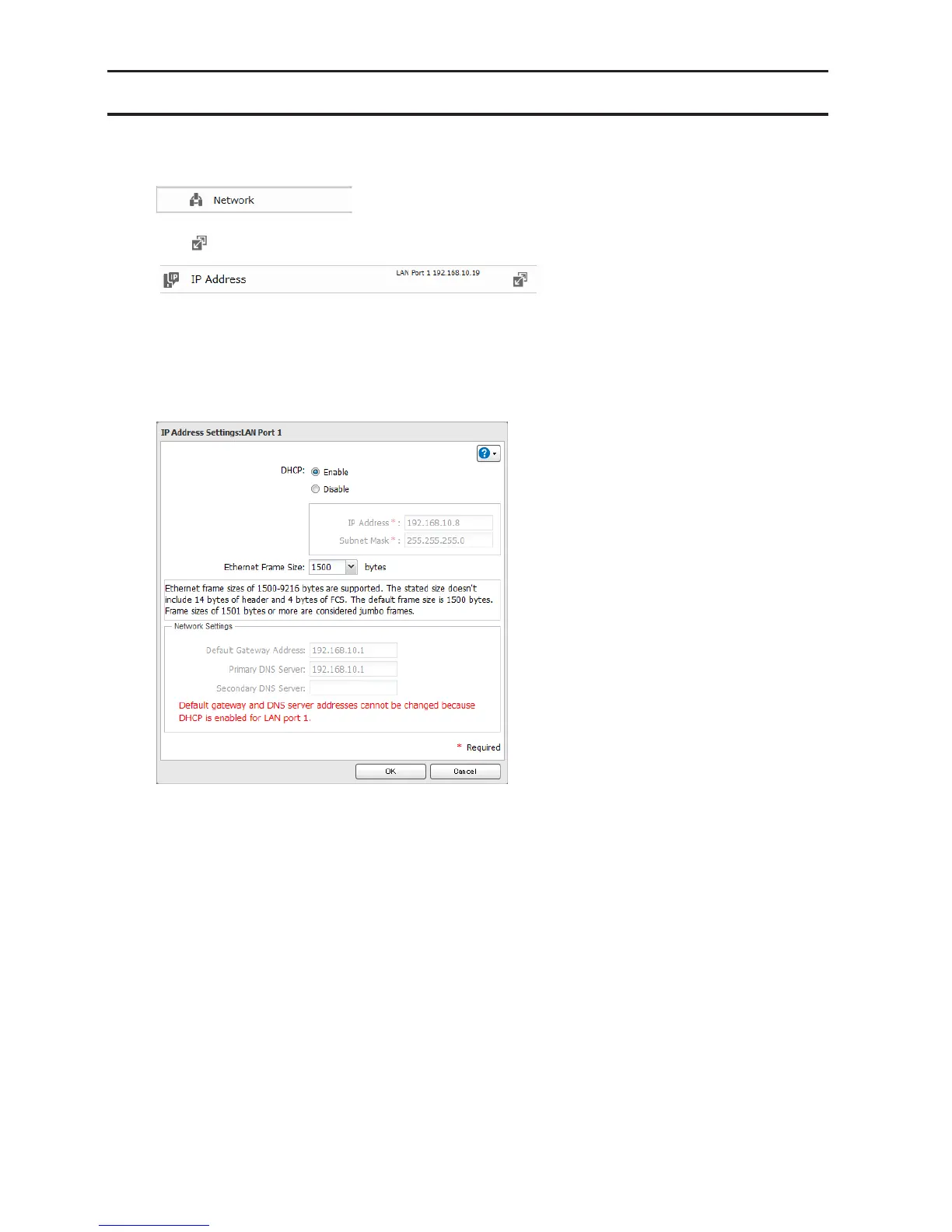
1 In Advanced Settings, click Network.
2 Click to the right of "IP Address".
3 Click the LAN port where the jumbo frames will be used.
4 Click Edit.
5 Select your desired Ethernet frame size and click OK.












 To Next Page