87
Changing the IP Address
Normally, the LinkStation's IP address is set automatically from a DHCP server on your network. If you prefer, you can
set it manually. An easy way to do this is to change it from NAS Navigator2 running on a computer connected to the
same router (subnet) as the LinkStation. The procedure to change the IP address in Settings is below.
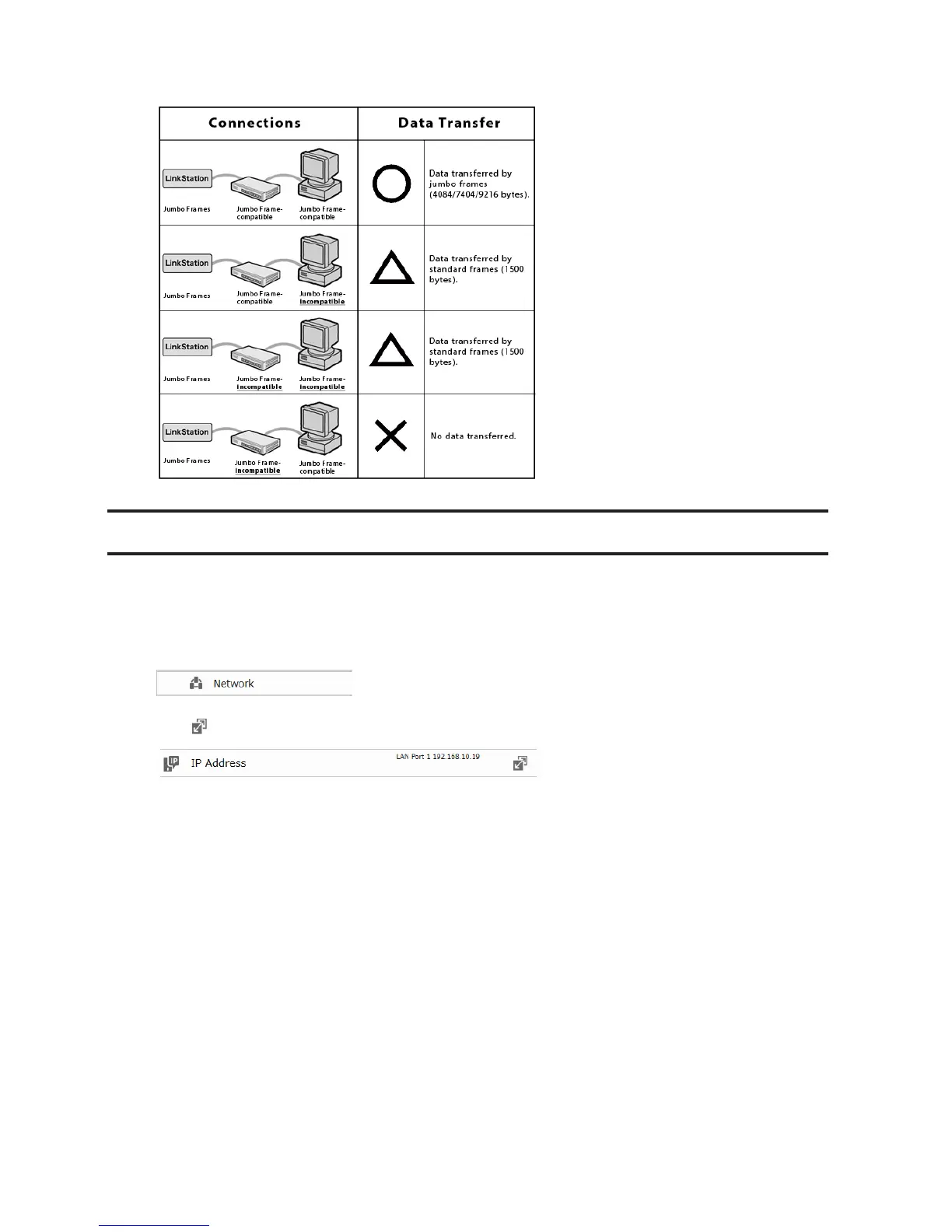
1 In Advanced Settings, click Network.
2 Click to the right of "IP Address".
3 Select the LAN port.
4 Click Edit.












 To Next Page