68
Chapter 7 Multimedia
DLNA
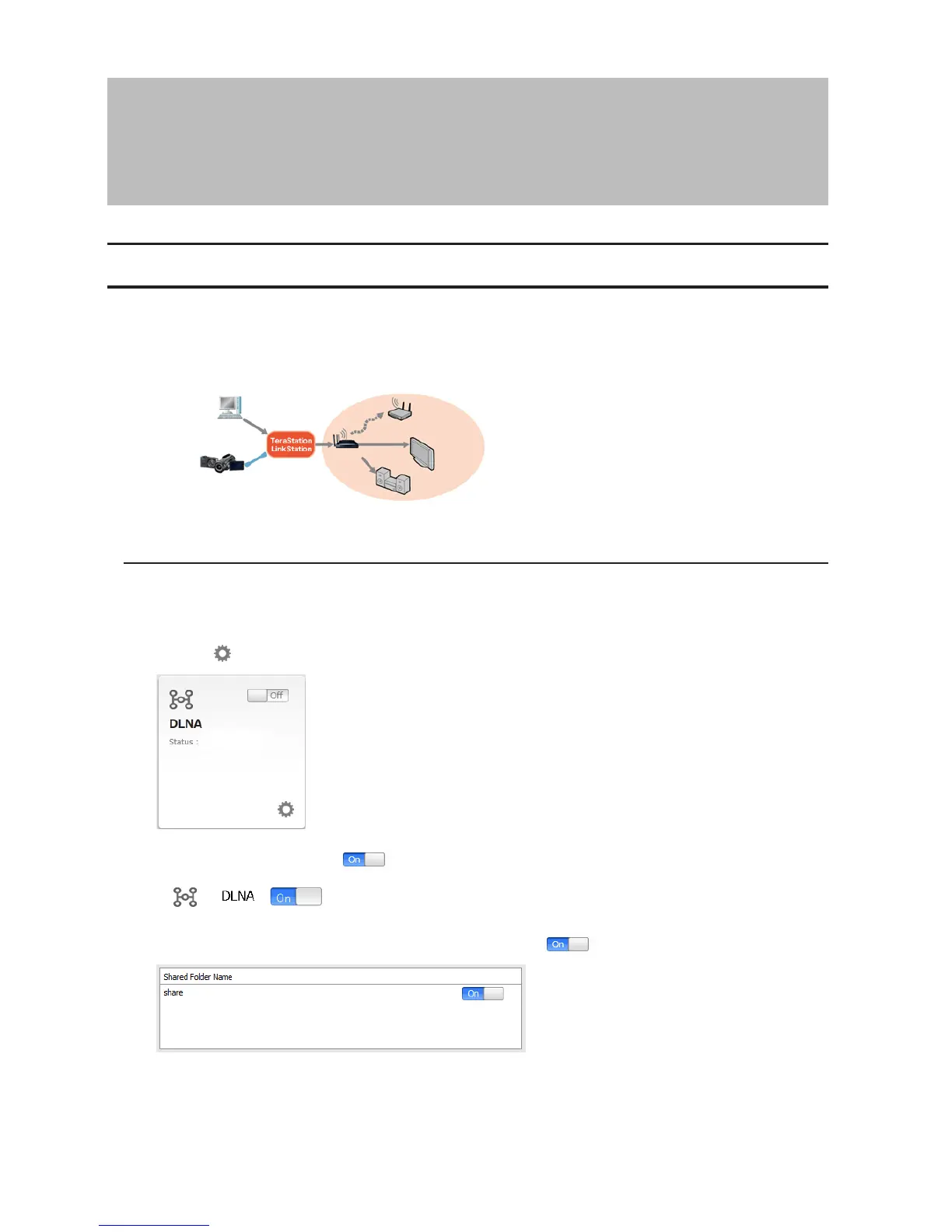
DLNA is a set of guidelines for sharing digital media. The LinkStation includes a DLNA server compliant with the
DLNA guidelines. Movies, photos, and music saved on the LinkStation can be played back on DLNA-compatible TVs,
stereo equipment, game consoles, and other devices on the local network.
Configuration from a Computer
Configuration from Easy Admin
1 Click the icon for "DLNA".
2 Move the DLNA switch to the position to enable DLNA.
3 Move the switch for the folder you'll use for DLNA media to the position as well.
4 Click Apply.












 To Next Page