67
• For digital cameras that are not in the USB mass storage class, all files from the digital camera are copied.
3 When the copy operation is finished, the access LED of the USB device will stop flashing. Hold down the
function button for 8 seconds. The function LED will flash as all external drives are dismounted, which will take
about 30 seconds. When the dismount is finished, the function LED will stop flashing and glow steadily. You
now have 60 seconds to unplug any USB drives safely.
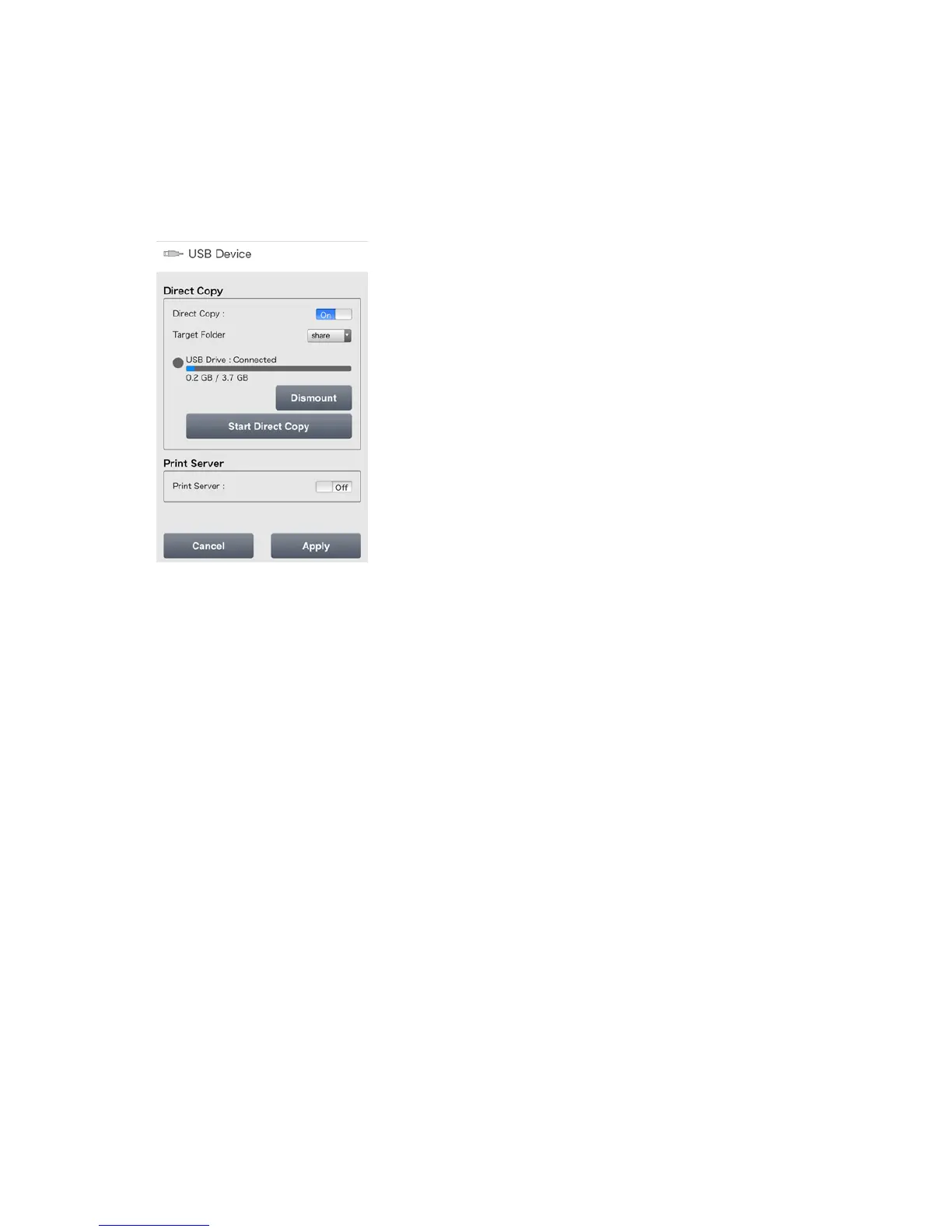
Note: If accessing Settings from a mobile device, you can start Direct Copy at any time by tapping Start Direct
Copy.












 To Next Page