78
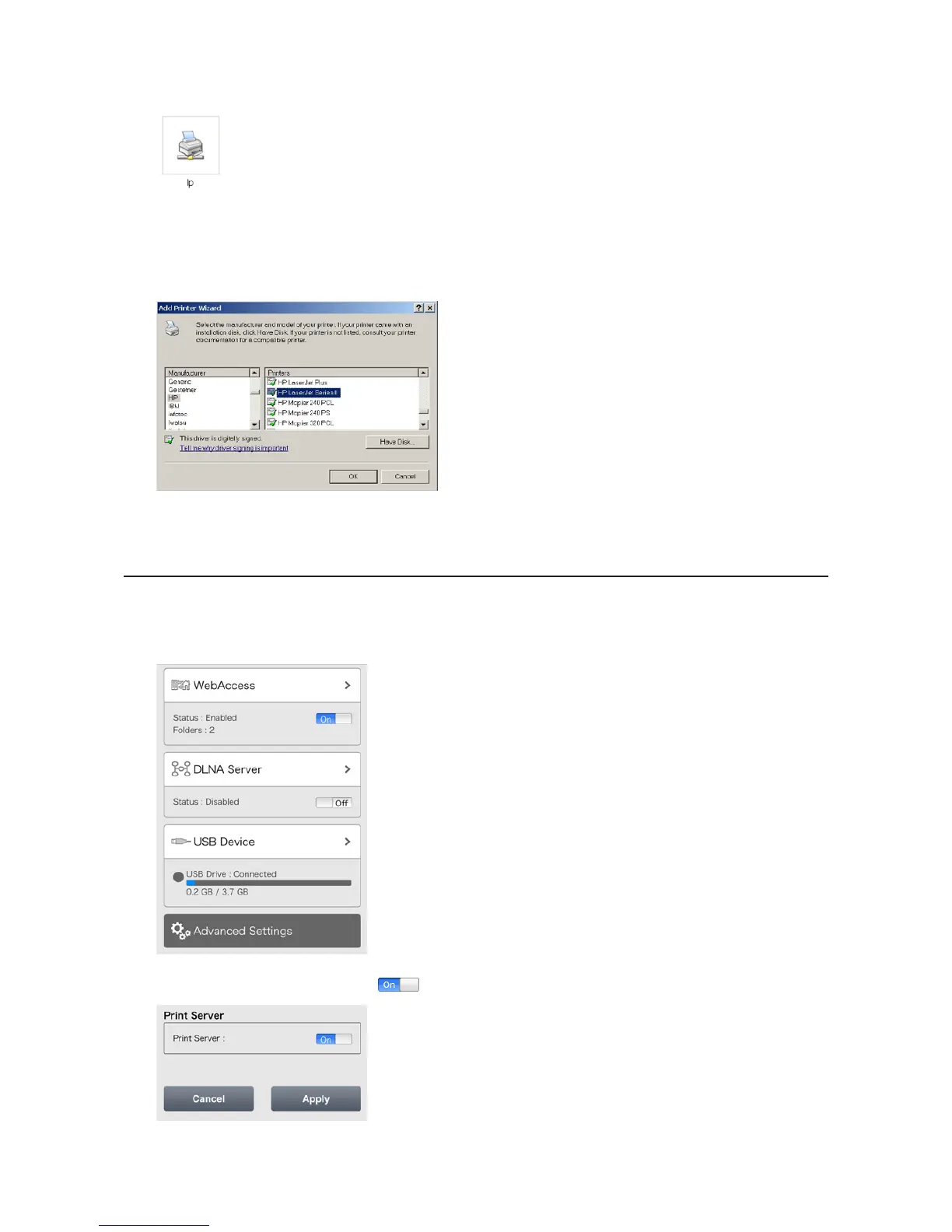
6 Double-click your printer icon.
7 When "The server for the printer does not have the correct printer driver installed. If you want to search for the
proper driver, click OK." displays, click OK.
8 Select the driver for your printer, then click OK.
9 Register the printer.
Setting Up a Printer from a Mobile Device
1 Connect a printer to the LinkStation's USB port, then turn the printer on.
2 In Settings, tap USB Device.
3 Move the print server switch to the position to enable the print server.












 To Next Page