62
7 Click Add.
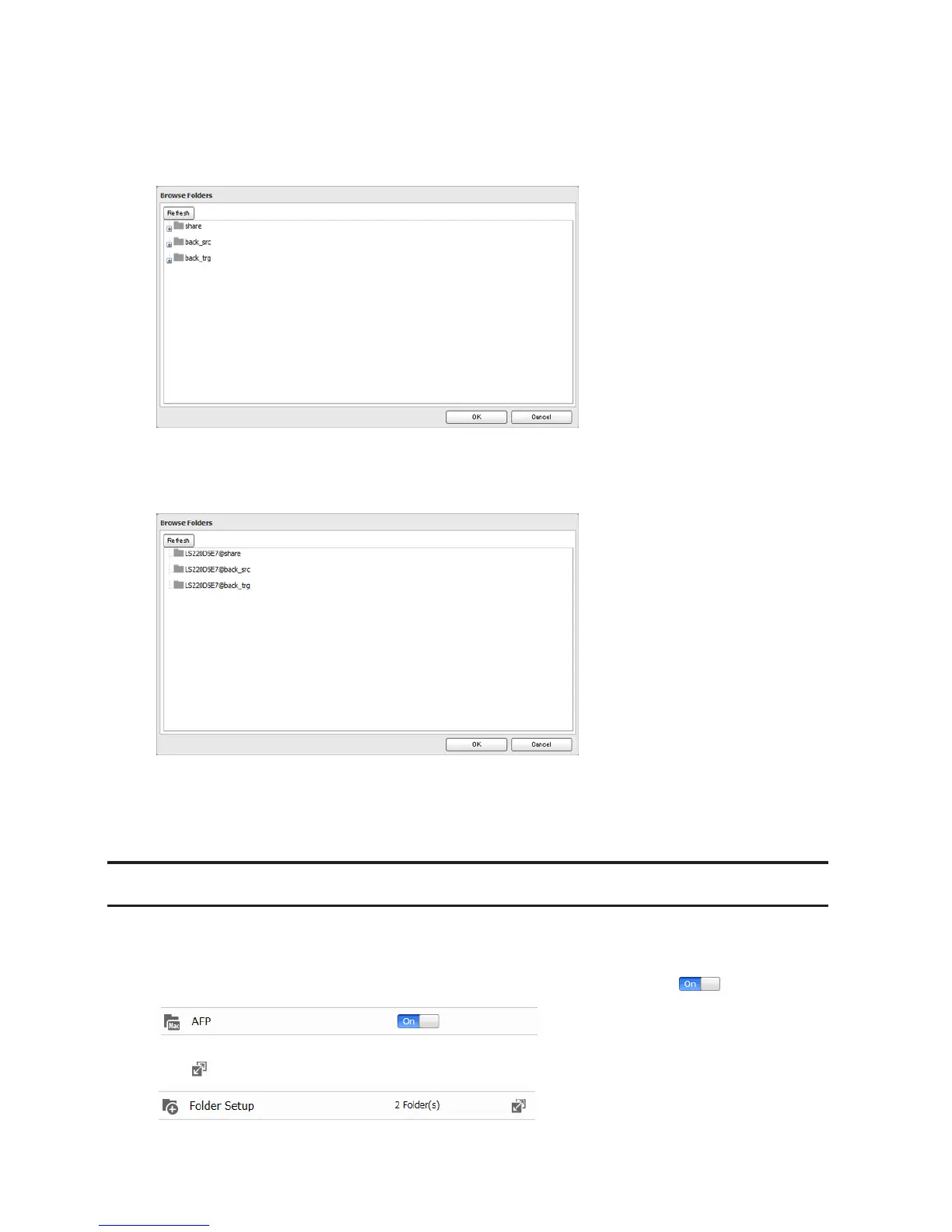
8 Click Browse under "Backup Source Folder Name".
9 Select the shared folder that will be the backup source, then click OK.
10 Click Browse under "Backup Target Folder Name".
11 Select the backup target and click OK.
12 Click OK. New backup jobs are now visible.
13 Click Close.
Backing Up Your Mac with Time Machine
Time Machine is a backup program included with OS X. To use your LinkStation as a backup destination for Time
Machine, configure it as described below.
1 Make sure that AFP is enabled in Advanced Settings. The AFP switch should be in the position.
2 Click to the right of "Folder Setup".












 To Next Page