63
3 Choose a shared folder as your backup destination for Time Machine.
4 Click Edit.
5 Under "LAN Protocol Support", check "AFP (Mac)" and click OK.
6 Click OK.
7 Click Close.
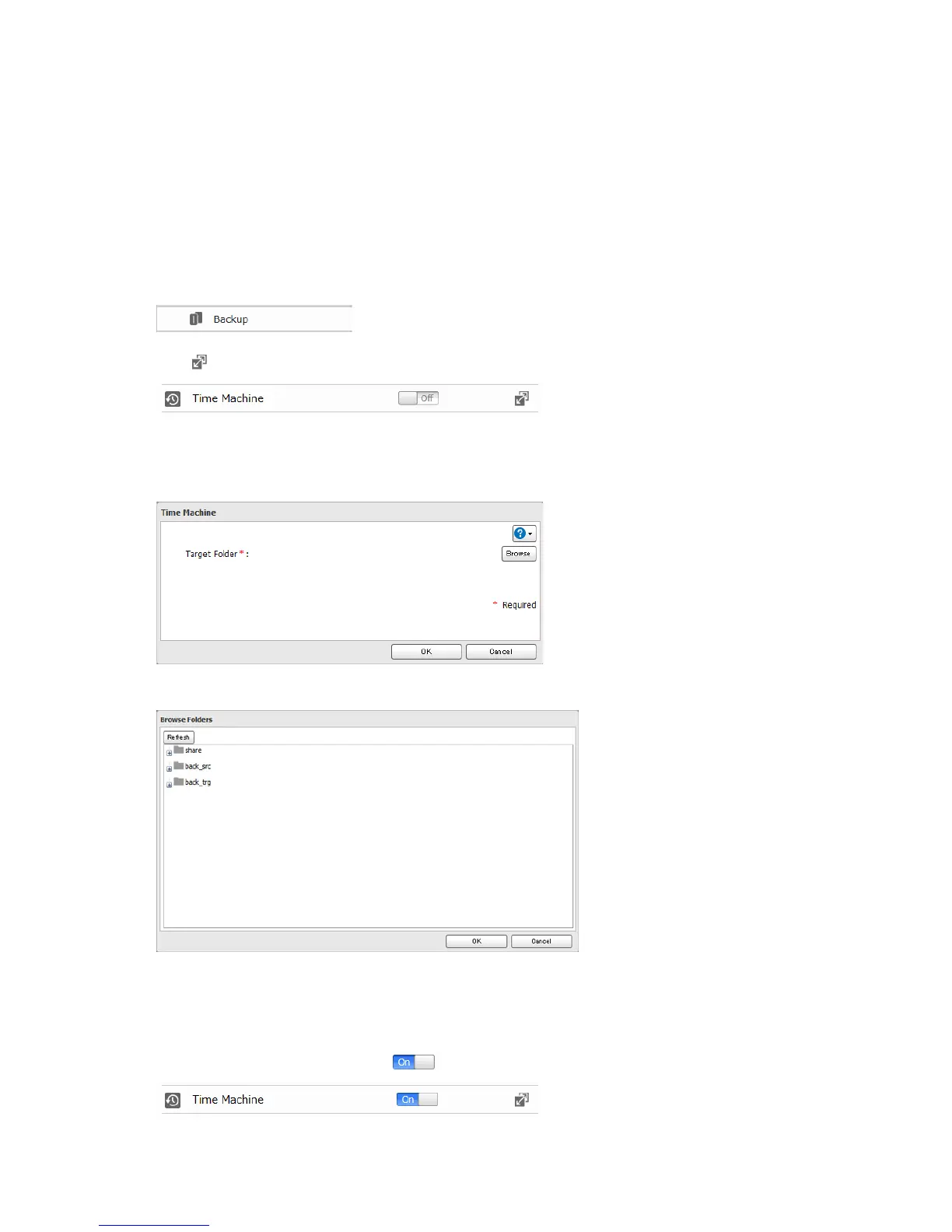
8 Click Backup.
9 Click to the right of "Time Machine".
10 Click Edit.
11 Click Browse.
12 Select the shared folder that you set in the previous step, then click OK.
13 Click OK.
14 Click OK.
15 Move the Time Machine switch to the position to enable Time Machine.












 To Next Page