43
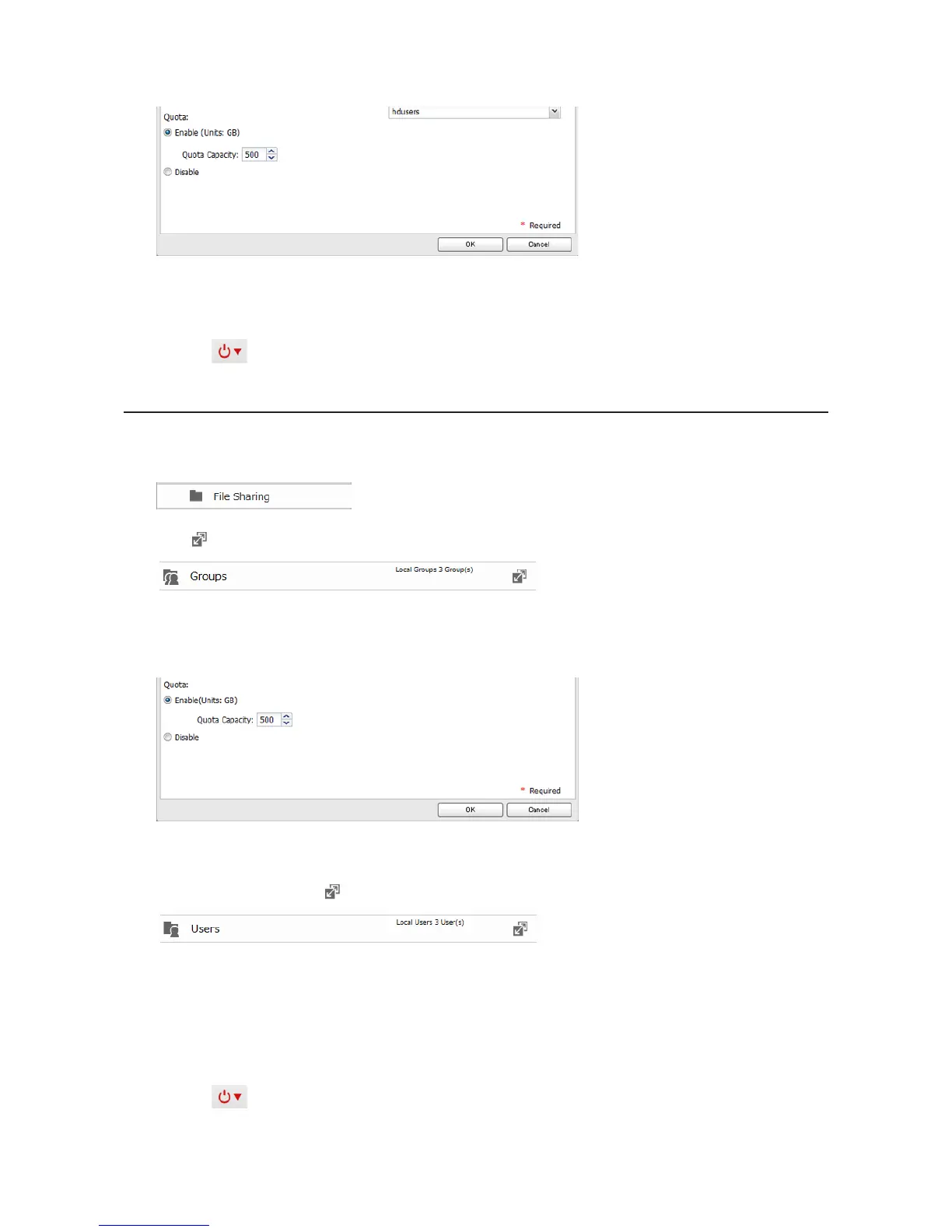
4 Enable quotas, choose the maximum space the user will be allowed to use, and click OK.
Note: If you change the primary group, restart the LinkStation to apply the quota settings.
5 Click OK.
6 Click the icon and select Restart to apply the quota settings.
Quotas for Groups
Follow the procedure below to limit the space for shared folders that each group can use.
1 In Advanced Settings, click File Sharing.
2 Click to the right of "Groups".
3 Select the group whose space will be limited.
4 Enable quotas, choose the maximum space the group is allowed, and click OK.
5 Click OK.
6 In Advanced Settings, click to the right of "Users".
7 Select the user who will inherit the group quota settings.
8 Change the user's primary group to the group with the quota, then click OK.
9 Click OK.
10 Click the icon and select Restart to apply the quota settings.












 To Next Page