23
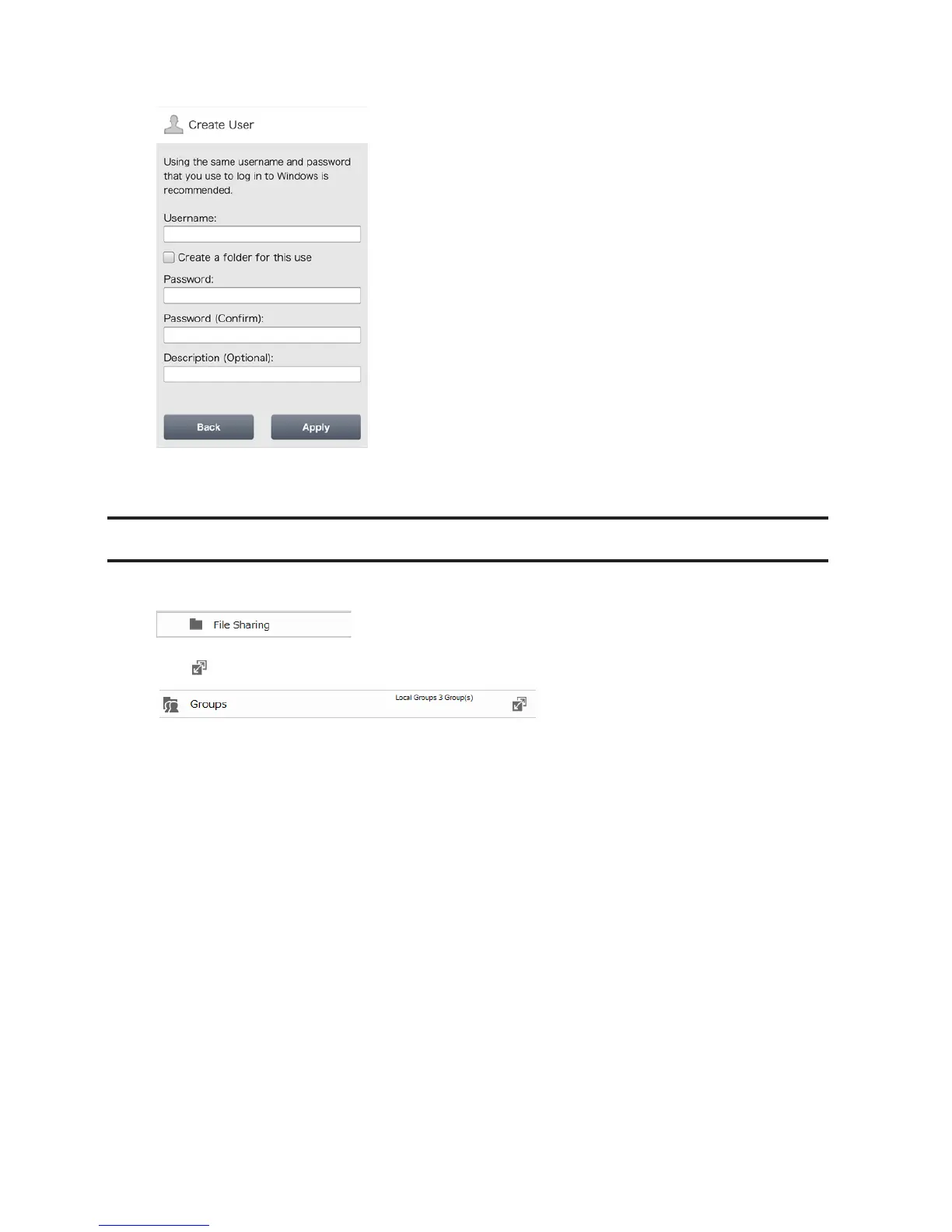
3 Enter the desired username, password, and description, and tap Apply.
Note: Usernames may contain up to 128 alphanumeric characters and symbols. Passwords may contain up to 20
alphanumeric characters and symbols.
Adding Groups
1 In Settings, click File Sharing.
2 Click to the right of "Groups".
3 Click Add Group.












 To Next Page