20
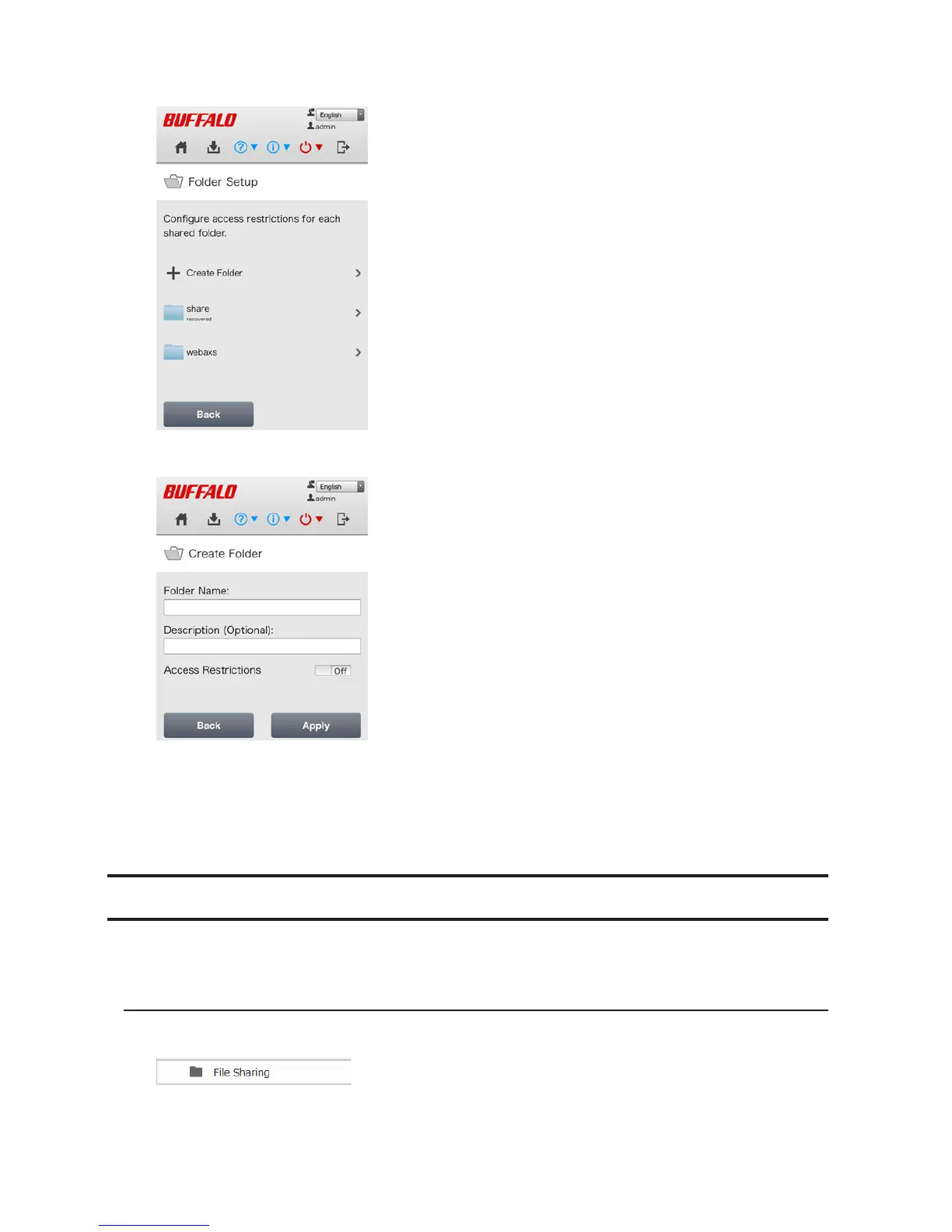
2 Tap Create Folder.
3 Enter a folder name and description and tap Apply.
Notes:
• Folder names may contain up to 27 alphanumeric characters and symbols. The description may contain up to
75 alphanumeric characters.
• If you create a shared folder from a mobile device, SMB and AFP connections can be used to access this folder
by default.
Adding Users
Note: The LinkStation can register a maximum of 300 users, which includes the default users "admin" and
"guest".
Configuration from a Computer
1 In Settings, click File Sharing.












 To Next Page