73
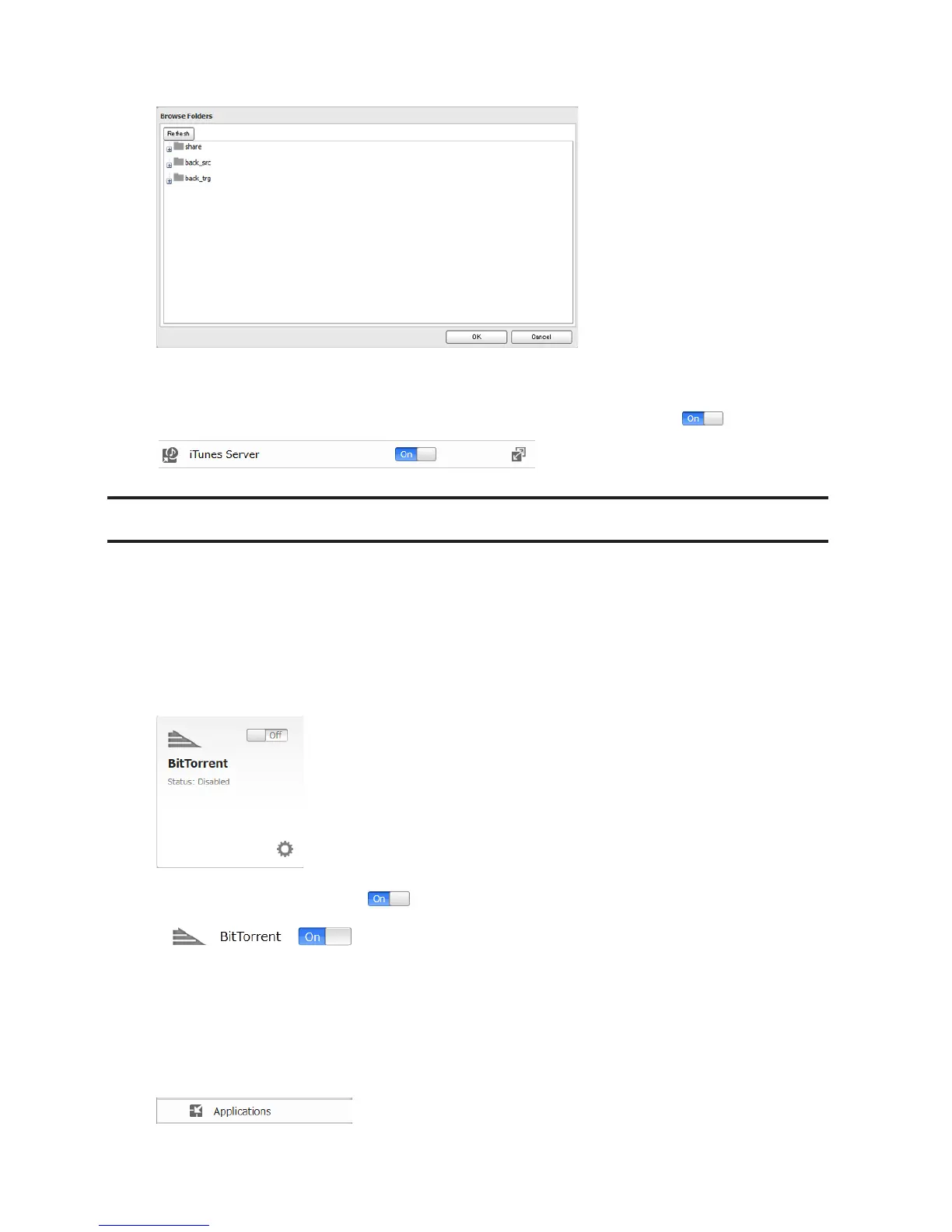
5 Select the shared folder that you want to make available to iTunes, then click OK.
6 Click OK.
7 Make sure that the iTunes server is enabled. The iTunes server switch should be in the position.
BitTorrent
BitTorrent is a protocol for distributing large amounts of data efficiently. The information in this chapter is for users
who are familiar with BitTorrent.
Note: Use compatibility mode to use the download manager with Windows 8.1 or Windows 8.
Configuration from Easy Admin
1 Click BitTorrent.
2 Move the BitTorrent switch to the position to enable BitTorrent.
3 Select the shared folder to save files downloaded via BitTorrent from the drop-down list, then click Apply.
Configuration from Advanced Settings
1 In Advanced Settings, click Applications.












 To Next Page