74
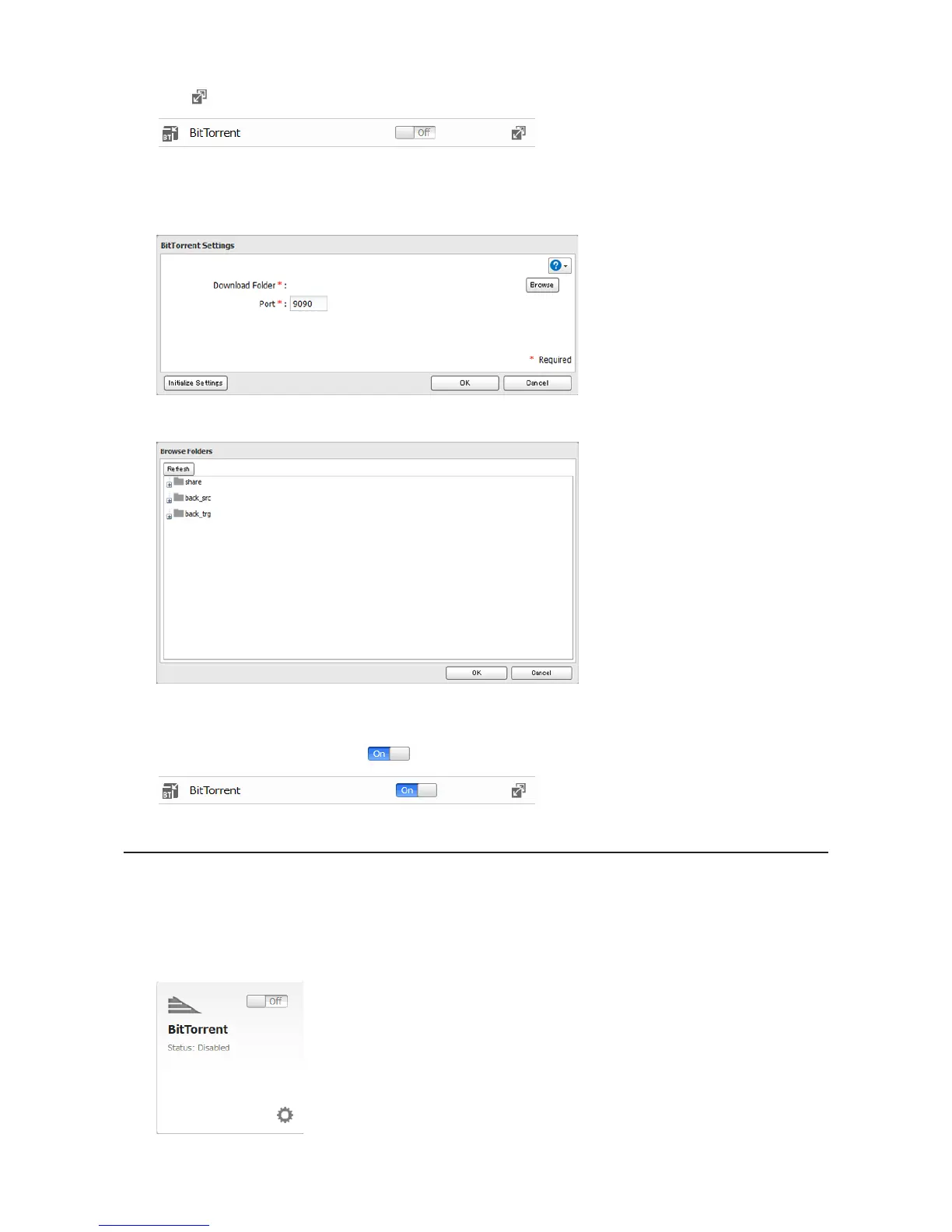
2 Click to the right of "BitTorrent".
3 Click Edit.
4 Click Browse.
5 Select the shared folder where the downloaded file will be saved, then click OK.
6 Enter the port number, then click OK.
7 Move the BitTorrent switch to the position to enable BitTorrent.
Opening Download Manager
Note: The default username is "admin" and the default password is blank (no password).
Opening from Easy Admin
1 Click BitTorrent.












 To Next Page