53
11 Continue with the procedure at http://buffalonas.com/manual/setup/en/.
Note: If you change your BuffaloNAS.com name after WebAccess has been configured, WebAccess may no
longer work properly. If this happens, disable and then re-enable WebAccess.
Configuring from a Mobile Device
Notes:
• On your mobile device, download and install the "SmartPhone Navigator" and "WebAccess" applications
from the App Store (iOS devices) or Google Play (Android devices).
• You can also configure WebAccess settings from Settings.
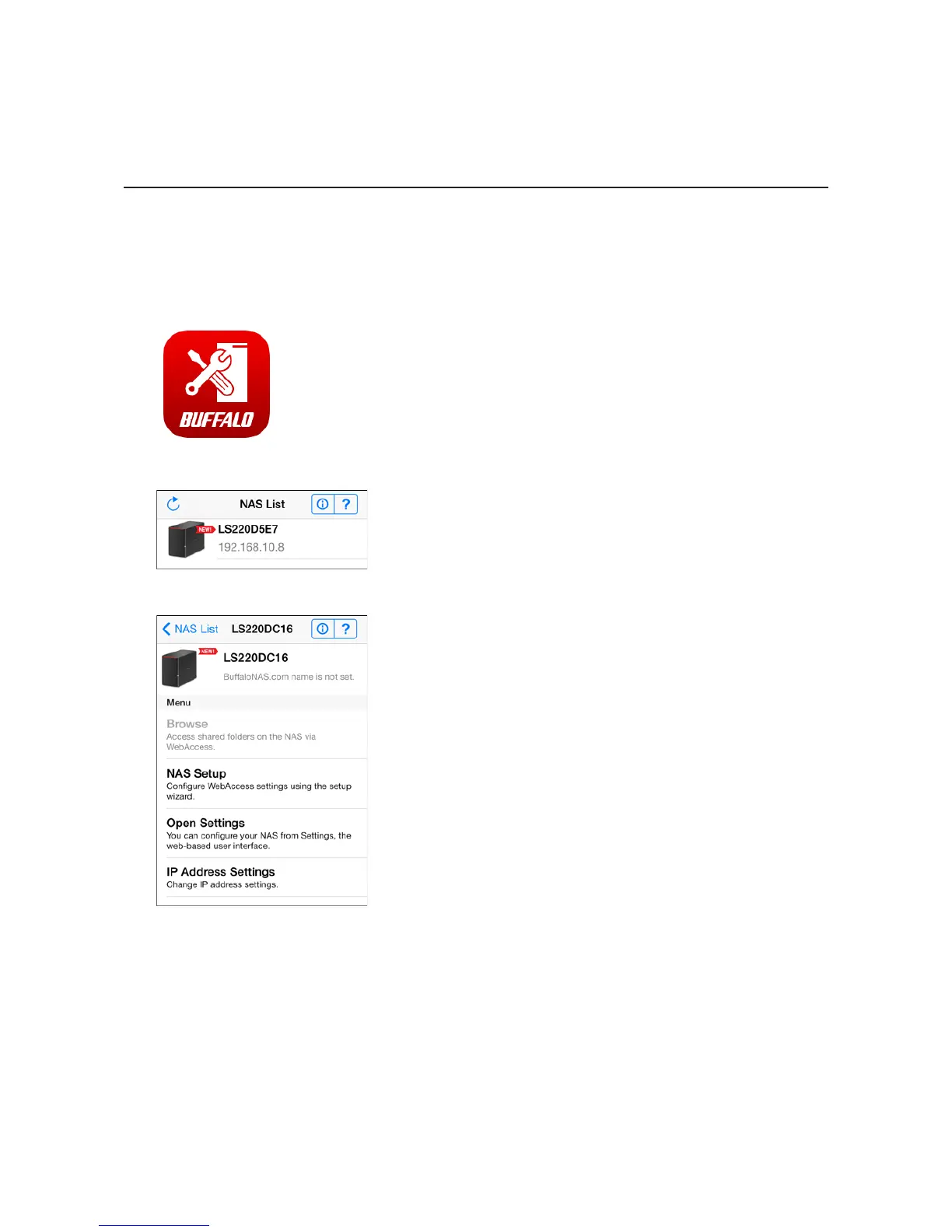
1 Open "SP Navigator" on your iOS device or "SmartPhone Navigator" on your Android device.
2 Select the LinkStation to configure WebAccess.
3 Tap NAS Setup.












 To Next Page