16
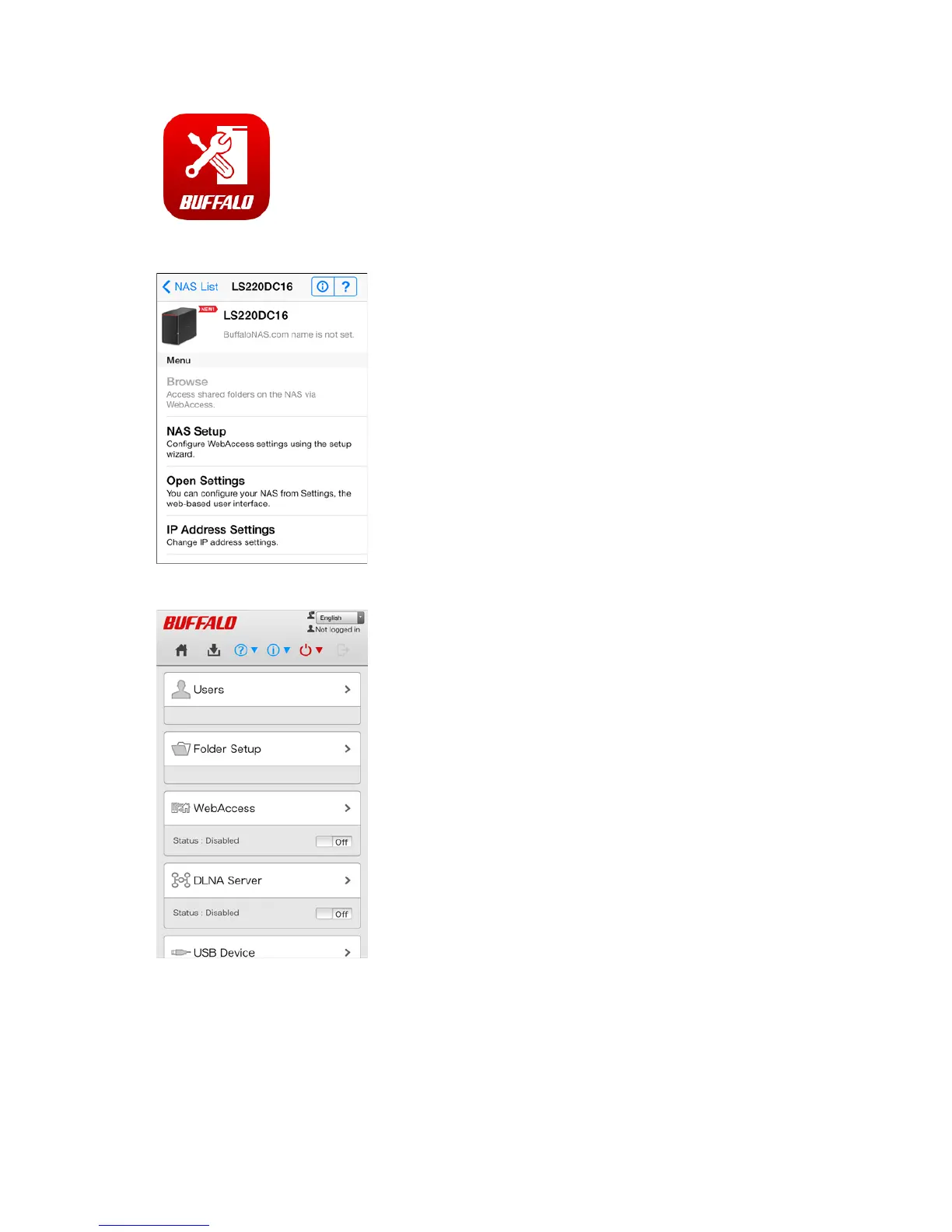
1 Open "SP Navigator" on your iOS device or "SmartPhone Navigator" on your Android device.
2 Tap Open Settings.
3 Settings will be displayed.
Notes:
• The first time you go through setup, you'll be given a chance to change the default password, correct the
time zone settings, and select the RAID mode (models with 2+ drives only). Step though the wizard to
change these settings.
• If you tap any buttons, you will need to enter a username and password.
• Tap Desktop to show Advanced Settings. This screen gives the full array of settings that could be changed
from a computer, but is not optimized for mobile devices.












 To Next Page