8
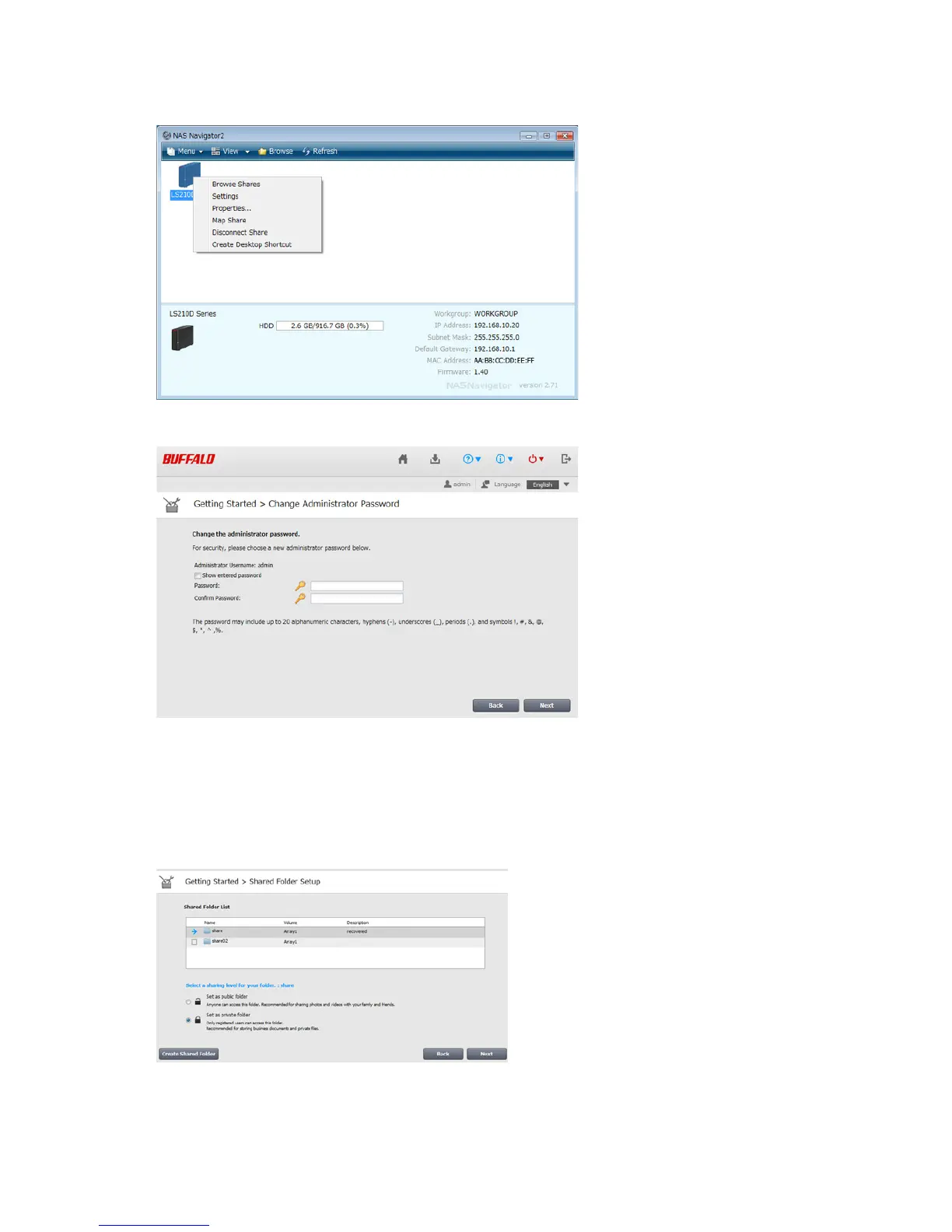
2 Right-click on your LinkStation's icon and select Settings. On the Mac, select the LinkStation's icon while
holding down the control key, then select Settings.
3 Changing the password from the default is recommended.
Note: You can open this same screen by clicking Getting Started from Easy Admin.
4 Enter the new password (twice), then click Next.
Note: The default username and password are "admin" and "password". To keep the defaults, leave both fields
blank and click Next.
5 Configure levels of sharing for all existing shared folders (public or private) to complete the initial setup wizard.
Notes:
• Select "Set as private folder" to restrict access to the folder to specific users.












 To Next Page