PMW20
83
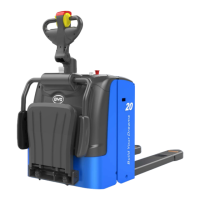
Fig.1.1.14
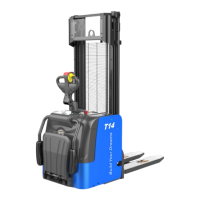
8.Then click “Flash” and wait until the burning software finishes.
Select “YES” and start burning software.
9.When the software is written successfully, “Write Flash Ok” will appear in the dialogue,
as shown in Fig.1.1.16 and Fig.1.1.15.
Fig.1.1.15
PMW20
82
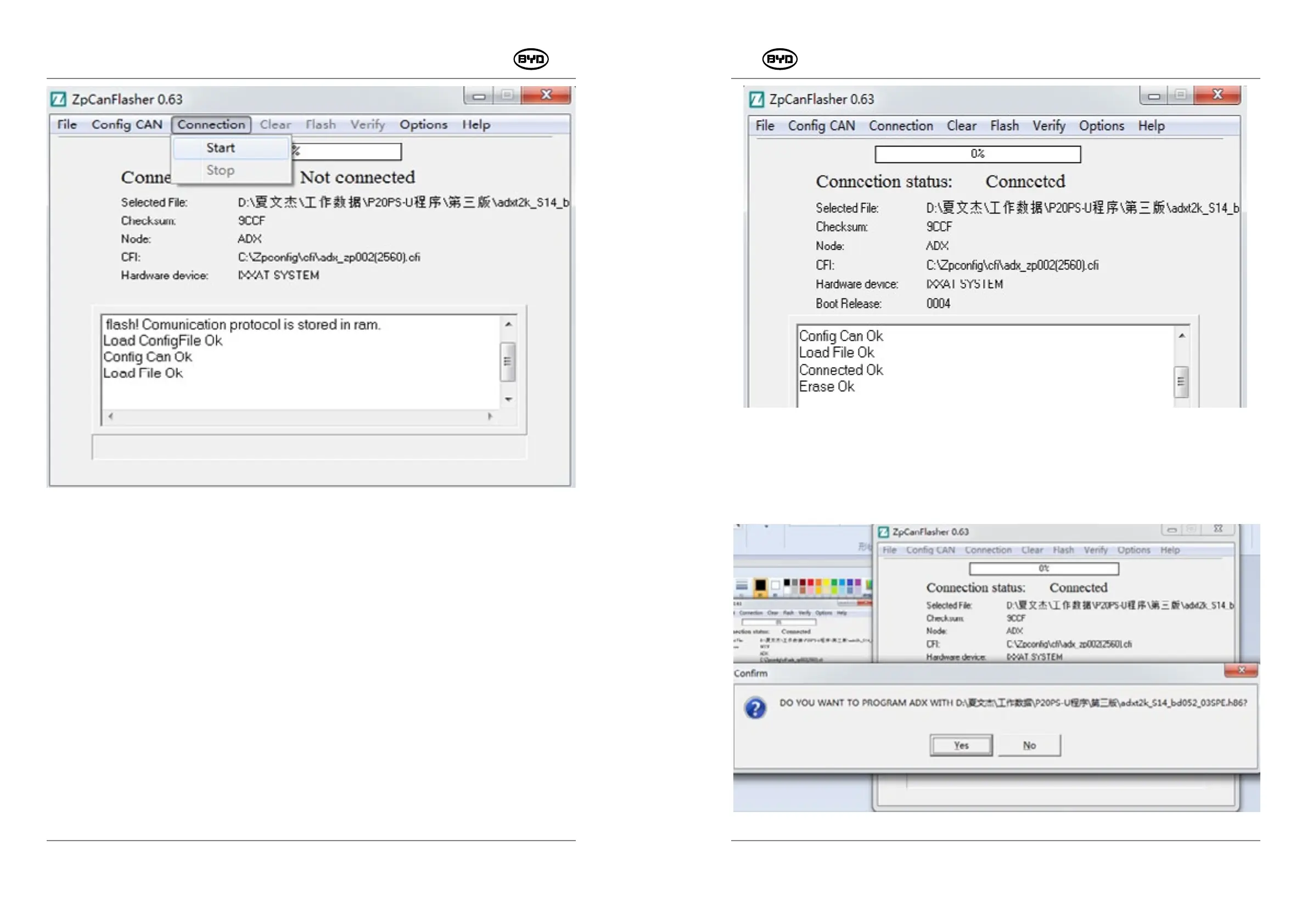
Fig.1.1.13
7. Burning Software
Click “Clear” first and then the “Erase Ok” will appear in the dialog. At this time, the
software has been erased, as shown in Fig.1.1.14.
SM-PMW202020001-EN
SM-PMW202020001-EN


 To Next Page