11-15
Troubleshooting
Clearing Jams
16
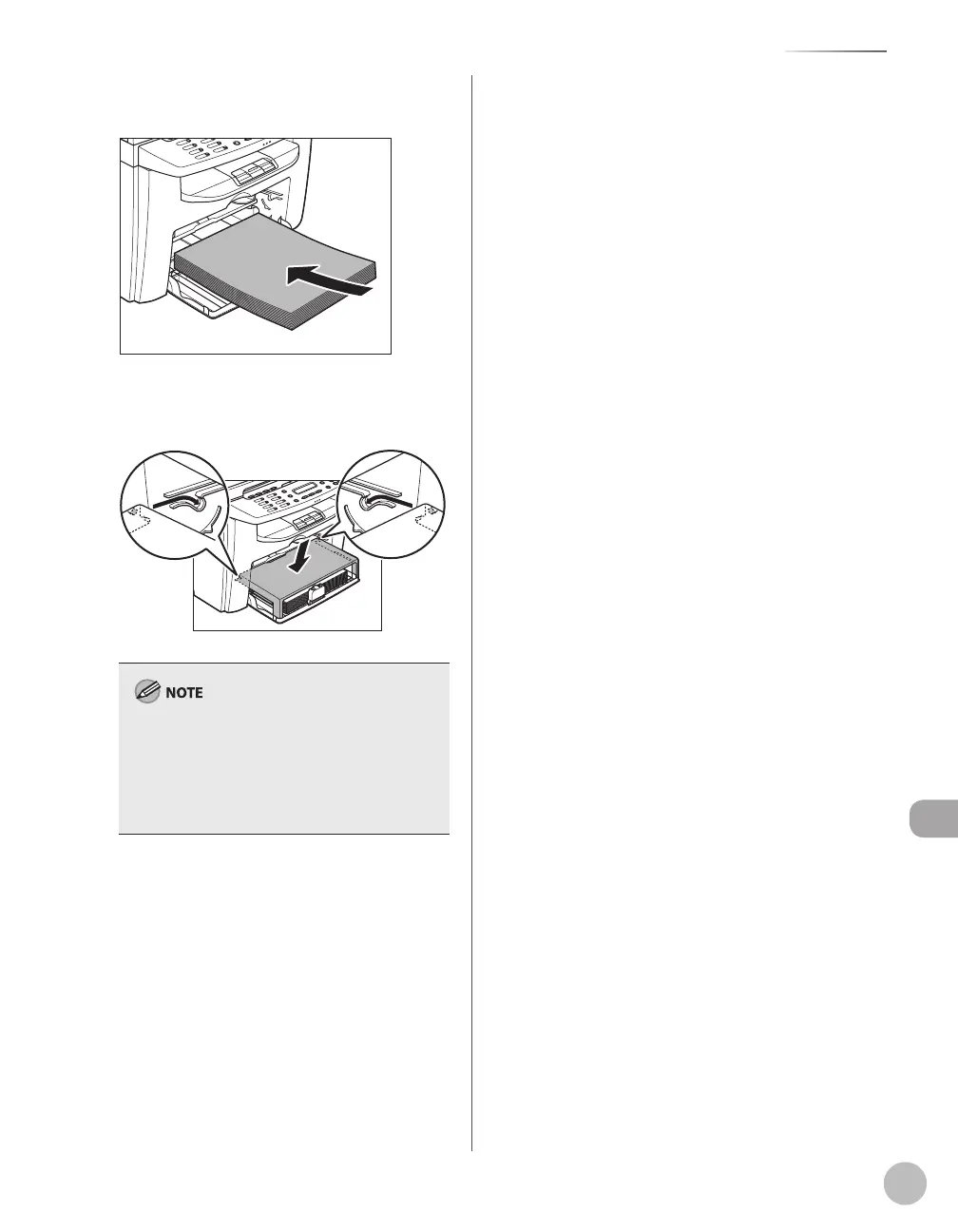
Load the paper into the paper feeding
tray.
17
Set the dust cover on the paper feeding
tray.
After all the procedures are completed, the
machine should be ready for operating. If the
machine returns to the standby mode,
troubleshooting has been successful. If the
machine does not return to the standby mode,
check if jammed paper is still left in the machine.













 To Next Page