Dialog Area
Dialog Area
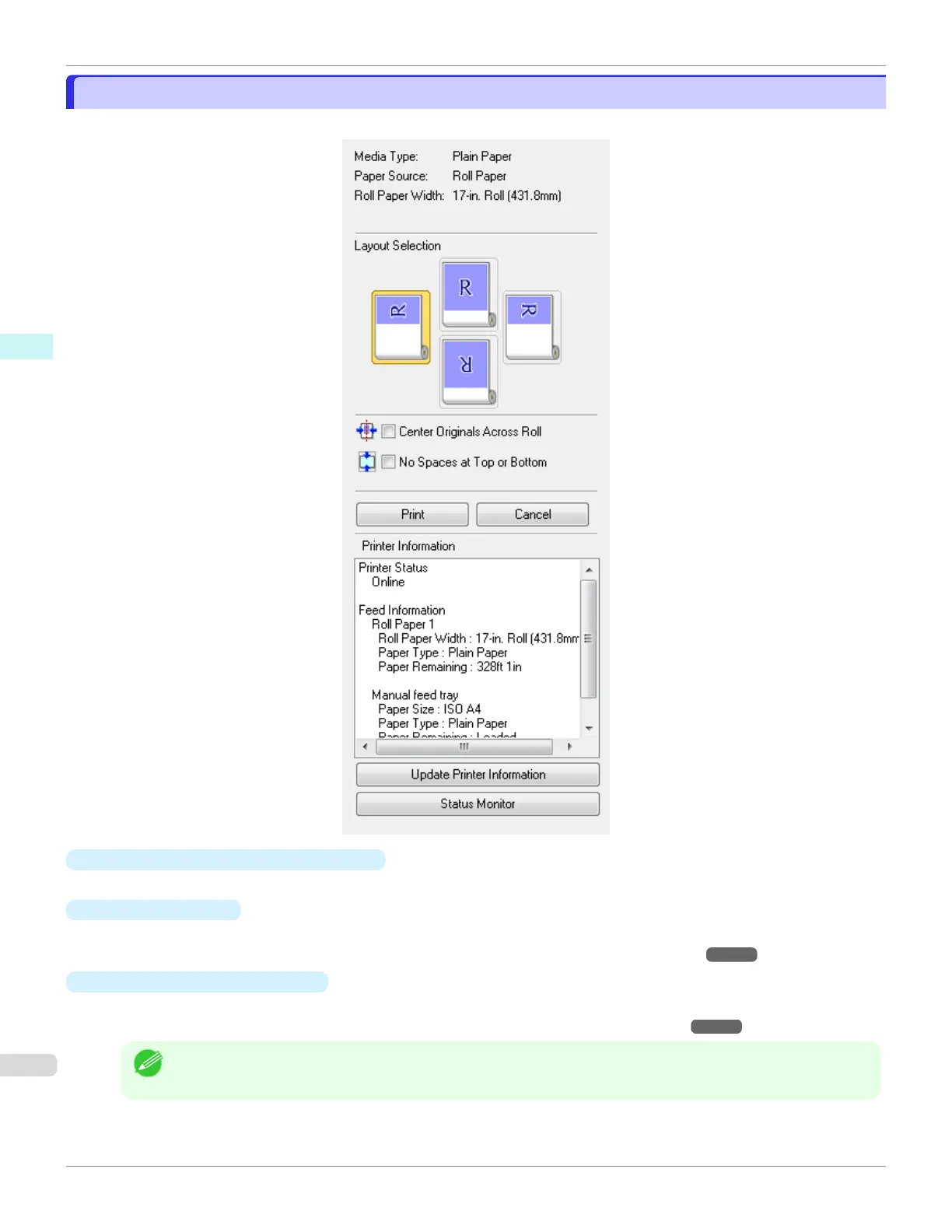
You can select the layout and print on the center.
•
Media Type/Paper Source/Paper Size
You can confirm the information that is set.
•
Layout Selection
You can print which conserves paper by selecting the layout.
For more information about Layout Selection, see "Printing with Selecting the Layout." ➔P.196
•
Center Originals Across Roll
You can print on the center of the media loaded in the printer.
For more information about Center Originals Across Roll, see "Print on the Center." ➔P.198
Note
•
Available only if rolls are selected in Paper Source.
Dialog Area
iPF670
User's Guide
Windows Software Preview
192













 To Next Page