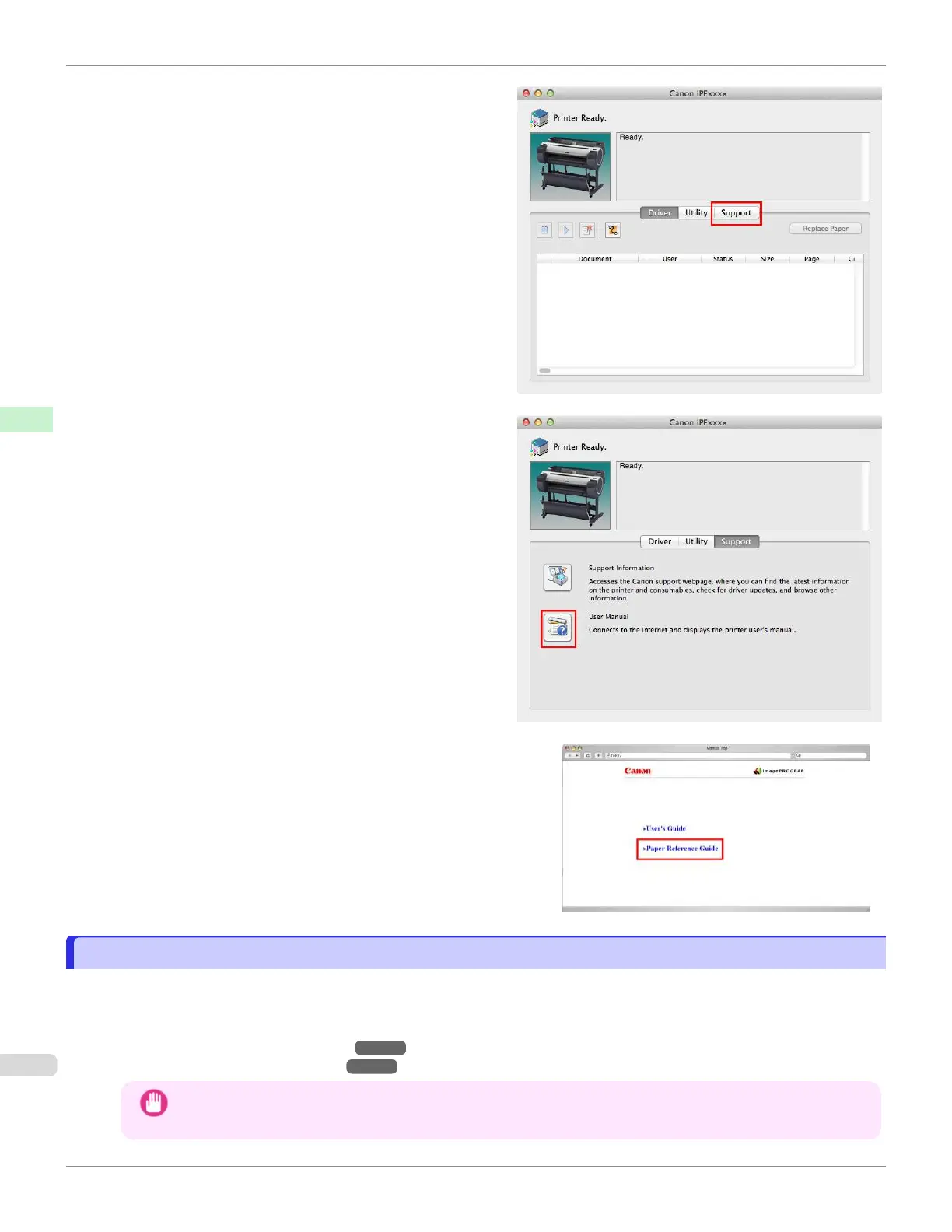
6.
Click Support.
7.
Click the User Manual button.
8.
Click Paper Reference Guide.
Updating paper information
Updating paper information
You can update the media information in the printer Control Panel and printer driver with the latest information by ap-
plying the latest version of the Media Information File.
For details on the procedure for applying the Media Information File, refer to the following.
•
Media Configuration Tool (Windows) ➔ P.387
•
Media Configuration Tool (Mac OS) ➔ P.411
Important
•
New Media Information Files are released on the Canon website. A computer that is able to connect to the
Internet is required in order to download the Media Information File.
Updating paper information
iPF670
User's Guide
Handling and Use of Paper Paper
350













 To Next Page