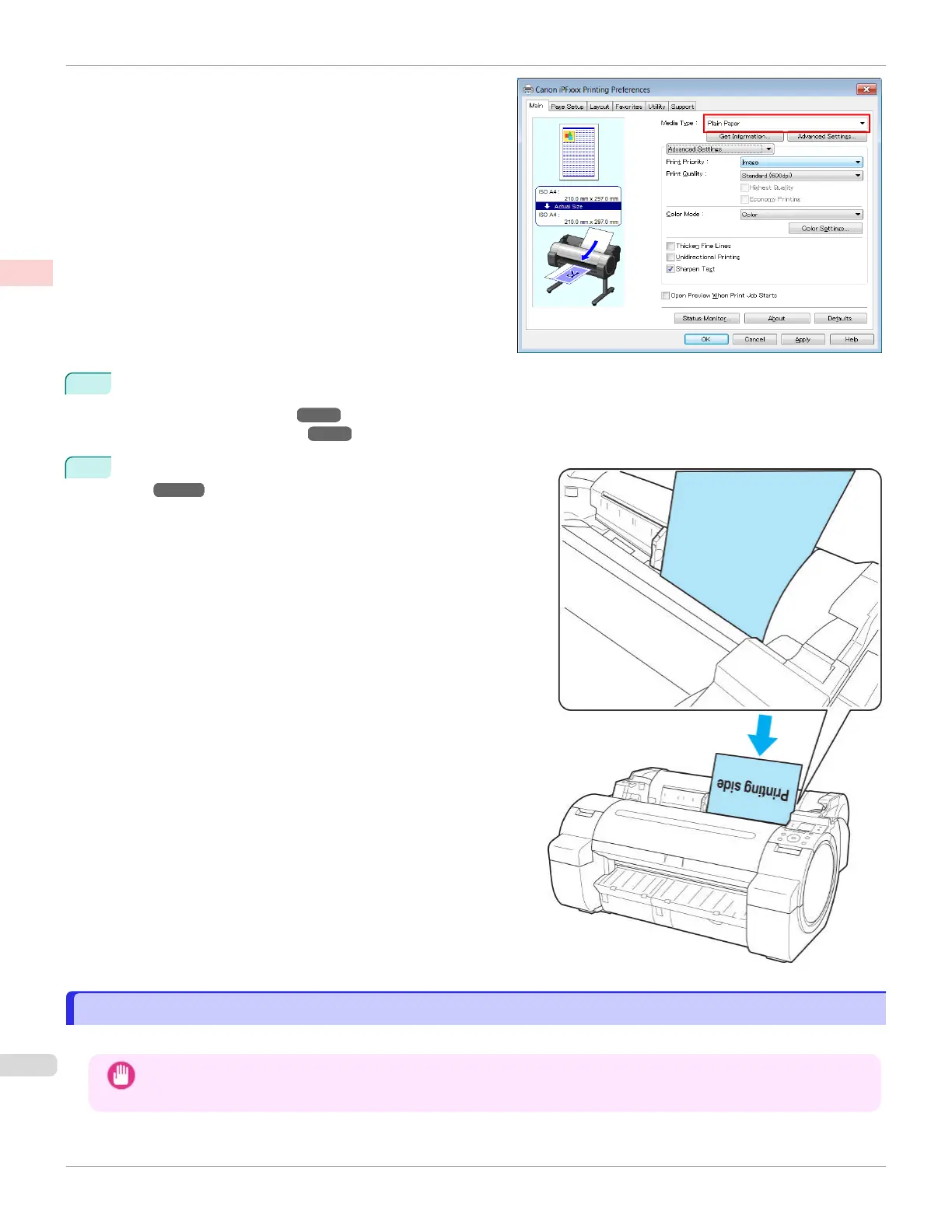
3
Send the print job.
•
Printing in Windows ➔P.22
•
Printing from Mac OS ➔ P.23
4
Load the sheet. (See "Loading Sheets in the Print-
er.") ➔P.375
The printer now starts printing the print job.
Printing in Windows
Printing in Windows
Print from the application menu.
Important
•
We recommend exiting unnecessary applications before printing. Running several applications while printing may in-
terrupt the transfer of print data and affect printing quality.
Printing in Windows
iPF670
User's Guide
Basic Printing Workflow Printing procedure
22













 To Next Page