For details of the Accounting Manager, see "Accounting Manager." ➔ P.510
Note
•
For details, refer to the imagePROGRAF Status Monitor help.
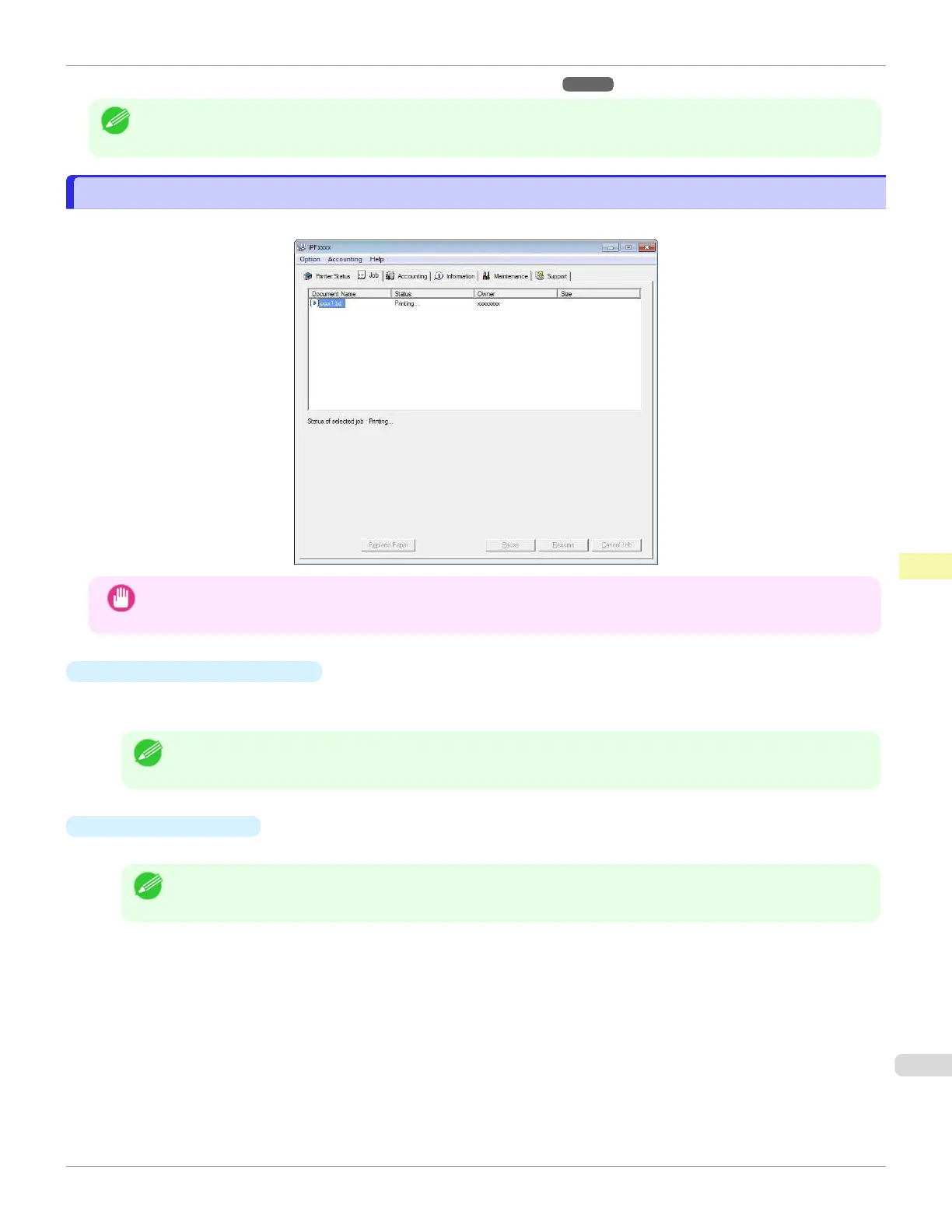
Job Management Using imagePROGRAF Status Monitor
Job Management Using imagePROGRAF Status Monitor
You can use the Job sheet in imagePROGRAF Status Monitor for operations such as pausing and canceling print jobs.
Important
•
Unless otherwise noted, the job operation buttons only affect your own print jobs.
The print jobs of other users cannot be controlled.
•
Pausing/Resuming Print Jobs
Selecting a print job and clicking the Pause button pauses printing of the selected job.
To resume printing of a paused print job, select the print job and click the Resume button.
Note
•
Once all the print data for a print job has been sent to the printer, the job can no longer be paused/resumed.
•
Canceling Print Jobs
Selecting a print job and clicking the Cancel Job button cancels printing of the selected job.
Note
•
You cannot cancel other users' print jobs.
iPF670
Job Management Using imagePROGRAF Status Monitor
User's Guide
Print Job Management Status Monitor (Windows)
507













 To Next Page