•
Margins
You can input the paper margins in numerical characters.
Note
•
You can input between 0.0 and 50.0(mm) (between 0.00 and 1.97(inch)).
•
You can change the numbers by clicking either ▲ button or ▼ button.
Zoom Dialog Box
Zoom Dialog Box
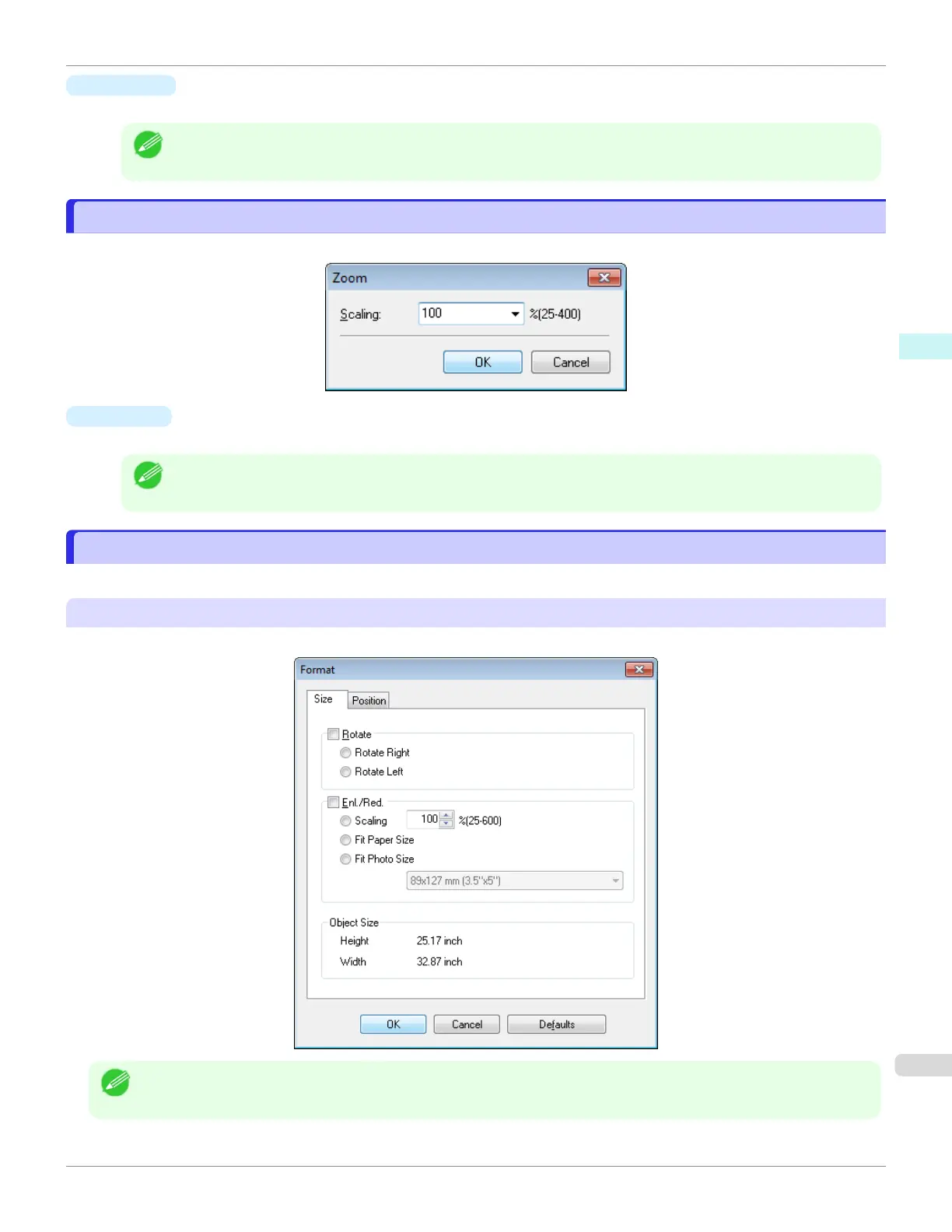
This dialog box appears when you select Zoom from the View menu. You can enlarge or reduce the screen display.
•
Scaling
Set the magnification for enlargement or reduction of the screen display.
Note
•
You can input between 25 and 400.
•
You can change the numbers by clicking ▼ button.
Format Dialog Box
Format Dialog Box
This dialog box appears when you select Format from the Object menu after you select an object.
Size Sheet
You can rotate, enlarge, or reduce an object.
Note
•
When the objects are not selected, you can not select Format.
iPF670
Zoom Dialog Box
User's Guide
Windows Software Free Layout
207













 To Next Page