1
Open a web browser on a computer that can access the Internet, and access the Canon website.
2
Download the media information file (.amx file) corresponding to the printer to update from the Canon website.
3
Copy the downloaded media information file (.amx file) to the computer where the Media Configuration Tool is
installed.
4
Run the Media Configuration Tool. Click the Add Genuine Paper button in the main window, and then click the
Add button in the Edit Media Types dialog box.
5
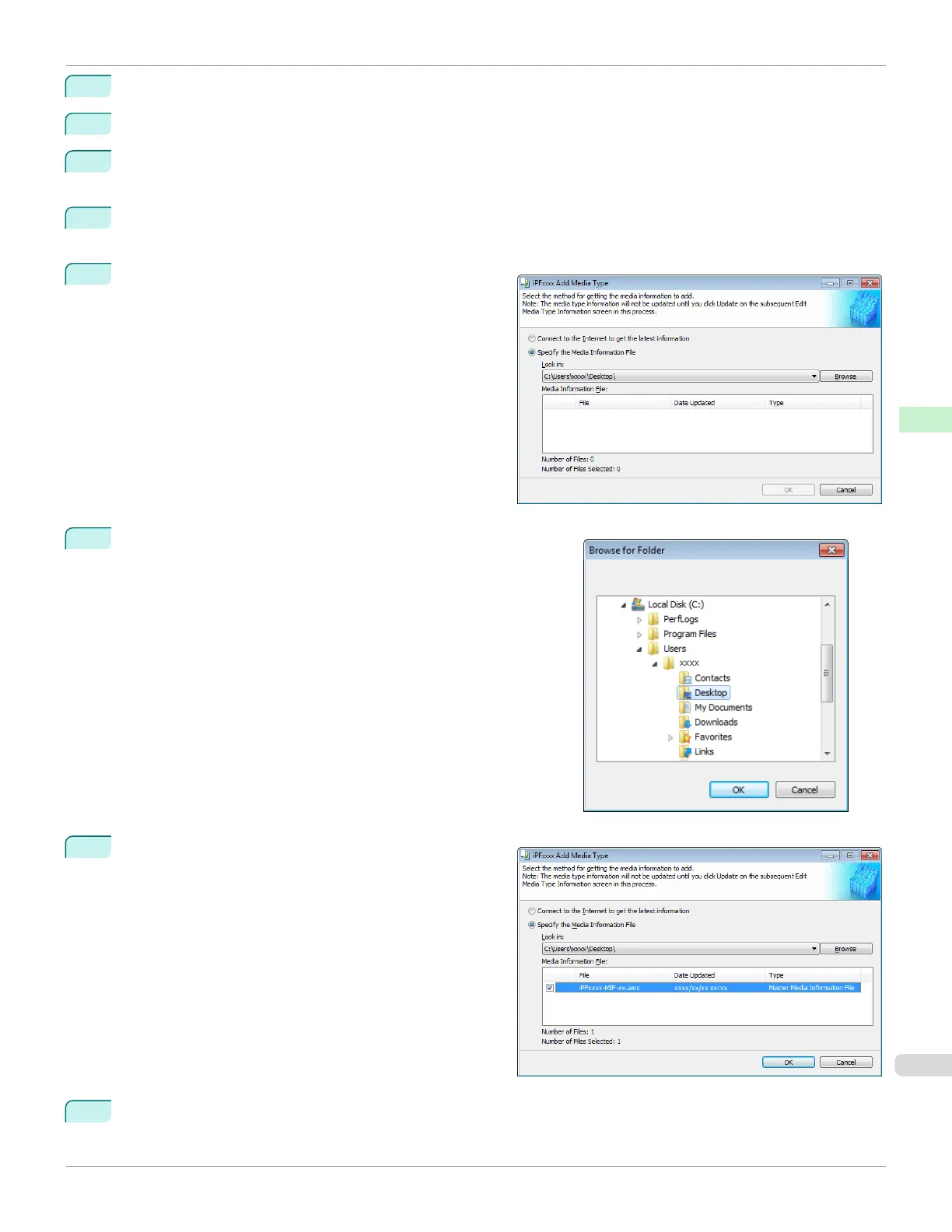
Select Specify the Media Information File in the Add
Media Type dialog box, and then click the Browse but-
ton.
6
Select the folder that contains the media information file (.amx
file) you downloaded and click the OK button.
7
The names of the media information files contained in
the selected folder are displayed in the Media Informa-
tion File field in the Add Media Type dialog box. Se-
lect the check box for the media information file name
and click the OK button.
8
Click OK when the confirmation message is displayed.
iPF670
Adding Media Types
User's Guide
Handling and Use of Paper Media Configuration Tool (Windows)
399













 To Next Page